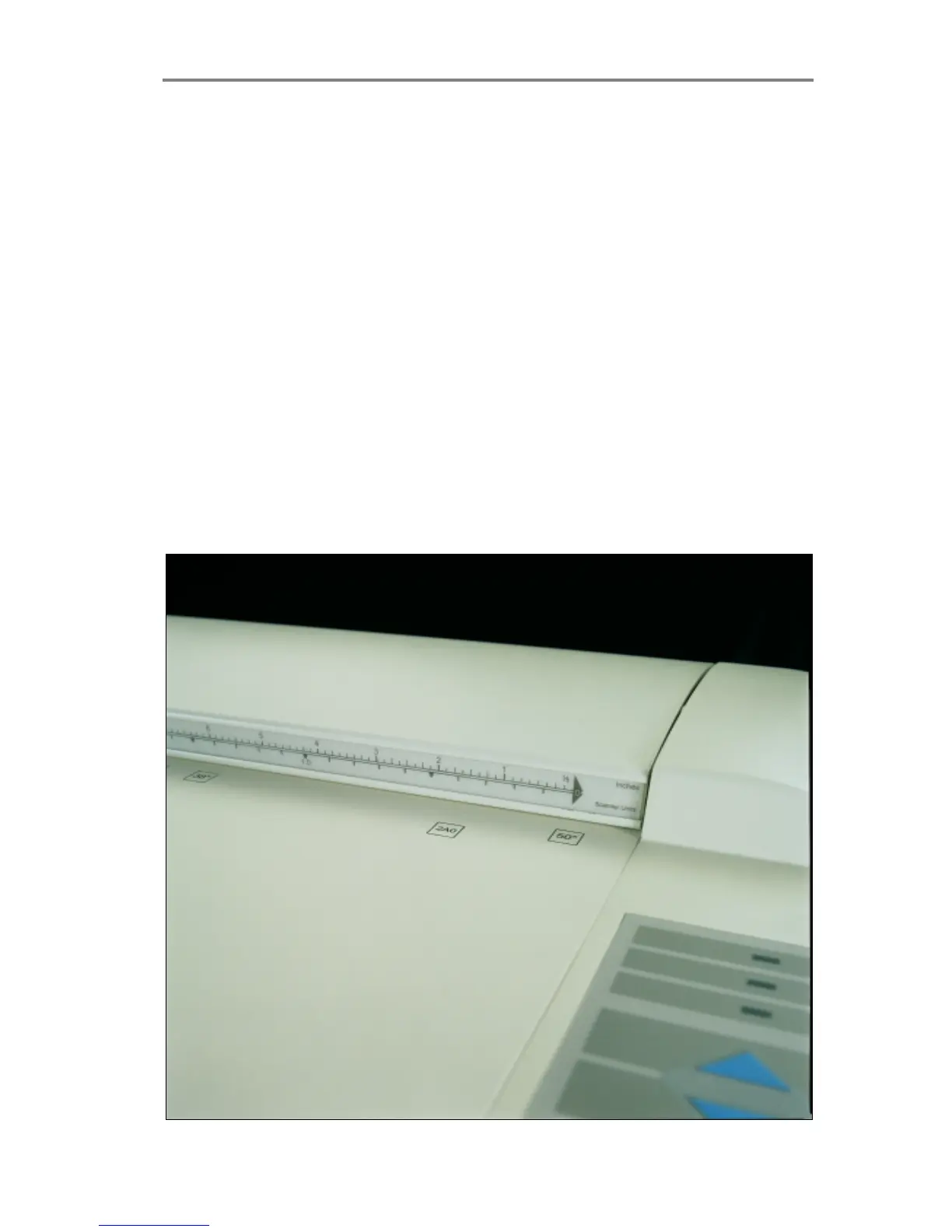
Original’s Insertion Slot 5-1
5. Original’s Insertion Slot
5.1 Rulers
The Original’s insertion slot shown below is marked with a
measurement ruler on top. The ruler can be slid out and flipped over to
select/change your preferred measurement units – inches or
millimeters. Measurements are also given in scanner units. The top
ruler corresponds to right side aligned original feeding.
Below the ruler are marked common original sizes for guidance with
optional centered feeding.
Insertion alignment of originals, right side aligned or centered, is
operator selectable from the WIDEimage scanning software. Center
feeding is often preferable as the original is positioned symmetrically
on the feed rollers during scanning. The Scan-width, measured in
inches, mm or scanner units is likewise set from WIDEimage.
Figure 5-1 Original Insertion Slot and Rulers



 To Next Page