Maintenance 7-3
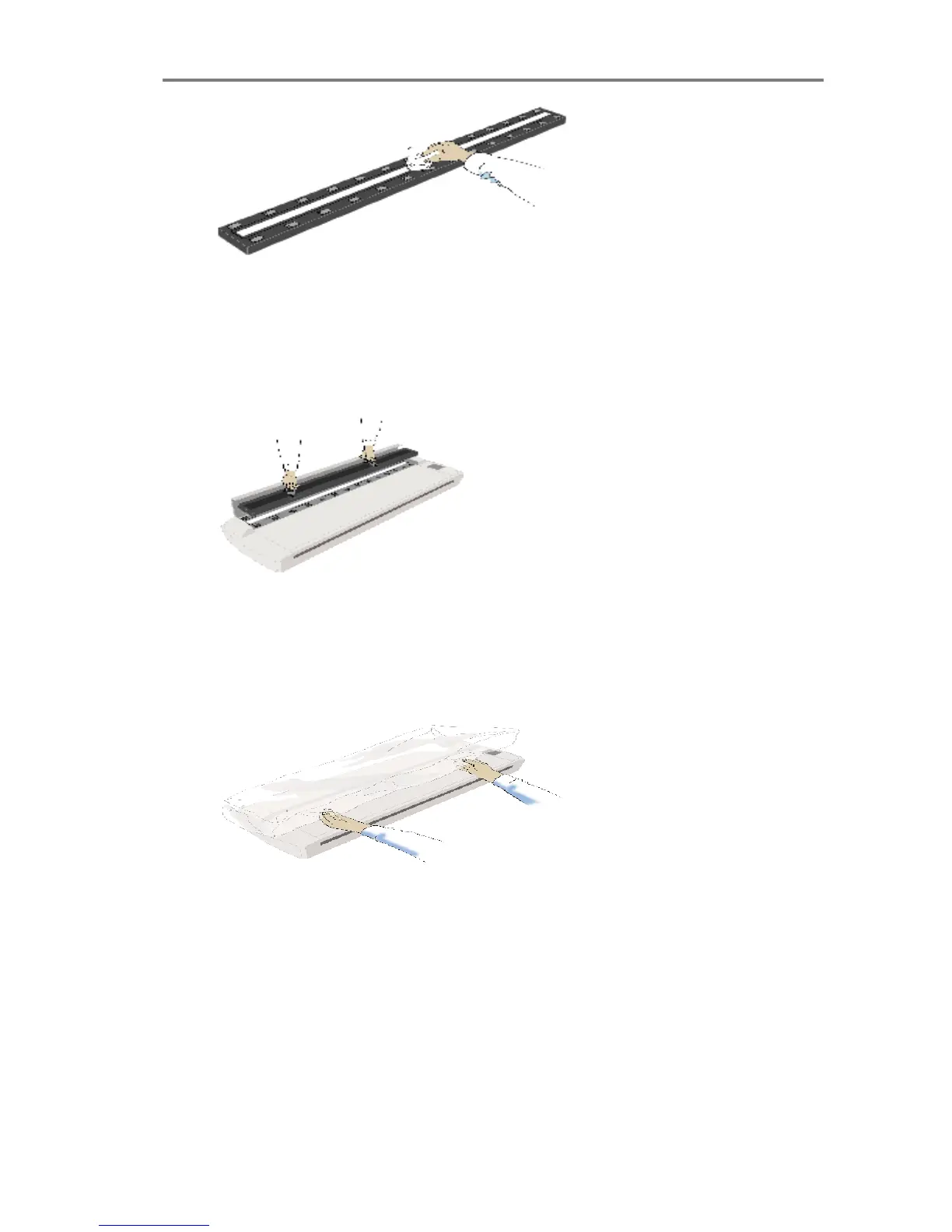
5 Replace the pressure platen. Lift the pressure platen into its
original position. Press down on the metal safety buttons to let
the two sliders move back and lock the platen into place. Close
the scanner cover.
6 Keep out dust and reduce maintenance time. Cover your
scanner with the plastic dust cover when not in use.
Caution: Make sure the scanner power is OFF when using the
scanner dust cover.



 To Next Page