92
02
03
01
04
05
06
07
08
93
USING CAMERA & CAMCORDER SETTINGS
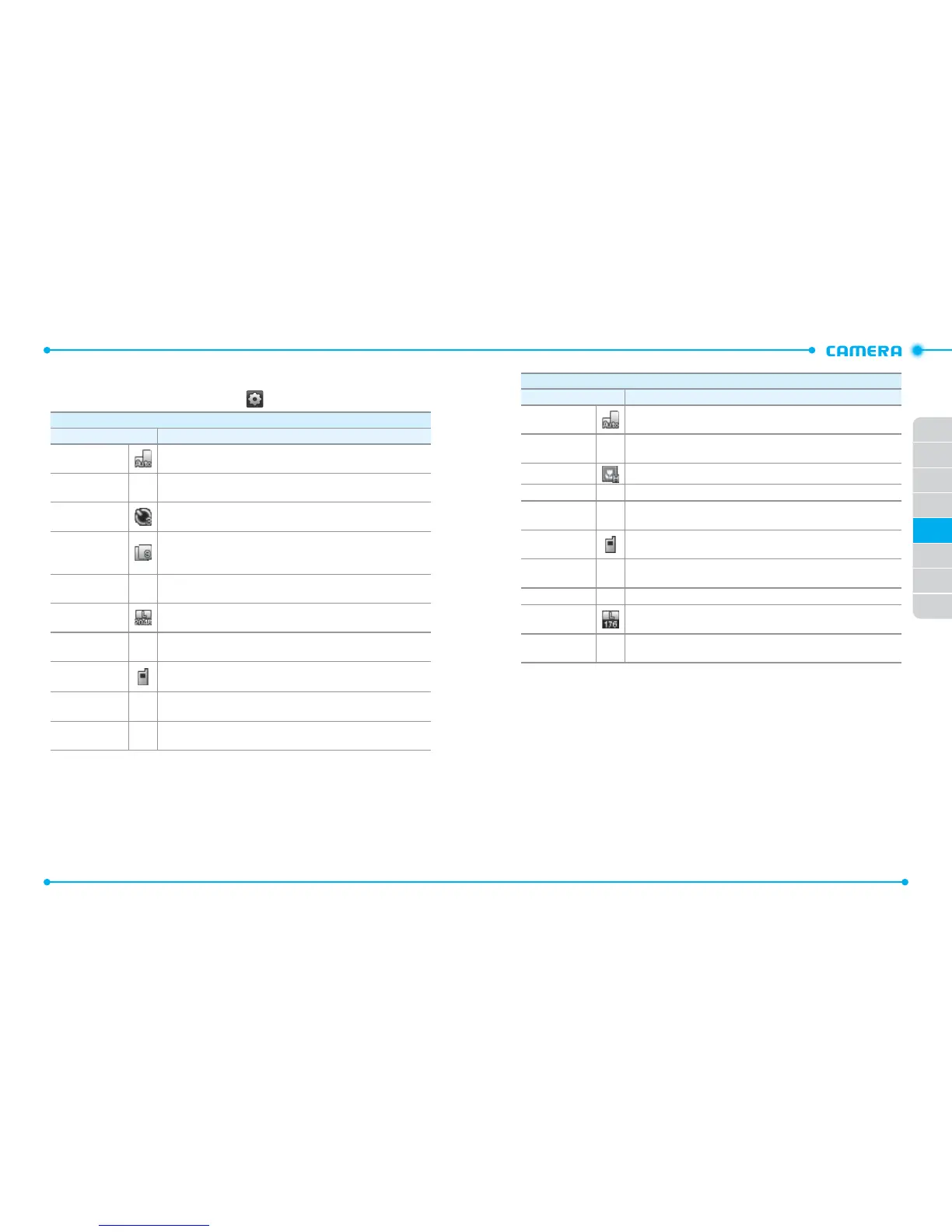
While using the camera or camcorder, tap to access the following settings:
Camera
Setting Description
Capture Mode
Changes the display view in the camera
(
Auto
/
Landscape
/
Portrait
).
White Balance
–
Adjusts the color balance according to your lighting conditions
(
Auto
/
Sunny
/
Cloudy
/
Tungsten
/
Fluorescent
/
Darkness
).
Self Timer
Selects the length of the time delay before the camera takes a
photo (
Off
/
3 Seconds
/
5 Seconds
/
10 Seconds
).
Multi-shot
Selects a number of photos for taking a multi-shot photo. This
function is only available when the picture resolution is set to
640x480, 320x240, and 160x120 (
0
/
3
/
6
/
9
).
Shutter Sound
–
Selects the shutter release sound (
Shutter
/
Silent
/
Say “Cheez”
/
Ready! 123
).
Picture
Resolution
Changes the image resolution (
2048X1536
/
1600X1200
/
1280x960
/
640x480
/
320x240
/
160x120
).
Color Effects
–
Changes the color effect (
Normal
/
Antique
/
Black & White
/
Negative
).
Save Options
Selects the default memory location for saving photos (
Phone
Memory
/
Card Memory
).
Auto Save
–
Allows you to set the phone to automatically save photos after
taking them (
ON
/
OFF
).
Restore Factory
Settings
–
Restores all camera settings to their default values (
Yes
/
No
).
Camcorder
Setting Description
Display Mode
Changes the display view in the camcorder (
Auto
/
Landscape
/
Portrait
).
White Balance
–
Adjusts the color balance according to your lighting conditions
(
Auto
/
Sunny
/
Cloudy
/
Tungsten
/
Fluorescent
/
Darkness
).
Video Quality
Change the video quality (
High
/
Medium
/
Low
).
Recording Time
–
Allows you to set the video recording time (
For Send
/
For Save
).
Color Effects
–
Changes the color effect (
Normal
/
Antique
/
Black & White
/
Negative
).
Save Options
Selects the default memory location for saving videos (
Phone
Memory
/
Card Memory
).
Auto Save
–
Allows you to set the phone to automatically save videos after
recording them (
ON
/
OFF
).
Shutter Sound
–
Selects the shutter release sound (
Shutter
/
Silent
).
Video
Resolution
Changes the video resolution (
176X144
/
320x240
).
Restore Factory
Settings
–
Restores all camcorder settings to their default values (
Yes
/
No
).



 To Next Page