20 Using UML295
Setting Description
Network Type
Selects the network type (Global
/ LTE/CDMA / GSM / UMTS / LTE /
GSM/UMTS / LTE/GSM/UMTS).
APN
Changes the APN(Access Point
Name).
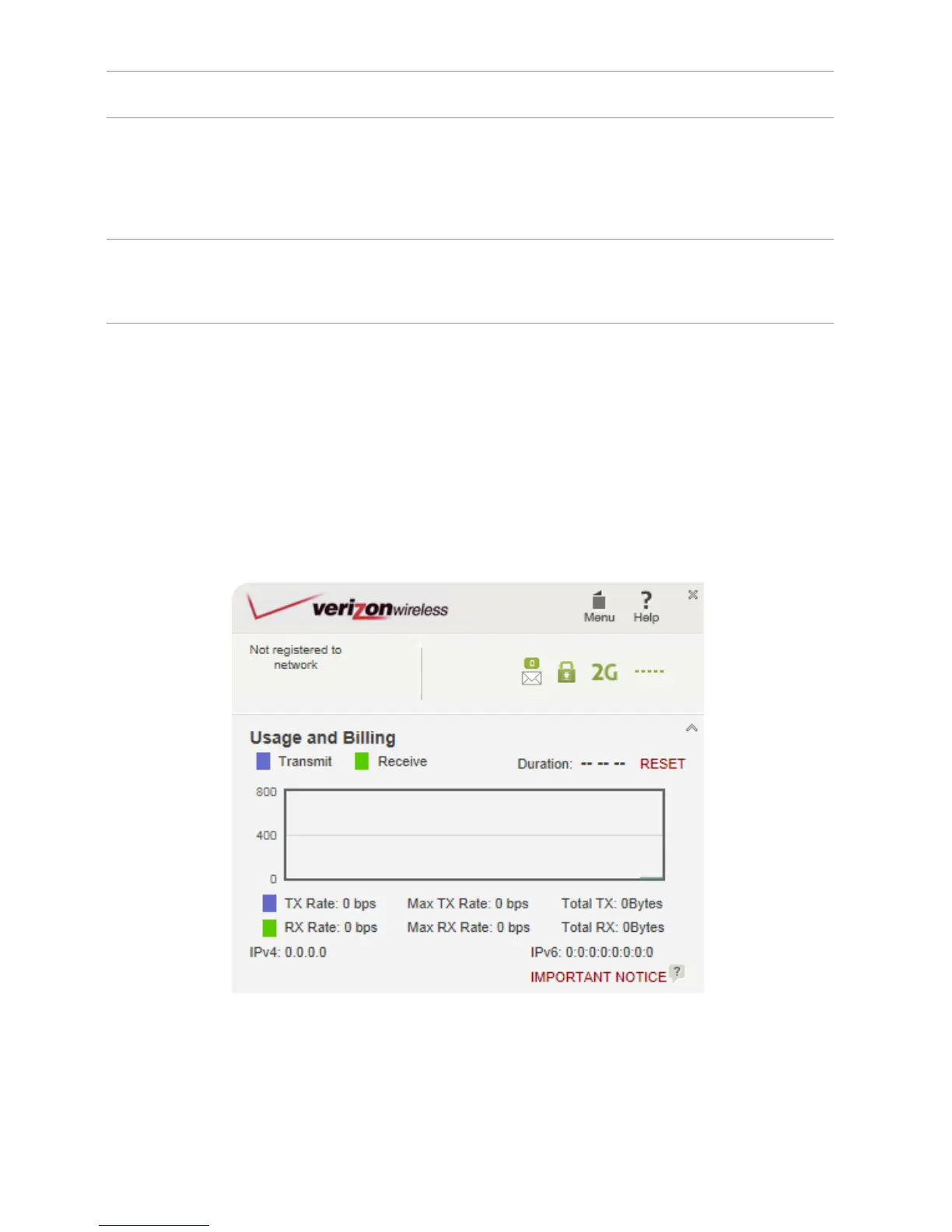
Usage and Billing
Usage and Billing allows you to review your usage
history.
1. Click Menu > Usage & Billing.
2. To reset the usage history, click RESET.


 To Next Page