Getting Started 9
Getting Started
Precautions
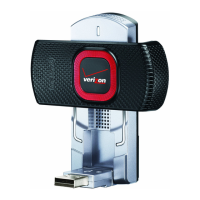
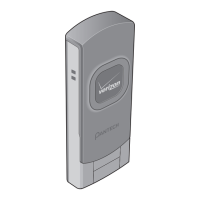
The first time you use the UML295, insert the UML295
into the USB port and install the software on your
computer. Follow the auto prompts. When you
complete the software installation, you are ready to use
this device as USB Modem.
Recommended System Requirements
The first time you use the UML295, insert the UML295
into the USB
Item Required Specification
Operating
system
Windows 8, Windows 7 32-bit, Windows
7 64-bit, Windows Vista 32-bit, Windows
Vista 64-bit, Windows XP 32-bit with
service pack 3, Windows XP 64-bit with
service pack 3, MAC OSX 10.5 “Leopard”,
MAC OSX 10.6 “Snow Leopard”, MAC OSX
10.7 “Lion”, Mac OSX 10.8 “Mountain Lion”,
SuSE Linux, Ubuntu Linux, Fedora Linux
Port One Type-A USB Port


 To Next Page