- Press the SET key eighth time to select DD-MM or MM-DD format. (Default DD-MM format)
- Press the SET key ninth time to select year.
- Press the SET key tenth time to select month.
- Press the SET key again time to select day.
Note: Press the WIND/+ or PRSSURE/- key to set the value.
Note: If user to change minute value, second will auto clear to 0.
6.4.6 Pressure
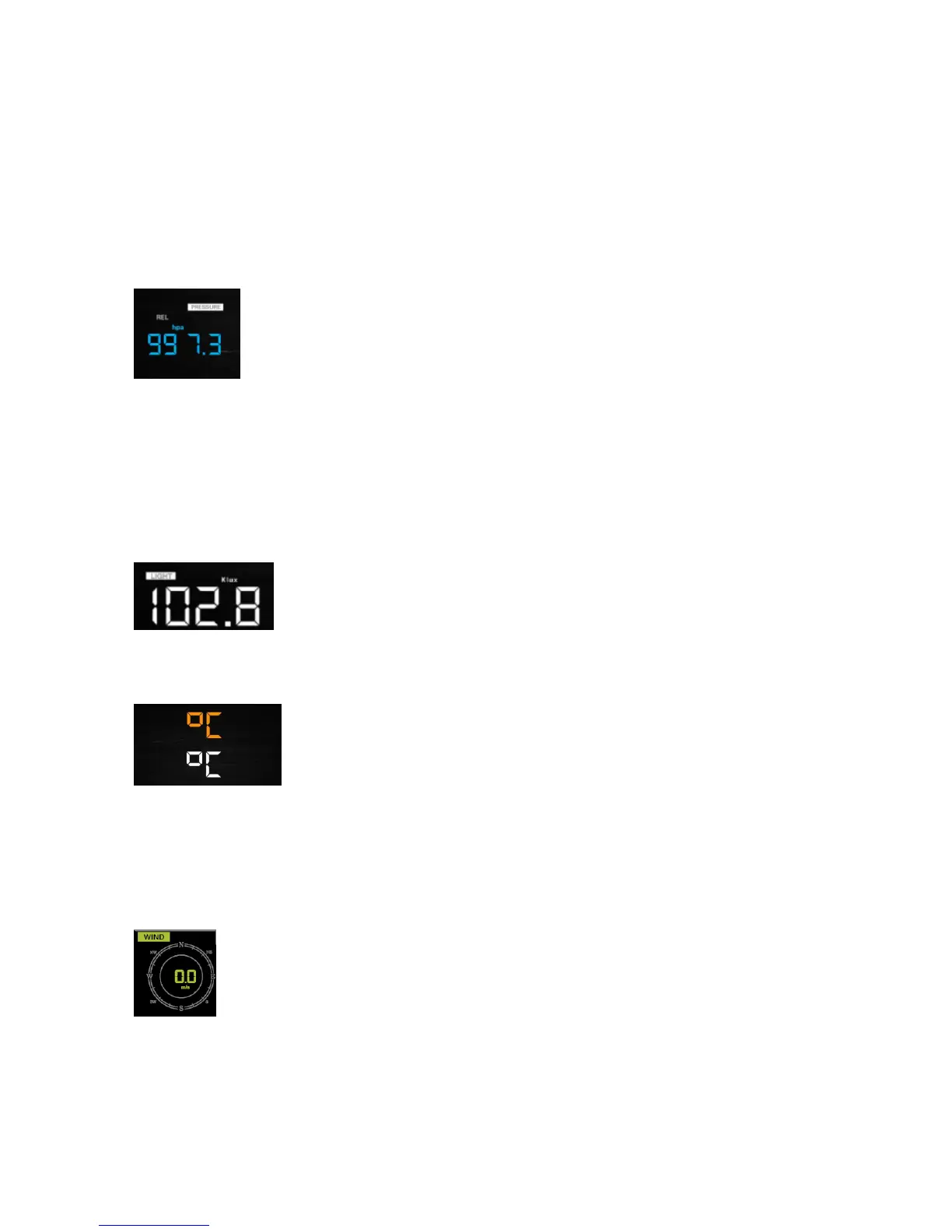
- Press the SET key 12th to select Pressure unit ( hPa, mmhg or inHg; default: hpa).
- Press the SET key 13th to select REL. Pressure value.
Note: Press the WIND/+ or PRSSURE/- key to select the value.
Note: In normal mode, press and release the PRSSURE/- key to view the average of 12hr, 24hr,
48hr and 72hr pressure. Press and hold 2s the PRSSURE/- key to view the absolute and relative
pressure
6.4.7 Light
- Press the SET key 14th to select light unit (klux, kfc, w/m2; default: w/m2).
6.4.8 Temperature
- Press the SET key 15th to select in/outdoor temperature unit ( C or F;default: C).
- In normal model, press the TEMP. key to view wind Chill, Heat Index, Dew Point Temperature.
Press the TEMP. key for 5 second, will register new transmitter.
6.4.9 Wind speed
- Press the SET key 16th to select wind speed unit ( km/h, mph, knots, m/s, bft; default: km/h ).
- In normal mode, press and release the WIND/+ key to view the wind, gust and wind direction.
6.4.10 Rain


 To Next Page