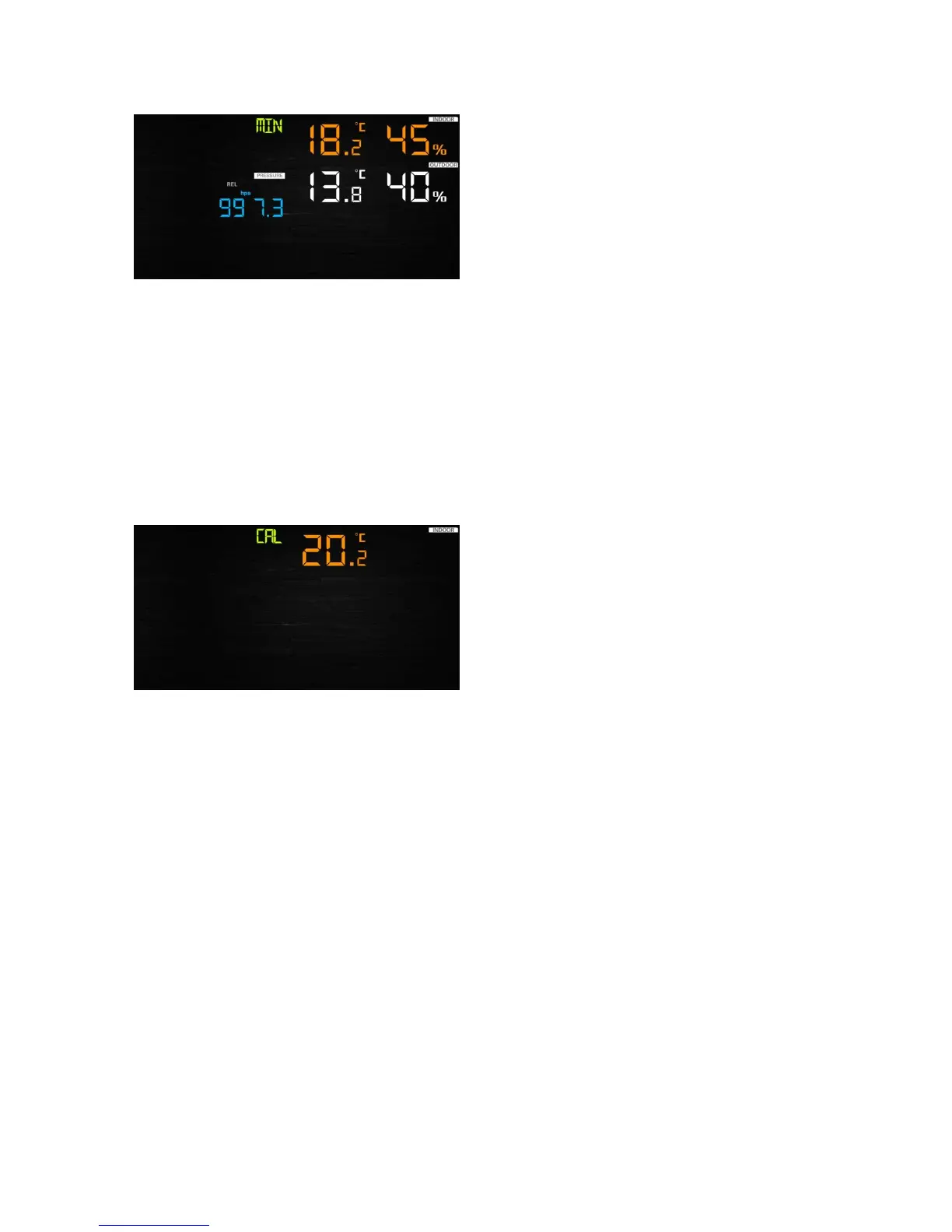
- Press TEMP. key to view wind chill and dew point min.
- Press PRESSURE/-to hold 2 seconds to view pressure absolute and relative min.
Note: press and hold 2s MAX/MIN button to reset all max or min.
press MAX/MIN key third time back to normal mode or press LIGHT /SNOOZE key back to
normal mode.
6.7 Calibration mode
Hold the TEMP. and MAX/MIN key together for 5 seconds to enter calibration mode.
- Press the WIND/+and PRESSURE/- key to adjust values.
- Press the SET key to confirm & move to the next item.
- Press the ALARM key to reset any adjusted value.
- Press the LIGHT /SNOOZE key at any time to exit.
6.7.1 Calibration Order:
1) Indoor temperature offset calibrated (range +/-5˚C, default: 0 degrees)
2) Indoor humidity offset calibrated (range +/-10%)
3) Outdoor temperature offset calibrated (range +/-5˚C, default: 0 degrees)
4) Outdoor humidity offset calibrated (range +/-10%)
5) Absolute pressure offset calibrated (range +/-50hpa)
6) Wind direction offset calibrated (adjust by degree)
7) Wind speed factor adjust, default 100% (range 50% to 150%)
8) Rain factor adjust, default 100% (range 50% to 150%)
6.8 Other Features
6.8.1 Factory Reset/Clear Memory


 To Next Page