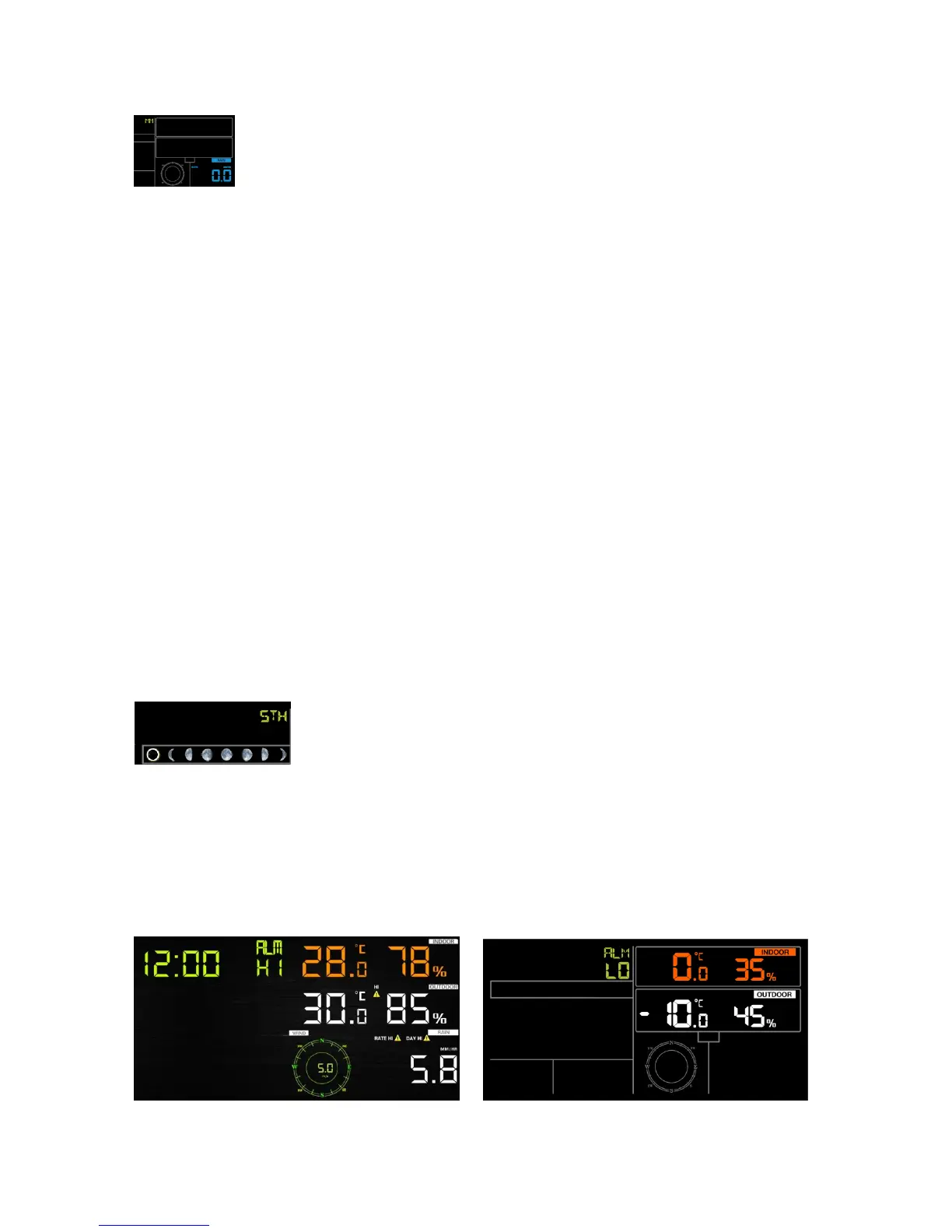
- Press the SET key 17th to select rainfall unit ( in or mm; default: mm).
- In normal mode, press and release the RAIN key to view rain of rate, event, day, week, month
and total.
- Press the RAIN key for 2 seconds to reset current display rain.
*Rainfall Readings
Rain rate: it forecast the rain per hour base on the recently 10 minute’s rainfall. For example: the
rainfall of recent 10 minutes is 12mm, the rain/hour is 12mm*6=72mm/h.
Rain event: It start to record the rain event value form the rain falls, the rain event is over and
value reset to 0 if last 24 hour rainfall less 10mm and the last 1 hour no rainfall.
Day: 24 hr period from 0:00 - 24:00.
Week: defined by calendar week i.e. Sunday – Saturday.
Month: defined by calendar Month i.e. January 1 - January 31.
Total: running total since station was powered up
*Reset Rainfall History:
Reset week rain, will auto reset day rain
Reset month rain, will auto reset week and day rain.
Reset total rain, will auto reset month, week and day rain.
6.4.11 Moon phase
- Press the SET key 18th to Northern or Southern Hemisphere select.
6.5 Alarm mode
6.5.1 View Alarm value
Press and release ALARM key to display high alarm,Press ALARM key again to display low
alarm. Press ALARM key third time or press LIGHT /SNOOZE key return to normal mode.


 To Next Page