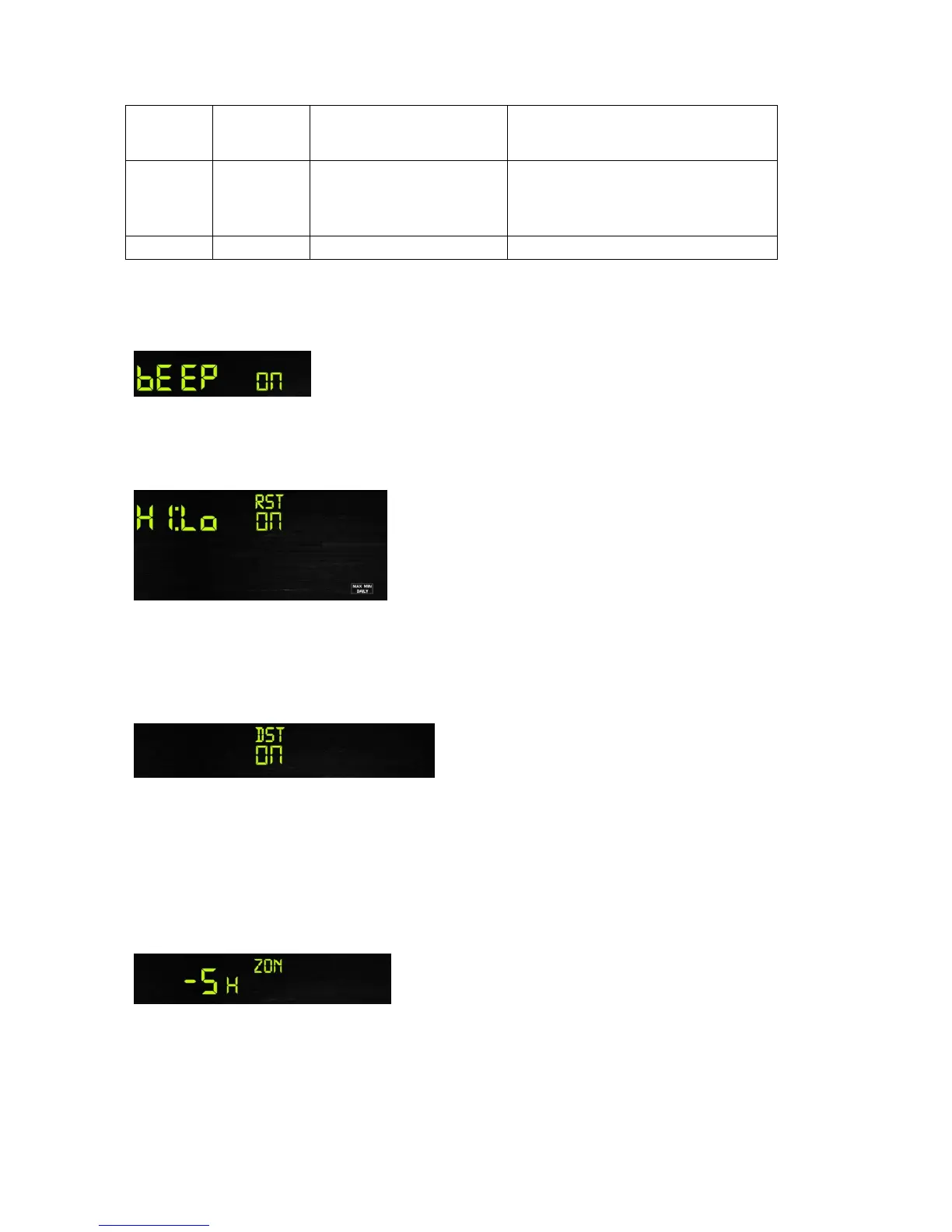
Figure 14
6.4.1 BEEP:
- Press the SET key for 2 seconds to select the beep section, ON/OFF section digits will start
flashing, press the WIND/+ or PRSSURE/- key to select ON or OFF.
6.4.2 MAX/MIN Daily:
- Press the SET key twice to select the MAX/MIN Daily section, ON/OFF section digits will start
flashing. Press the WIND/+ or PRSSURE/- key to select ON or OFF . (Default ON. ON: Reset
max/min daily at 12:00am).
6.4.3 DST(daylight saving time):
- Press the SET key third time to select the Daylight saving time section, ON/OFF section digits
will start flashing,press the WIND/+ or PRSSURE/- key to select ON or OFF . (default ON)
Note: DST time start at 1:00am GMT of the last Sunday in March and end at 1:00am GMT of the
last Sunday in October.
6.4.4 Time zone
- Press the SET key forth time to select the Time zone section, time zone section digits will start
flashing. Press the WIND/+ or PRSSURE/- key to select the value . (-12 to +12, default: 1)


 To Next Page