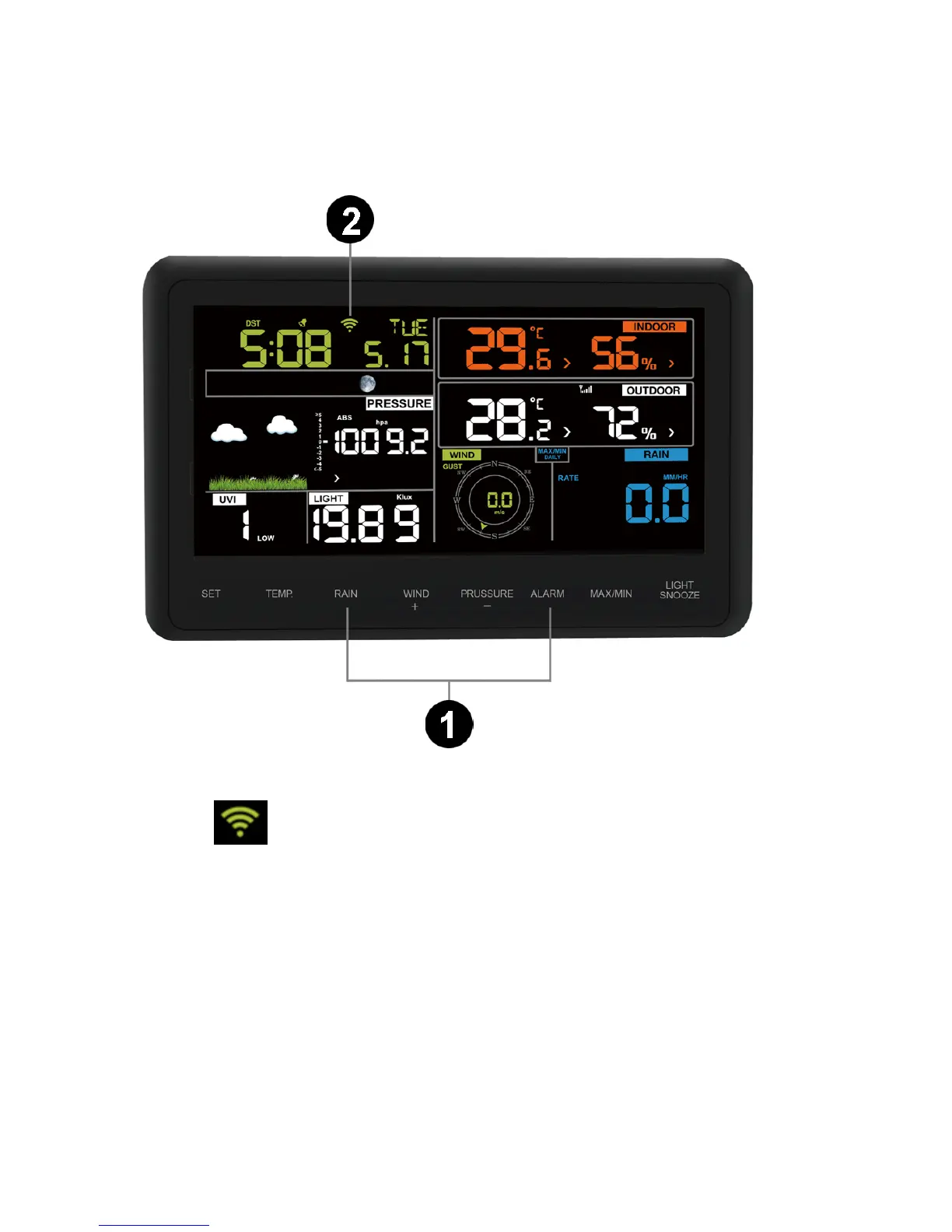
4. If the WiFi icon is not flashing rapidly, (1) press and hold the RAIN and ALARM buttons at the
same time for four seconds. (2) The WiFi icon will begin flashing rapidly, indicating the
console is searching for your WiFi network.
Wi-Fi icon:
1) Not connected routers, don't show;
2) No network connection router, slow flash;
3) Connect the router with network, long bright;
4) Smart configure mode, fast flash.
5. Once the console has connected to your WiFi network, the devices Mac address and IP
address will be displayed, as shown in below figure.


 To Next Page