7-2
7. ROUTINE MAINTENANCE
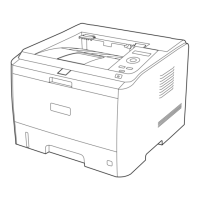
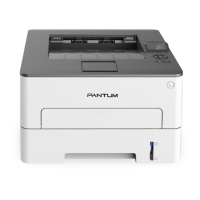
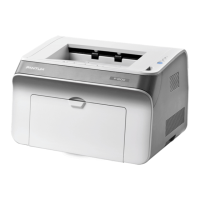
7.1. CLEANING THE PRINTER
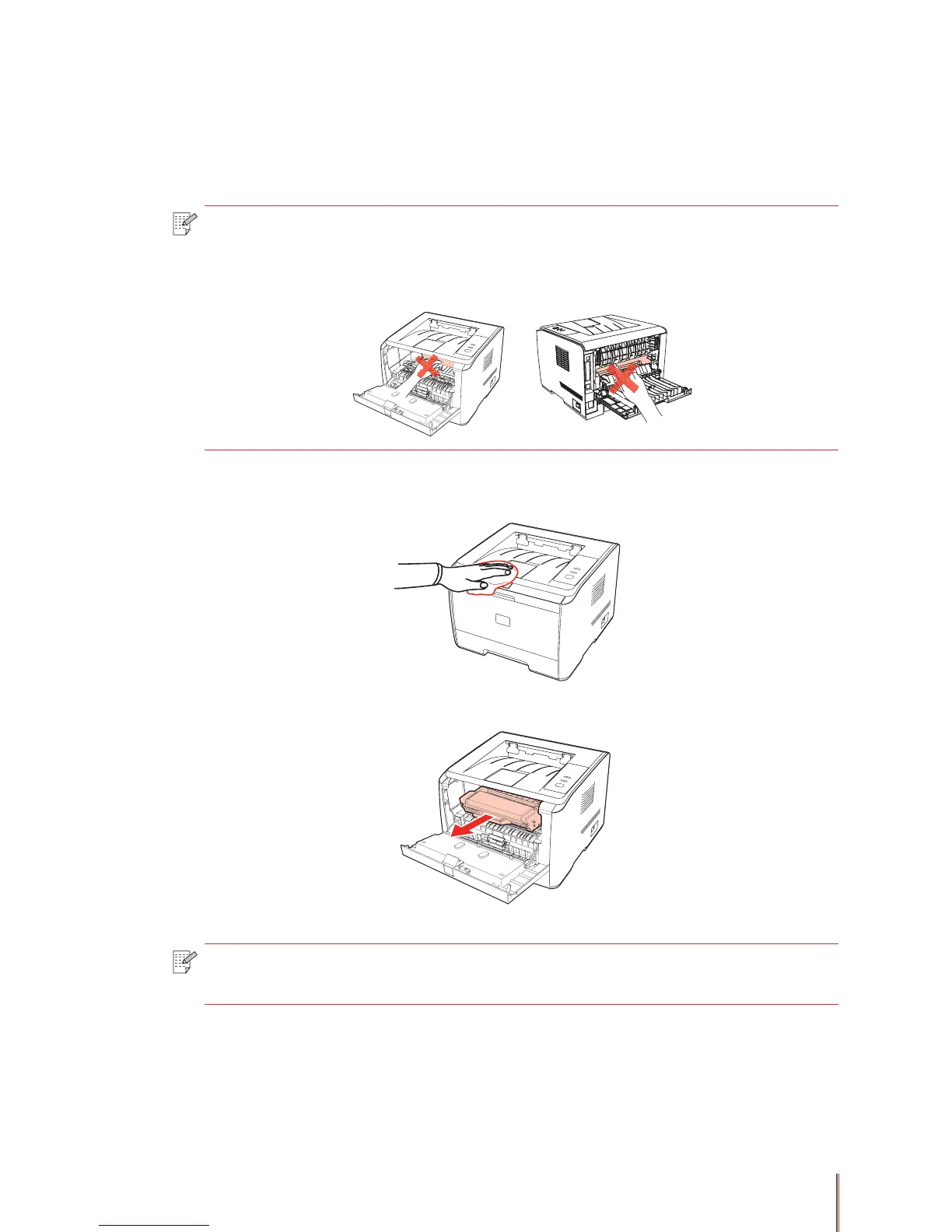
1. Use a soft cloth to wipe the outside of the printer clean.
2. Open the front cover and remove the toner cartridge.
Note: • Please use mild detergents.
• Some parts of the printer may still be hot for a short period after use. When
opening the front cover or rear cover to clean the parts inside the printer, please
do not touch the parts in the shaded area as shown in the following picture.
Note: • When removing the toner cartridge, put the toner cartridge in a protective bag or
wrap it with thick paper to avoid direct light damaging the toner cartridge.


 To Next Page
 Loading...