English 6
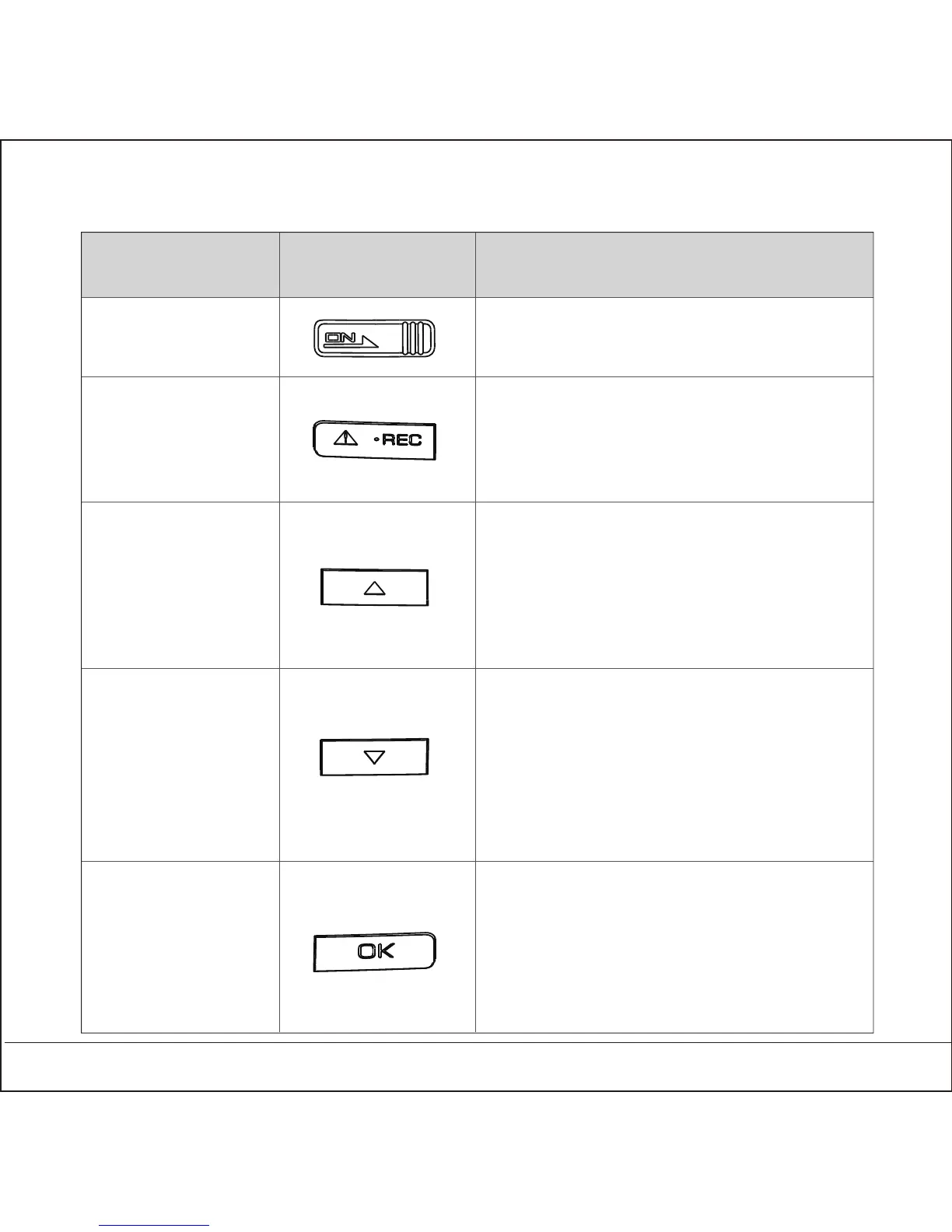
3.5 Features of Each Button
Button FeatureIntroduction
Video Saving
Up/Play
Down/Setting
Mode switch/
screen off
On/Off Power ON/OFF
Recording/ Time/ Trip Computer
-Video saving
Backup
-Back to recording
Recording/ Time/ Trip Computer
- Enter play list
Map View
-Zoom In
Play/ Setting
-Up
Recording/ Time/ Trip Computer
- Enter setting list
- Push longer time for On/Off voice
Play/ Setting
-Down
Map View
-Zoom Out
Recording/ Time/ Trip Computer
-Switch mode
-Push longer time for On/Off LCD
Play/Setting
-Confirm



 To Next Page