English 9
4. Driving Safety
4.2 Video Location Correct
4.1 First Time Use
When first time use of the device, it will guide you to correct the video detect
area first.
1. Adjust the device angle, to overlap the midline to vanish line of the road.
2. Adjust video detect area, for lane location to be match with detect area.
3.12 5 Sets Video Reserved Space
1. Manual Save
push the video copy button during recording for save the current video to
prevent for auto rewritten.
2. Bump Auto save
when any bump happened, will activate auto save system, to prevent
accident video to be over rewritten.
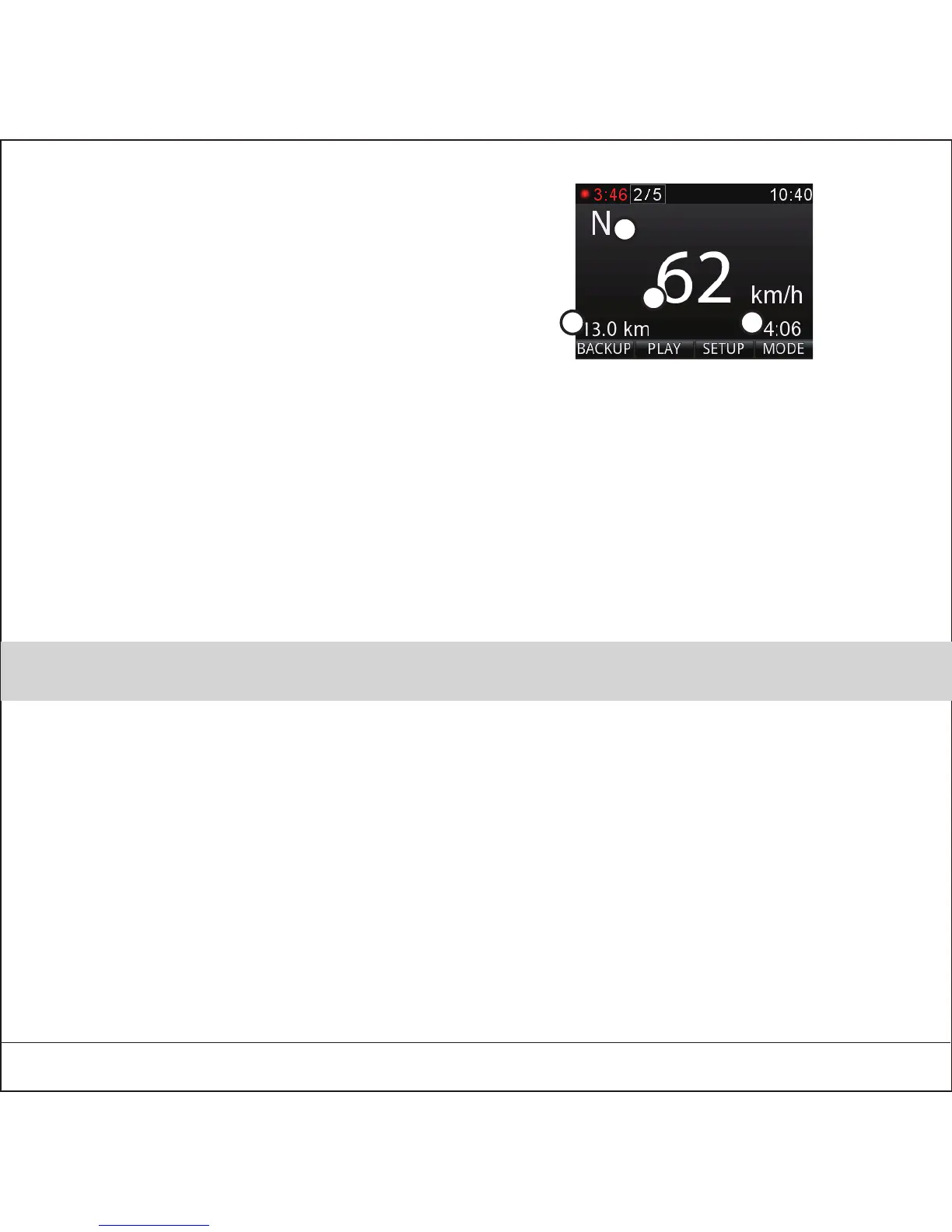
1. Direction
2. Present speed
3. Total distance
4. Total time
3.11 Trip computer
2
3
4
1


 To Next Page