Everserv 600 VESA Adapter plate
K6150
VESA Adapter Plate
Inventory Components
Phillips head screwdriver
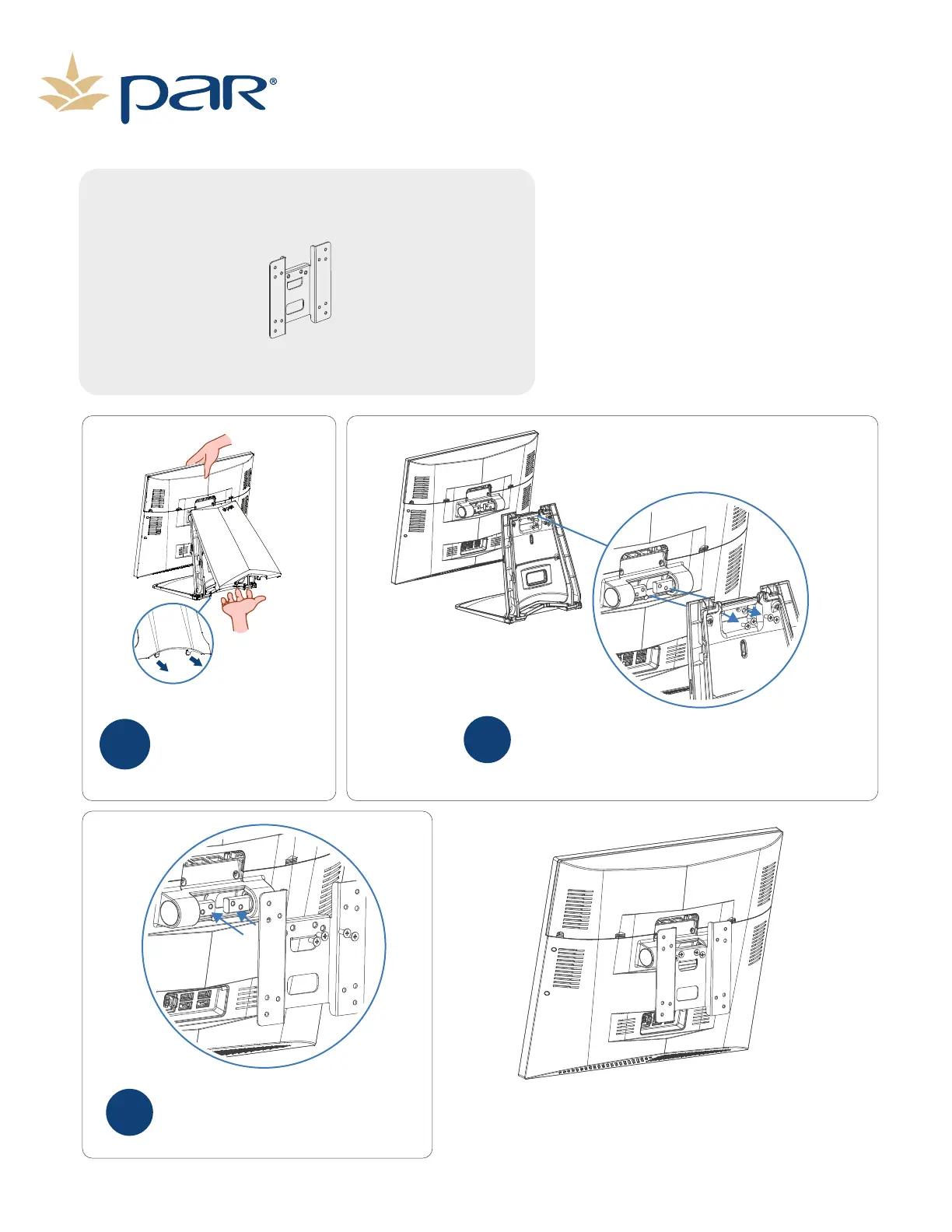
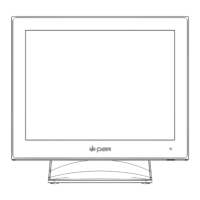
Remove the four screws connecting the stand
to the touch screen.
KEEP THESE SCREWS FOR RE-USE.
2
Using the four screws from the stand (Step
2) connect the VESA Adapter Plate to the
touch screen.
3
Remove the stand cover by
holding the terminal with
one hand and pull the
bottom of the stand cover
by the cover hooks.
1
The terminal is now ready to be wall or pole
mounted to customer provided mount.
Page 10


 To Next Page