Everserv 600 MSR & Biometrics Reader
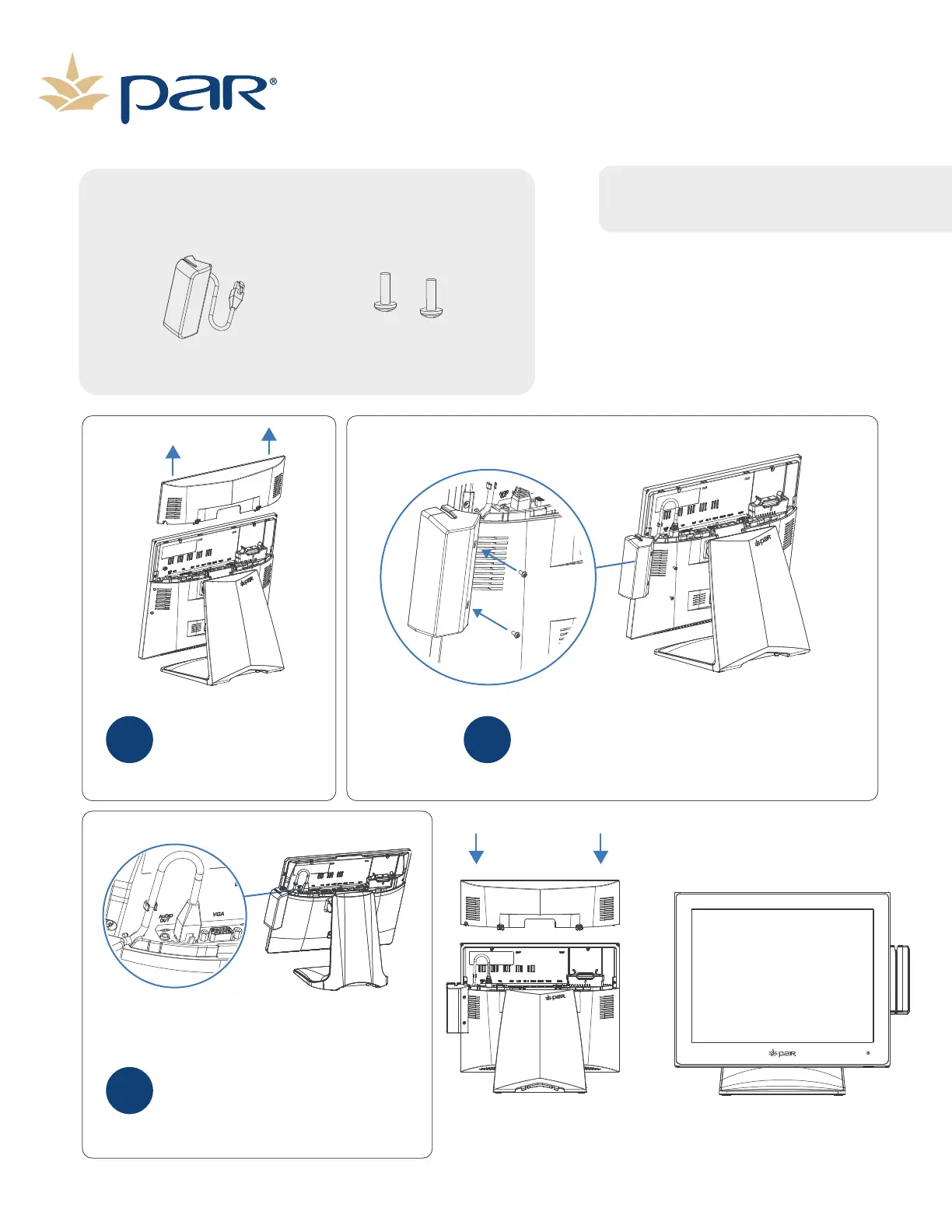
Remove the I/O cover by
pressing the two tabs and
pulling the cover straight
up away from the terminal.
Replace the I/O cover.
1
Attach the MSR/Biometric Unit to the terminal
using the included screws.
2
Connect the MSR cable to the MSR
port on the I/O Board. Once
connected route the cable through
the cable clips.
3
Inventory Components
MSR Unit
Philips Screws
Phillips head screwdriver
SOLD sepArately
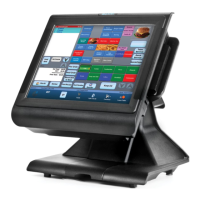
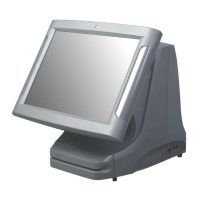
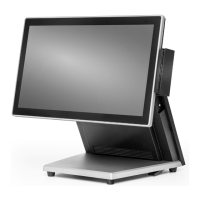
NOTE: There are several op�ons for the MSR.
Your product may look different than the
image below.
Page 7


 To Next Page