SOLD sepArately
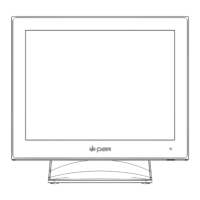
Everserv 600 Customer Display
Customer Display
Philips Screws
Inventory Components
Phillips head screwdriver
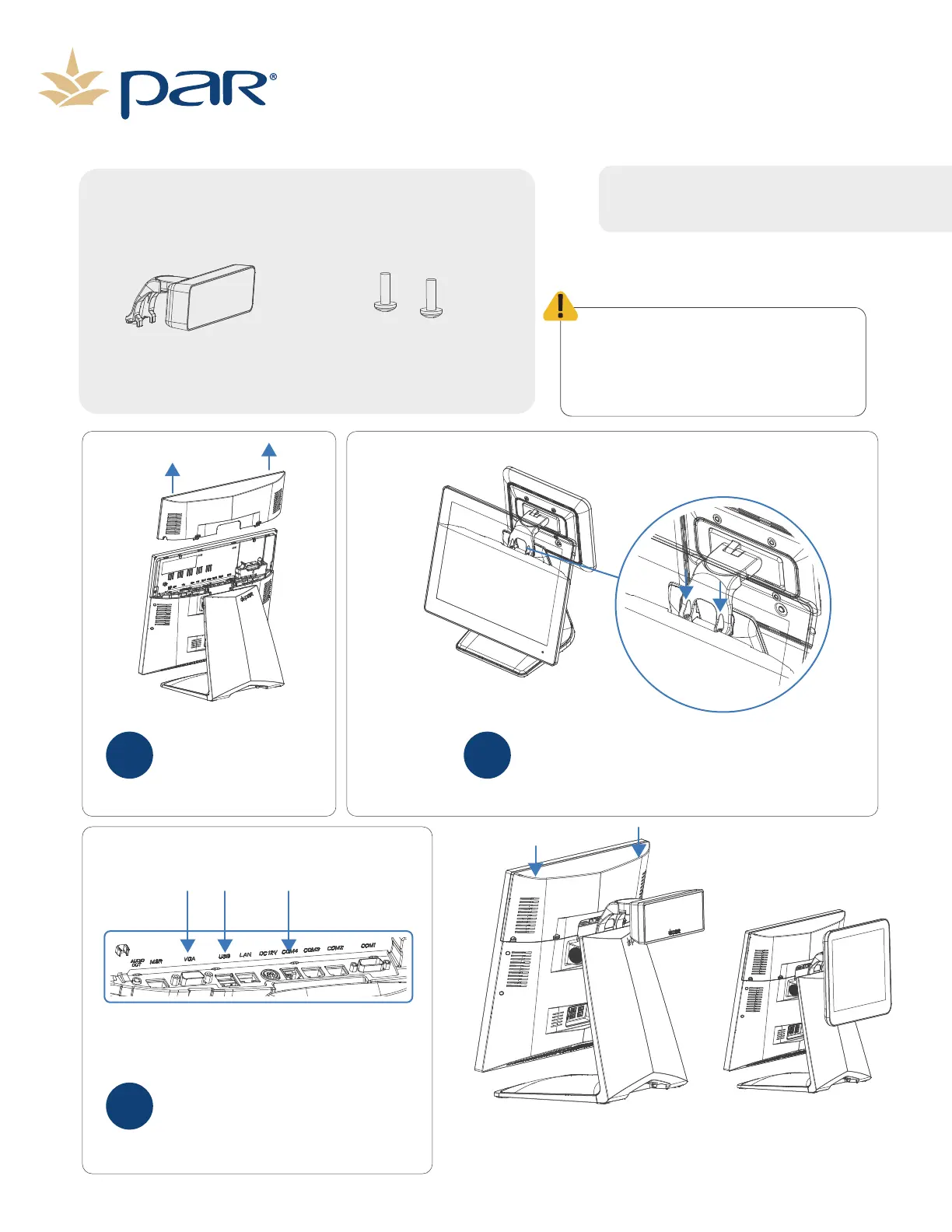
Remove the I/O cover by
pressing the two tabs and
pulling the cover straight
up away from the terminal.
1
Attach the Customer Display to the terminal
stand using the included screws.
2
Depending on Customer Display use the
VGA, USB or COM 4 (2x20 Display) ports to
connect display to terminal.
3
Replace the I/O cover.
Before installing your new EverServ 600
customer display you may need to enable the
VGA 12v power. If you are installing the K6622,


 To Next Page