> Support IPC UPnP, 4PoE
ports
Initial Setup
Step 1: Initial Setup
• Locate the Alarm Panel (this will be located in a Cupboard or WIR).
• Open the panel and connect the battery, there will be a black and red lead loose, connect the black
cable to black terminal on battery and red cable to red terminal.
• Remove any booklets left in the panel and close door.
• Turn on the power point beside the alarm panel and proceed to the Keypad within your home.
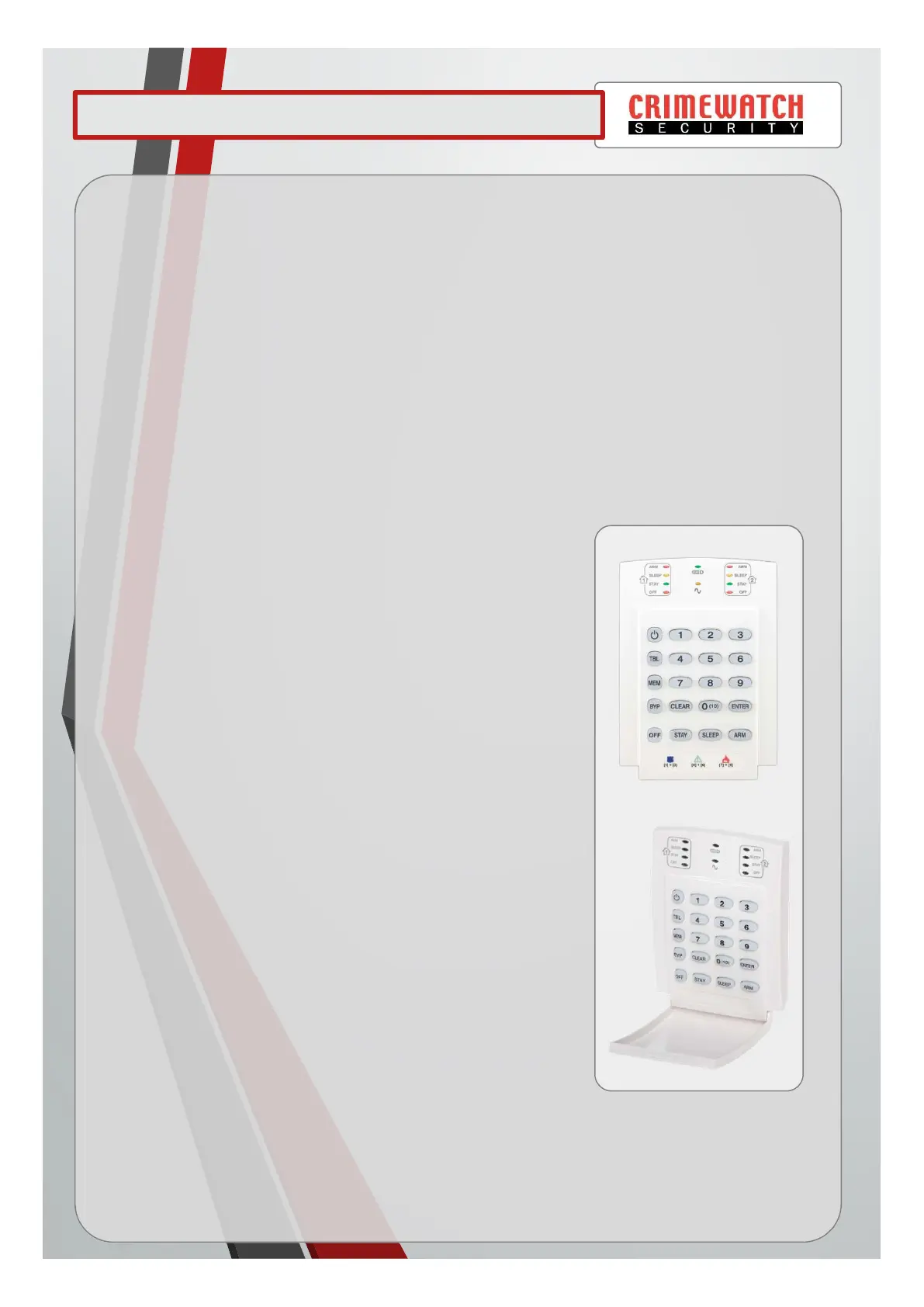
• On the keypad the [TBL] button should now be illuminated RED.
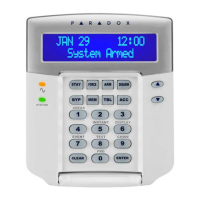
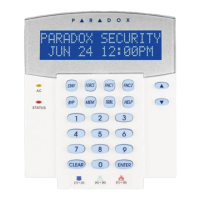
Paradox Alarm K10V LED Keypad User Guide
1
Step 2: Setting the Date & Time
• Press the [TBL] button. ( [TBL] will flash)
• Press the number [8] button. ( [ARM] & [TBL] will flash in unison)
• Enter the time as HH:MM. (If HH is more than 13, skip next step)
• Press 1 for 24 hour clock. ( [SLEEP] & [TBL] will flash in unison)
• Enter the year as YYYY. ( [Stay] & [TBL] will flash in unison)
• Enter the month as MM. ( [OFF] & [TBL] will flash in unison)
• Enter the day as DD. ( [TBL] will flash)
• Press the [CLEAR] button to exit. ( [TBL] will stop flashing)
Step 3: Changing the Master Pin Code
• Press the [PWR] then 1234. ( [PWR] & [1] will flash in unison)
• Press 01. ( [ARM] will flash)
• Enter your new 4 digit PIN. ( [SLEEP] will flash)
• Re-Enter 4 digit PIN. ( [STAY] will flash)
• Press the [ENTER] button. ( [PWR] and [2] will flash in unison)
• Press the [CLEAR] button to exit.
Step 4: Arming & Disarming of your system
• Leaving home – Enter your 4 digit PIN Code to arm alarm.
• Returning home – Enter your 4 digit PIN code to disarm alarm.
Step 5: Adding additional users
• Press the [PWR] then your MASTER CODE. ( [PWR] & [1] will flash in unison)
• Select a user by entering a 2-digit user number (02 to 32).( [ARM] will flash)
• Enter your new 4 digit PIN. ( [SLEEP] will flash)
• Re-Enter 4 digit PIN. ( [STAY] will flash)
• Press the [ENTER] button. ( [PWR] and a number will flash in unison)
• Press the [CLEAR] button to exit.



 To Next Page