21
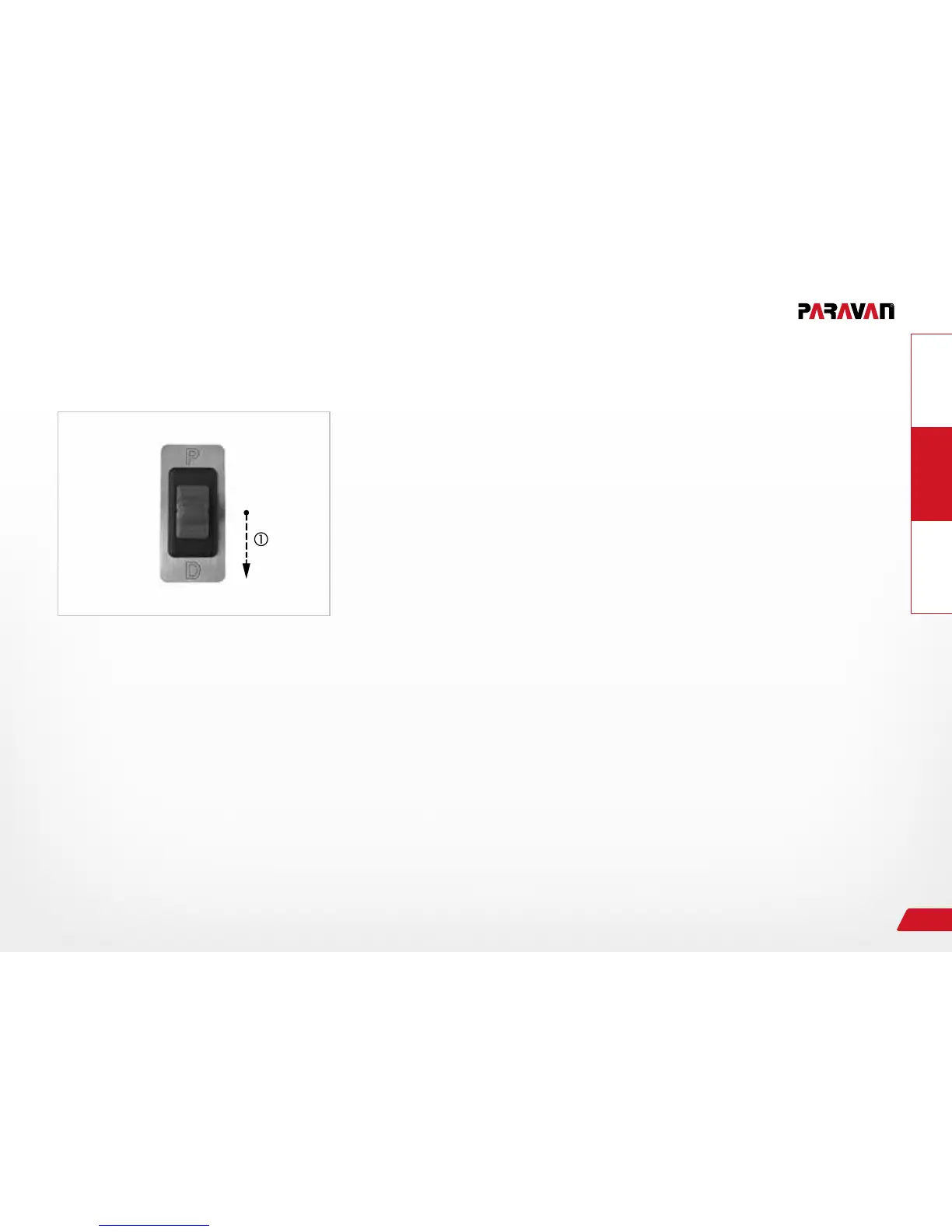
Fig. 12: Selecting driving gear
Selecting driving gears "R" and "N" via the emergency switch
The switch between the driving gears (P, R, N, and D) can only
occur with the vehicle's driving brake engaged.
› Bring the vehicle to a stop.
› Press and hold brakes
› Press and hold rocker switch (toggle switch) in the "D" direction in
till the desired driving gear is displayed on the vehicle's instrument
cluster.
→ The selected driving gear will be engaged.
→ The engaged driving gear will be displayed on the instrument clus-
ter of the vehicle.
› Release brake.
→ Vehicle will execute the selected action.


 To Next Page