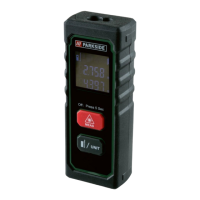
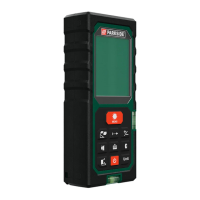
12 GB
Before using
Check the consignment for completeness and for signs of
visible damage.
Remove all packaging material from the product.
Inserting / replacing the batteries
When the low battery icon appears in the display
3
, you
can still make measurements. As soon as the battery icon turns
empty
, however, you must replace the batteries. Measure-
ments are no longer possible.
Open the battery compartment cover
5
by gently pushing
down the battery compartment cover latch.
Remove the used batteries from the battery compartment, if
necessary.
Insert the (new) batteries. Ensure the correct polarity as
shown on the diagram inside the battery compartment
6
.
Replace the battery compartment cover
5
as shown
(fig. A).
Start-up
Switching on / off
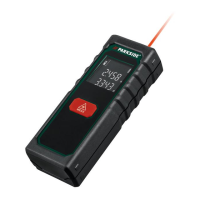
To switch the product on, press the MEAS button
4
.
When the product is switched on, the laser beam is activate
d.
To switch the product off, press and hold the MEAS button
4
for approx. 5 seconds until the “OFF“ is shown on
display. If no button is pressed for about 3 minutes, the
product turns off automatically to save the batteries.


 To Next Page
 Loading...