User's guide
14
N° Phone :
Keywords for calling V-Cards (
«Home», «Work» and
«Cellular») can be accessed by clicking «Yes», Tel. N°. The
voice recognition learning sequence is exactly the same as the
one for the names.
Key words :
Key words are
«Phone» and «Hang Up». You need to record
your own key words for use with «Wordspotting» option.
Voice recognition
Wordspotting :
If activated, enables use of keywords to make a call and to
hang up.
Activated: use keywords or buttons
Deactivated: use buttons only
Pers. Dic :
The key words are pre-recorded in the car kit for French
language only (the language is determined by the language
used by the menus of the phone).
You need to activate this option if you want to use your own
recorded keywords.
Erasing the memory
CK3000 EVOLUTION
Click «Yes», and «Clear memory?» is displayed.
Confirm by pressing «Yes» and «Memory erasing in progress.
Please wait!» - is announced. To cancel, press
«No».
It is possible to erase the memory and reset the system
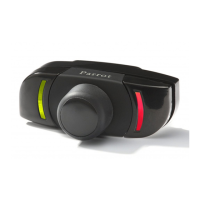
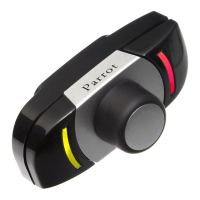
without using the Parrot menu. To do this, hold the red and the
green buttons together.










 To Next Page