10 Piloting
To retrieve or delete a video:
1. Press <.
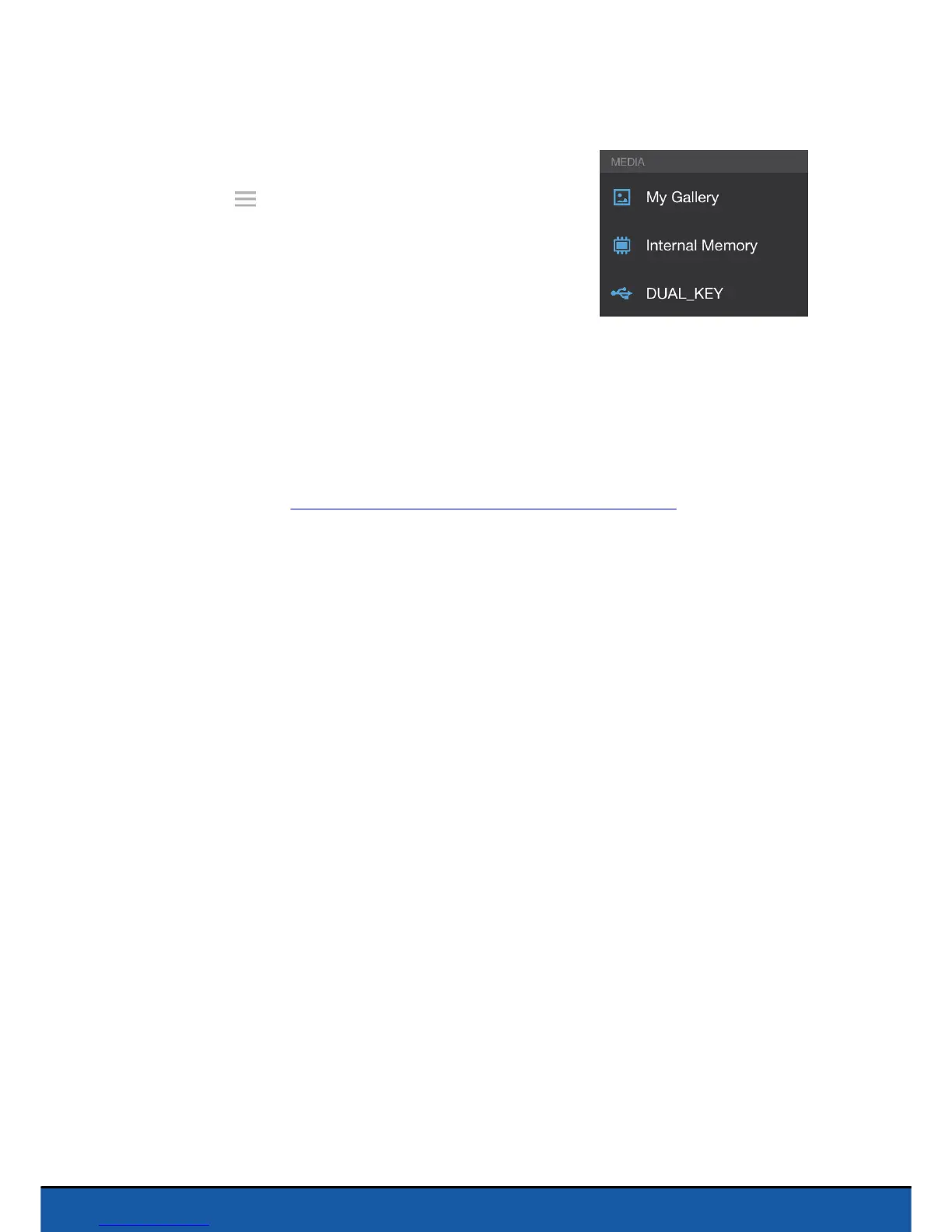
2. Press to display the context menu.
3. Select your USB key.
> A list of the videos recorded by the Parrot
Jumping Sumo appears.
4. Select one or more videos.
5. Press Transfer to retrieve the photos on your smartphone or press Delete.
> If you transfer the selected videos, a pop-up will then appear, asking whether you
wish to delete them from your USB key.
Note: If there is a USB or micro-USB key connected when you start up the Parrot Jumping
Sumo,the video will automatically begin recording when you press Free ride.
This help system w as created with an evaluation copy of Help & Manual.


 To Next Page