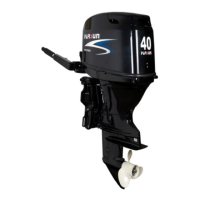
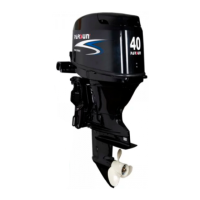
3. Remove clamp bracket nut, two hole plate, and double head bolt of clamp bracket.
4. Remove clamp bracket.
5. Remove rotary bracket.
6. Remove lock angle handle and tilt lock rod. Remove tension spring and angle orientation lever.
7. Remove orientation bushing and nylon bush.
8. Remove lock angle long shaft and short shaft.
9. Remove lock angle bracket, torsion spring, tension spring and inner bracket.
10. Inspect rotary bracket and clamp bracket for damage or crack. Replace if necessary.
11. Inspect bush and gasket for damage or crack. Replace if necessary.
12. Inspect lock angle bracket and support bracket for deform. Replace if necessary.
84


 To Next Page
 Loading...