TITLE : RP-300/310
Page -47 -
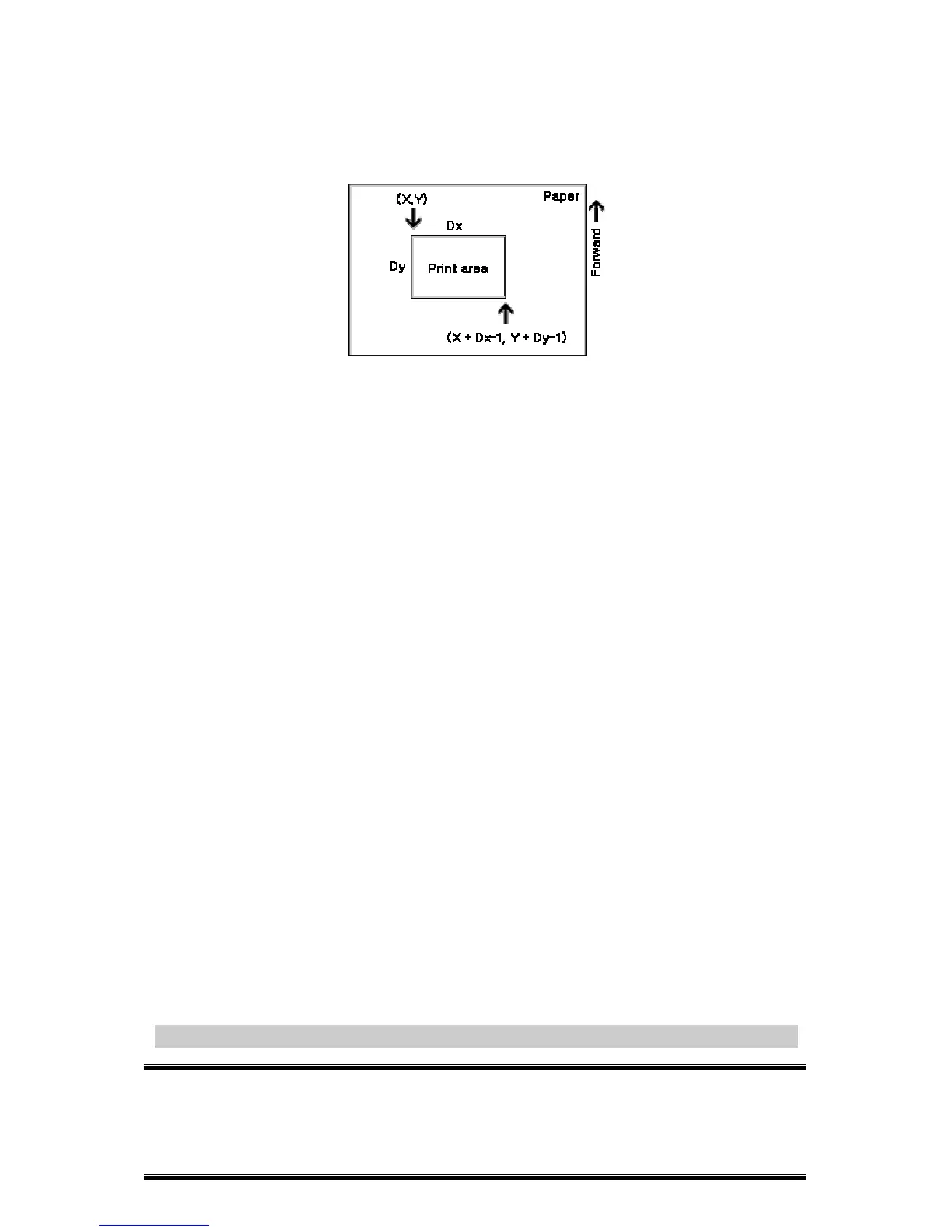
area width, and printing area height are defined as
X ,Y, Dx
, and
Dy
respectively, the printing area is set as shown in the figure below.
·This printable area for this printer is approximately 72.2 mm {512/180” }
in the horizontal direction and approximately 117.3 mm {1662/360” } in
the vertical direction.
[Default]
xL = xH = yL = yH =
0
dxL = 0, dxH = 2, dyL =126, dyH =
6
[Reference] CAN, ESC L, ESC T, GS P
ESC \
n
L
n
H



 To Next Page