EasyManua.ls Logo

Partner RP-700 - User Manual

Partner RP-700
34 pages
Print Icon
To Next Page IconTo Next Page
Loading...
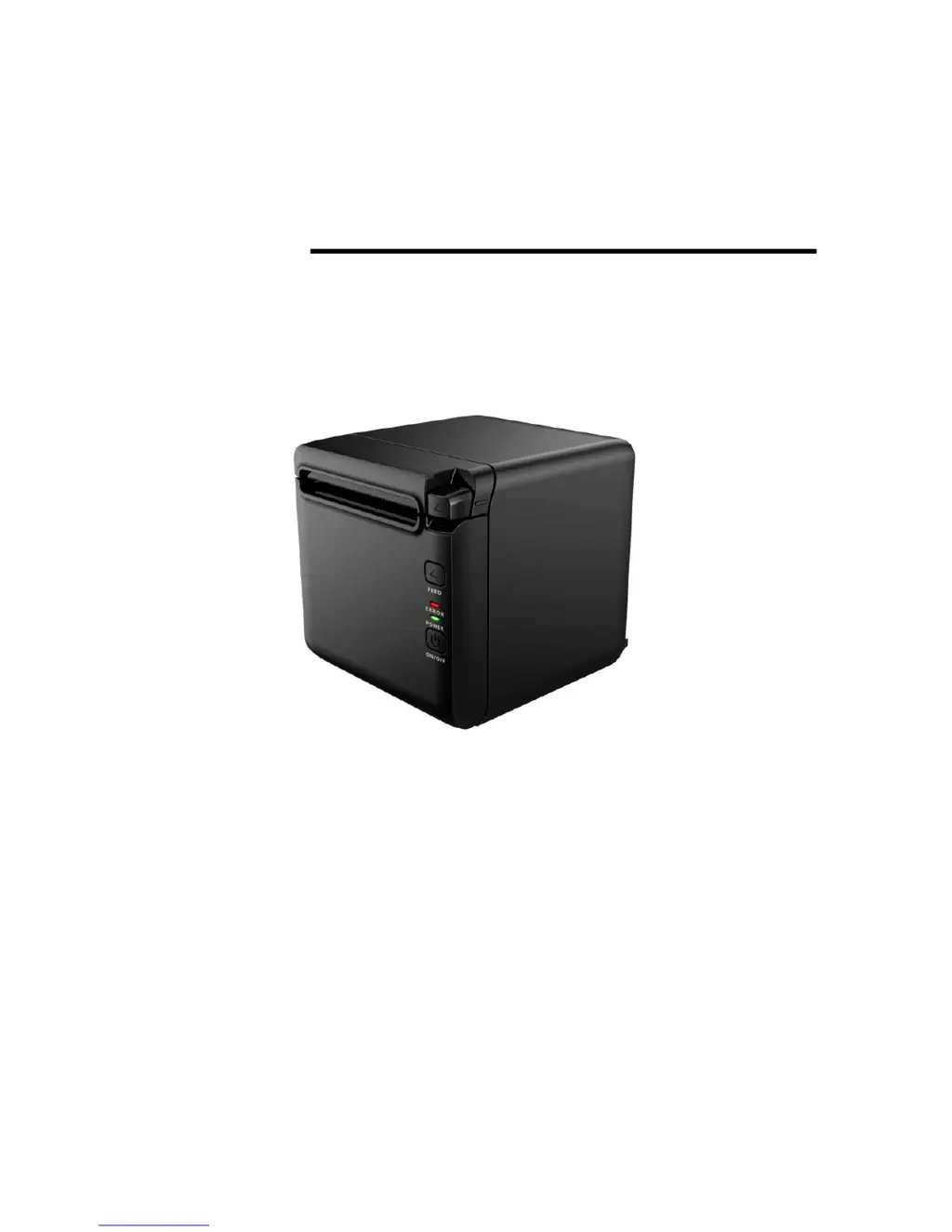
USER’S MANUAL
Thermal Receipt Printer
RP-700
Partner Tech Corporation

Questions and Answers

  • C
    Carol MaynardJul 31, 2025
    What to do if the Partner RP-700 error LED flashes or buzzer beeps?
    • M
      Megan SantanaJul 31, 2025
      If the Partner Printer's error LED flashes or the buzzer beeps, several issues could be the cause. It might be due to the paper running out, in which case you should replace the paper roll. Alternatively, there could be a cutter error that needs clearing, or the top cover might be open, requiring you to close it. Another possibility is that the print head is overheating; if this is the case, turn off the printer and allow the print head to cool down.
  • N
    Nicole CunninghamAug 5, 2025
    Why is the printout from my Partner RP-700 Printer not clear or has stains?
    • K
      Kristen LopezAug 5, 2025
      If your Partner Printer's printout is not clear or has stains, several factors could be responsible. Check if the paper roll is installed correctly. Ensure that you are using the recommended thermal paper. A dirty print head or platen roller can also cause this issue, so try cleaning them. You might also need to increase the print darkness if it is set too low.
  • J
    Julie PetersenAug 9, 2025
    How to fix a Partner RP-700 Printer when paper cannot be sent out normally?
    • B
      barnettbobbyAug 9, 2025
      If the Partner Printer is not sending paper out normally, it is likely due to a paper jam. To resolve this, open the top cover and carefully inspect the paper path and cutter to clear any jammed paper.
  • M
    Mark HolmesAug 13, 2025
    What to do if Partner RP-700 Printer starts printing but stops suddenly?
    • A
      Anna WrightAug 13, 2025
      If your Partner Printer starts printing but stops suddenly, this could be due to a paper jam. Open the top cover, check the cutter, and remove any jammed paper.
  • B
    Beverly KramerAug 18, 2025
    Why is the LED off and the Partner RP-700 doesn’t work?
    • H
      Heather EdwardsAug 18, 2025
      If the LED on your Partner Printer is off and the printer isn’t working, it could be due to a few reasons: - The printer might not be connected to the power supply. Ensure the printer is properly connected. - The printer power might be off. Turn on the printer. - If these steps don’t work, the circuit board might be damaged, in which case you should contact your local dealer or manufacturer.
  • S
    Samuel RiceAug 21, 2025
    How to resolve paper not being cut off by my Partner Printer?
    • J
      Jeremy ColeAug 22, 2025
      If the Partner Printer is not cutting off paper, it is probably because of a paper jam. Open the top cover, inspect the cutter, and remove any jammed paper.
  • D
    Dr. Stephen BentleyAug 27, 2025
    Why is vertical print content missing from my Partner RP-700?
    • L
      lorirodriguezAug 27, 2025
      If the vertical print content is missing on your Partner Printer, it could be due to a dirty print head or platen roller, so you should try cleaning them. If the problem persists, there may be a print head error, and you should contact your local dealer or manufacturer.

Summary

Warning and Caution

Safety Instruction

General safety guidelines and warnings for printer use.

6 Interface Signal

6.1 Serial Interface

Details about the RS-232 serial interface and its pin definition.

6.3 USB Interface

Parameters, signal definition, and modes of the USB interface.

2 Specification

2.1 Technical Specification

Detailed technical specifications of the printer.

4 Installation

4.4 Paper Roll Installation

Step-by-step guide to loading and replacing paper rolls.

5 Routine Maintenance

5.1 Cleaning the Print Head and the Platen Roller

Instructions for cleaning the print head and platen roller.

5.3 Clearing the Jammed Paper and the Cutter Error

Methods to resolve paper jams and cutter errors.

7 Troubleshooting

7.1 Printer Doesnt Work

Solutions for problems where the printer is not functioning.

7.2 Error LED and Buzzer Alarm

Troubleshooting error indications from LEDs and buzzer.

7.3 Problems During Printing

Solutions for issues encountered during the printing process.

Appendix Button Configuration

Partner RP-700 Specifications

General IconGeneral
BrandPartner
ModelRP-700
CategoryPrinter
LanguageEnglish

Related product manuals