RP-700User’s Manual
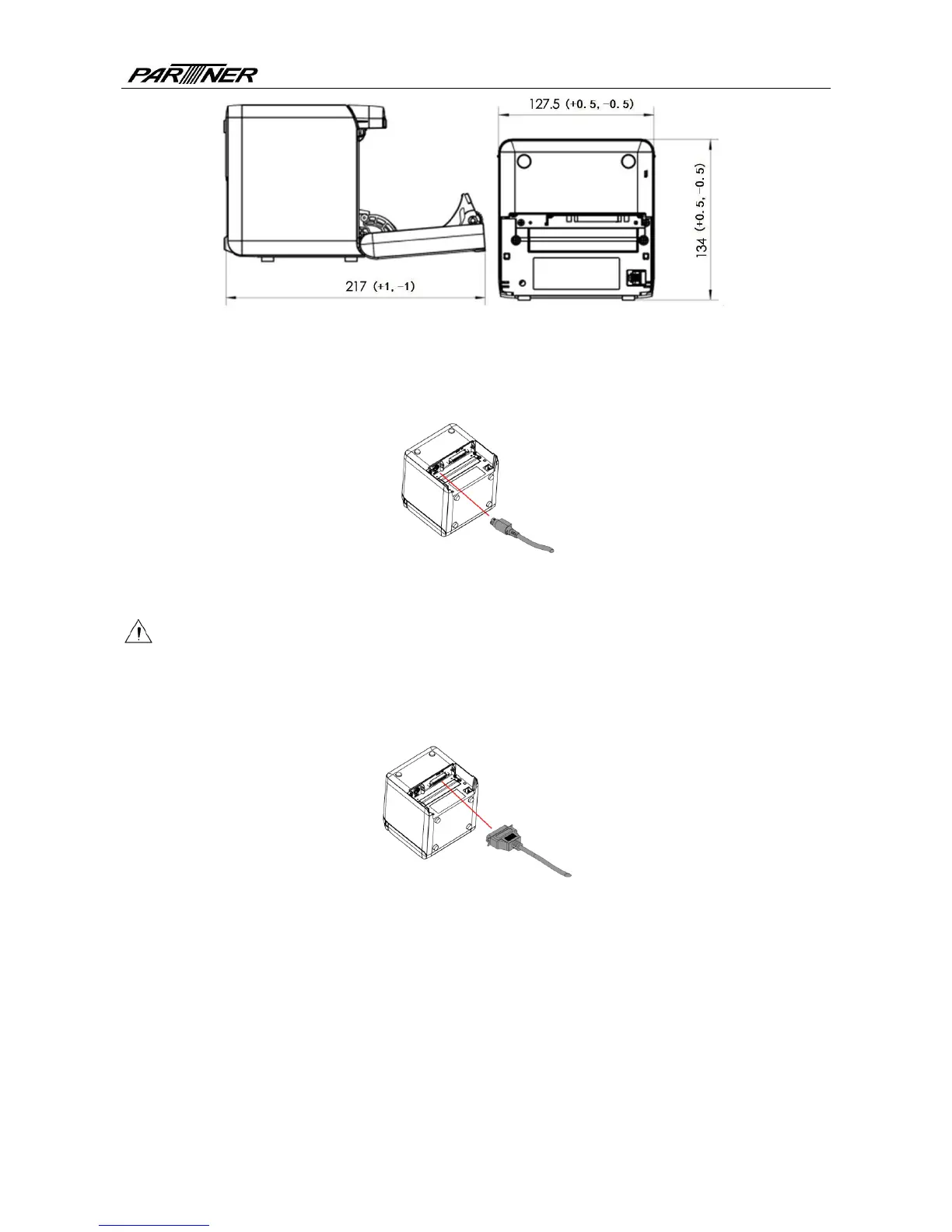
Fig.4.2-3Printer maintenance and operation space
4.3 Power and communication interface
4.3.1 Power connection
1) Ensure that the power switch is turned off;
2) Insert the powerplug into the corresponding socket on the back of the printer.
Caution:
When the printer is not in use for a long period of time, disconnect the power cord from the
printer.
4.3.2 Interface connection
1) Ensure that the power switch is turned off;
2) Plug the connector into corresponding port and fix it with screw or spring as shown in the
figure;
3) Connect the other end of cable to the host.
- 9 -



 To Next Page