RP-700User’s Manual
4.3.3 USB interface connection
1) Ensure that the power switch is turned off;
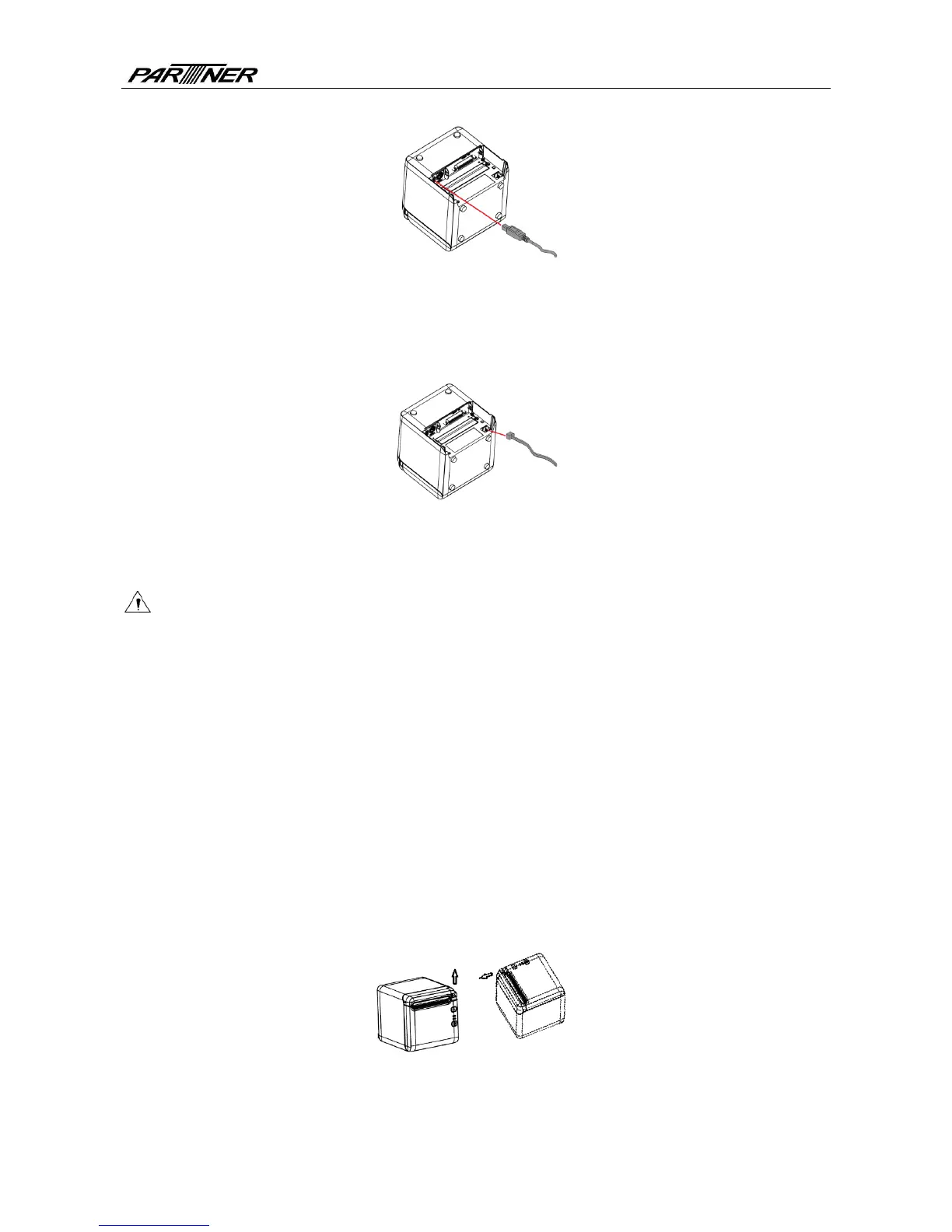
2) Plug the USB cable into corresponding interface in place as shown in the figure;
3) Connect the other end of USB cable to the host.
4.3.4 Cash drawer connection
1) Ensure that the power switch is turned off;
2) Plug the cash drawer cable into the cash drawer interface which locates at the back of
printer.
Caution:
The cash drawer interface is used to connect the cash drawer only (cannot connect with
phone wire, etc.).
4.4 Paper roll installation
4.4.1 Paper type confirmation
After connecting the power cord and interface cable, confirm paper type after media installation
before printing.
4.4.2 Install/replace paper roll
1) Turn off the printer;
2) Push the spanner in the direction shown in the Fig. to open the top cover;
3) Place the paper roll into the printer;
4) Close the top cover.
Fig. 4.4-1 Schematic drawing of paper roll installation/replacement
- 10 -



 To Next Page