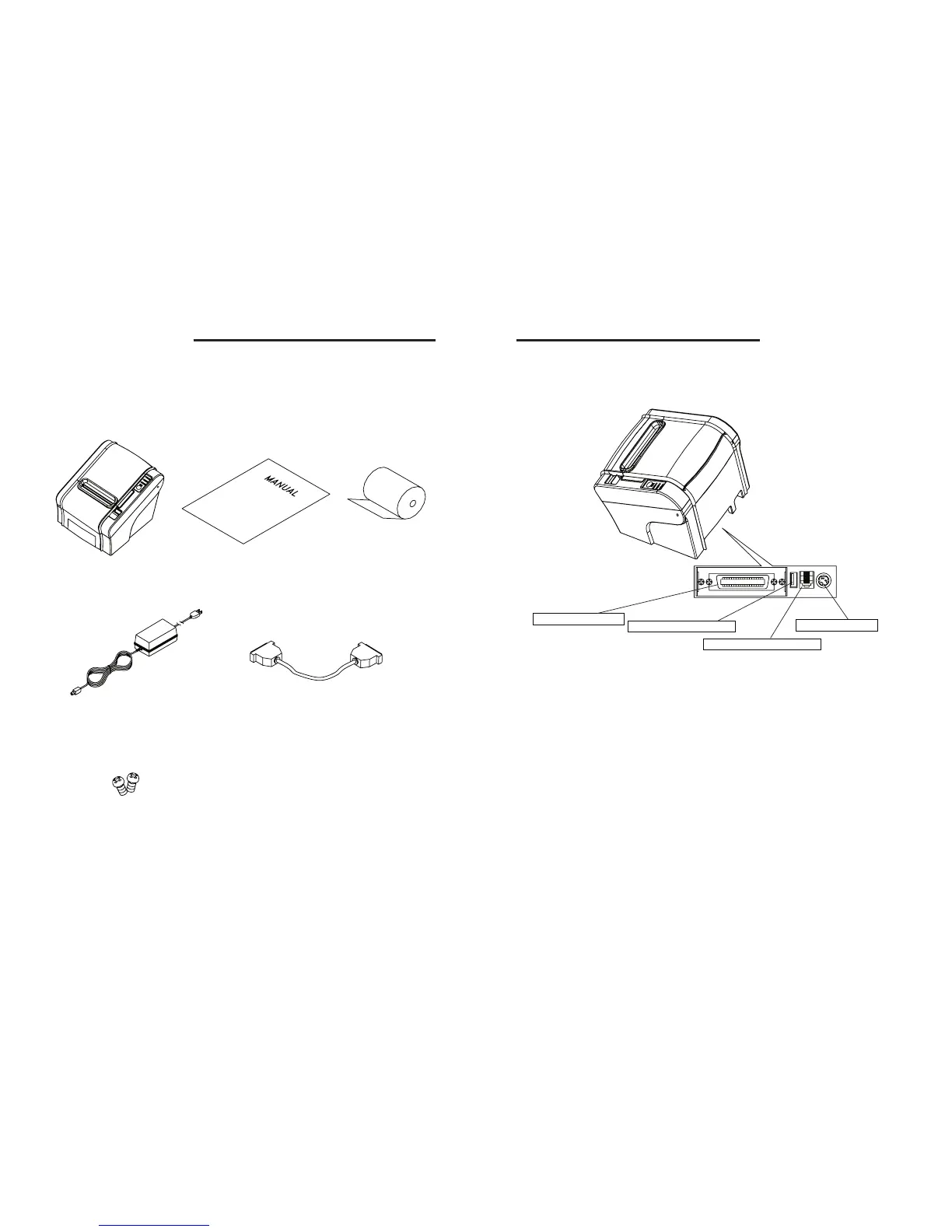
2-2. Connecting the Cables
You can connect up the cables required for printing to the printer.
They all connect to the connector panel on the back of the printer, which is shown below :
Before connecting any of the cables, make sure that both the printer and the computer are
turned off.
2. Setting Up the Printer
2-1. Unpacking
Your printer box should include these items. If any items are damaged or missing, please contact
your dealer for assistance.
The Printer User's Manual Roll Paper
Adaptor(Option) Interface Cable(optional)
Screw(Option)
For connection to a
host computer.
For connection to a
host computer.
For connection of
the AC adapter.
Never unplug the
AC adapter while
the printer is on.
Connects to peripheral units
such as cash drawers, etc.
Do not connect this to
a telephone.
INTERFACE CONNECTOR
INTERFACE CONNECTOR(USB)
PERIPHERAL DRIVE CONNECTOR
POWER CONNECTOR



 To Next Page