2-4. Dip Switch Setting
The printer is set up at the factory to be appropriate for almost all users. On the other hand,
offers some more settings for users with special requirements.
It has DIP switches that allow you to change communication setting, such as handshaking and
parity check, as well as print density.
Your printer has two sets of DIP switches. The functions of the switches are shown in the
following tables.
♦Note : Power off. And open the cover of Dip Switch and change setting.
2-4-1. Serial Interface Specication
DIP Switch Set 1 Functions
SW
FUNCTION ON OFF
DEFAULT
2 Hexadecimal HEXDUMP NORMAL OFF
5
Cut Mode Full Cut Partial Cut OFF
6 Handshaking XON/XOFF DTR/DSR OFF
8
Paper Low Mode Paper Low Do not detect OFF
Baud rate selection
Transmission speed SW-9 SW-10
115200 bps ON ON
9600 bps OFF ON
19200 bps ON OFF
38400 bps OFF OFF
Print Density
Print Density SW-3 SW-4
Low Power ON ON
Normal OFF ON
Normal ON OFF
Dark OFF OFF
Signal tone selection
Signal tone selection SW-1 SW-7
No signal tone OFF OFF
Short signal tone OFF ON
Medium signal tone ON OFF
Long signal tone ON ON
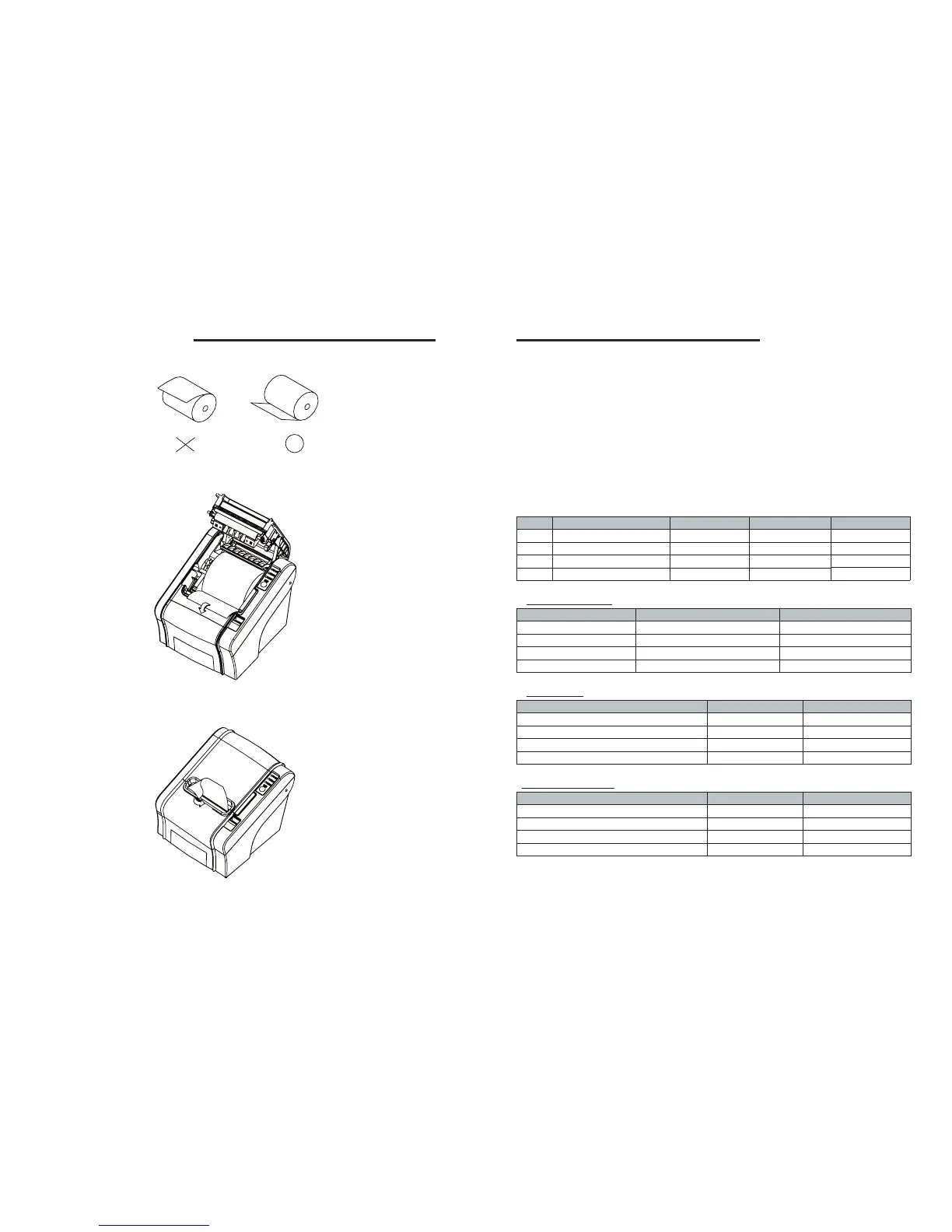
5. Be sure to note the correct direction that the paper comes off the roll.
6. Pull out a small amount of paper, as shown. Then, close the cover.
7. Tear off the paper as shown.



 To Next Page