12
Inserting Fuel Cartridge
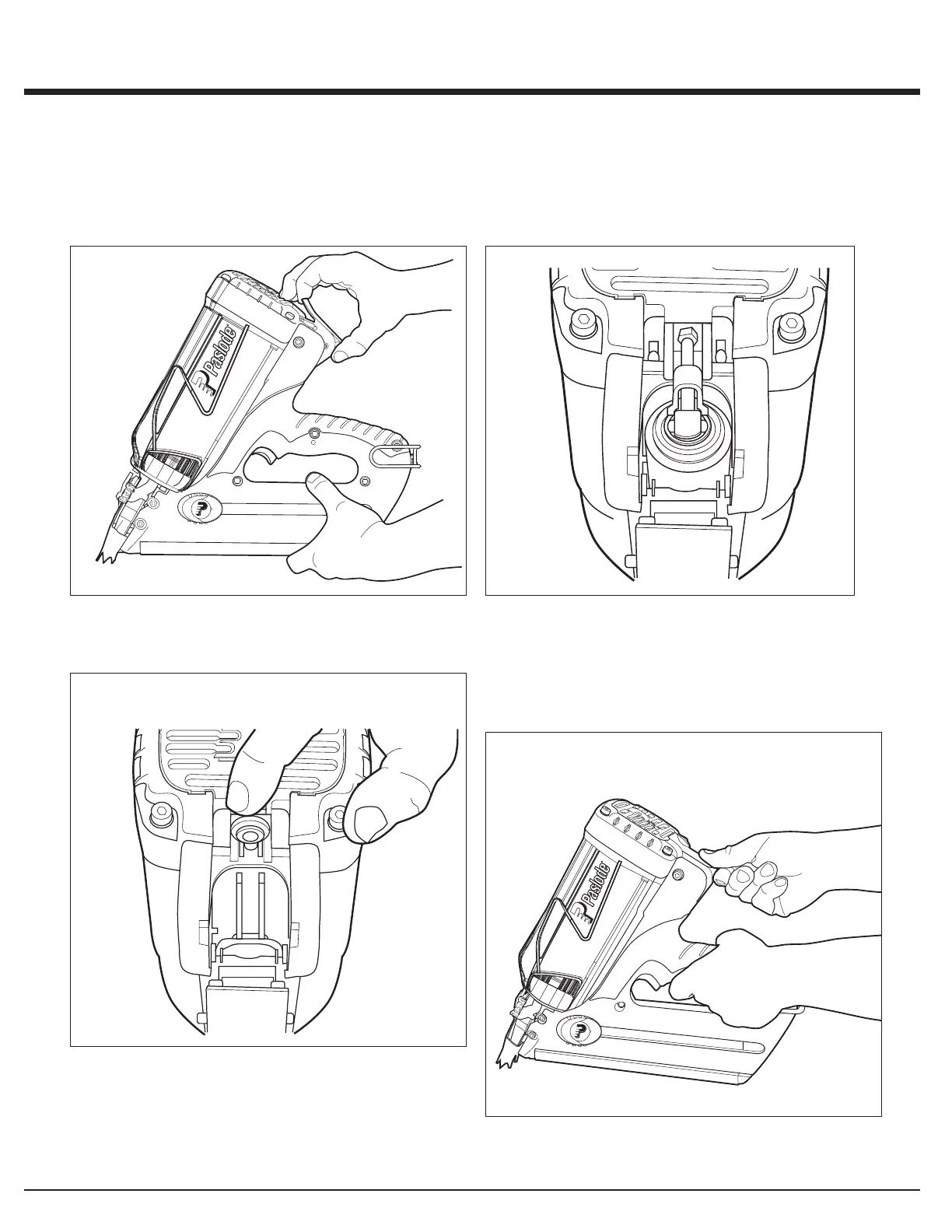
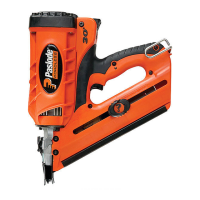
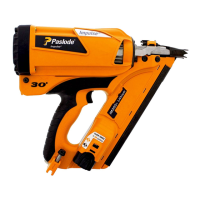
A. Inserting the fuel cartridge into the Cordless Framing
Nailer is very simple. To begin, press up at the bottom of the
actuator cover and pivot outward to open. The cover will
swing out of the way.
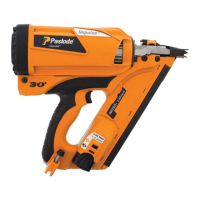
B. Lift the fuel cartridge adaptor and insert the Quicklode
fuel cartridge into the tool.
Quicklode™ Fuel Cartridge
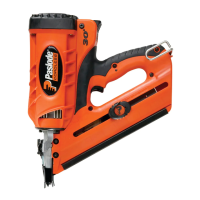
D. Close the actuator cover to complete the loading of fuel
in the Cordless Framing Nailer. Do this by swinging it up
and over the fuel cartridge, and pushing down until the
actuator cover snaps into position.
1. Press Up
2. Pull Out
1. Swing Up
2. Push Down
C. Release the adaptor so it is centered on the fuel
cartridge.



 To Next Page