7
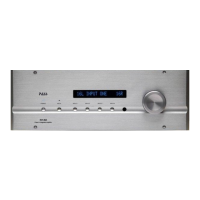
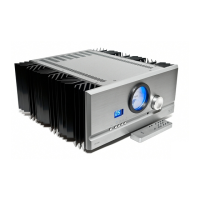
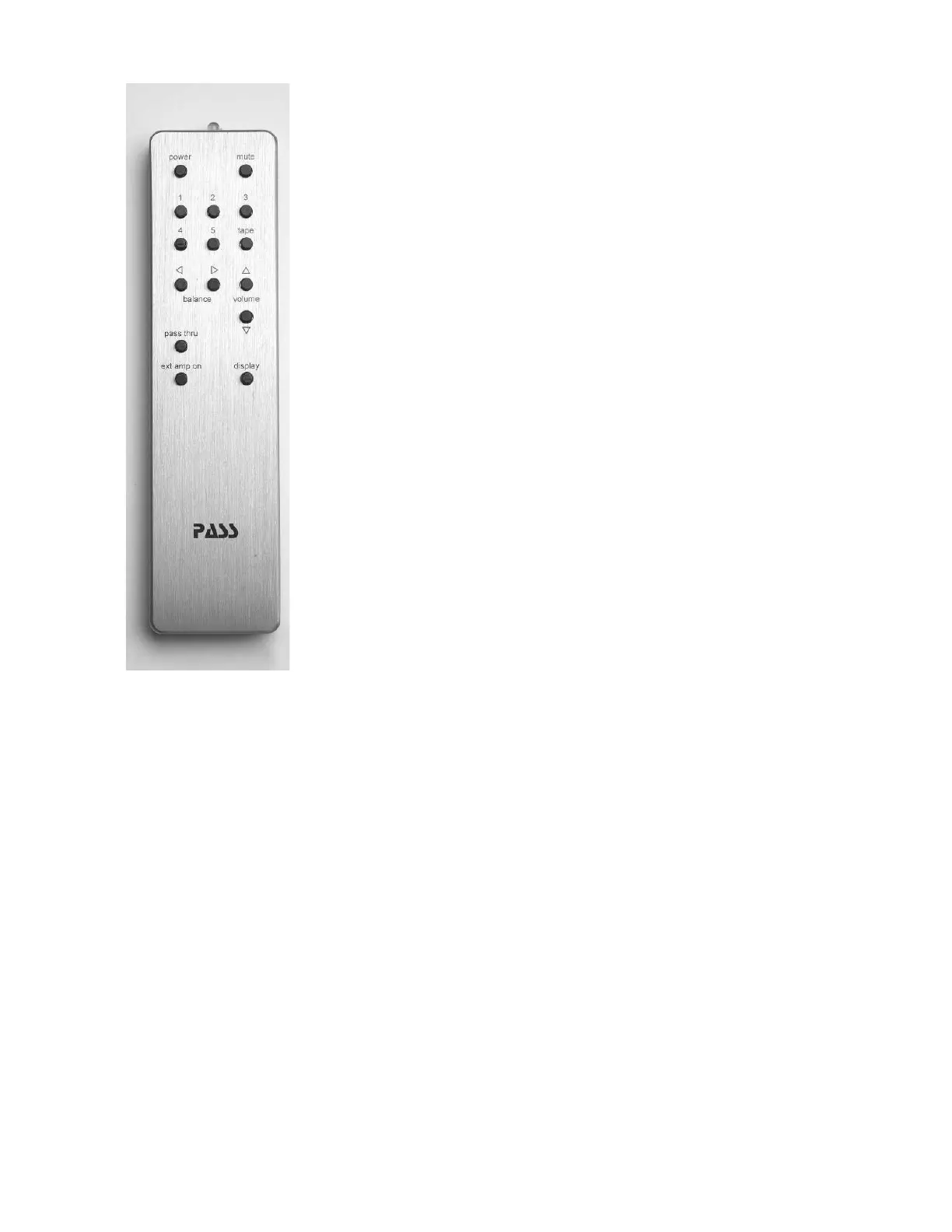
This remote is designed to operate several pieces of Pass Labs
electronics, not all of the functions available on this remote will
be applicable to your Pass Laboratories XP-12.
Power: is not used with the XP-12. This is used on other products
and has no effect on this product.
Mute: pressing mute once will quiet the pre-amplifi er outputs;
pressing mute a second time will return you to the previous
volume control setting
Input Selection: Pressing. 1,2,3,4,5 will immediately move the input
selection to that input selection; volume and balance settings will
not be disturbed.
Volume: Pressing the increase (^) button or the decrease (v)
button will shift the volume setting 1dB, holding a button down
will increase or decrease the level until such time as you either
release pressure on the button or reach the limits of the volume
control.
Balance: Pressing balance left (<) or balance right (>) will
increase the level in the left or right speaker, depending upon
which button is pushed.
Tape: is not used with the XP-12. This is used on other Pass
preamps and has no effect on this product.
Pass Thru: Pushing this button twice, sets the pre-amplifi er to
volume step 89 (0 dB) and input 5. As an added precaution when “pass through”
is selected the volume ramps upto 89. This is to prevent nasty surprises when “pass
thru” is selected accidentally. The ramp up sequence can be stopped at any time by
hitting any button on the remote. The button must be pressed again to exit “Pass Thru”
and unlock the other command selections.
Display: The default setting for the display is “bright”, pressing the display button
once changes the display to its “dim” or “low intensity” setting, pressing the button
a second time selects “off” for the display. When “off” is selected any other
control function will cause the display to indicate product operational status for
approximately 7 seconds and then the display will once again blank. Pressing the
display button a third time cycles back to a “bright display”
Ext amp on: Selection of “Ext Amp On” applies 12Vdc to a two conductor 3.5mm
TS (tip-sleeve) connector on the rear of the XP-12 control chassis. This is intended to
supply a trigger voltage that will turn on associated equipment such as power amps.
As per convention + voltage is applied to the tip contact and - voltage is applied to
the sleeve contract. Check the owners manual of your pre-amp to see if this function
in compatible.


 To Next Page
 Loading...