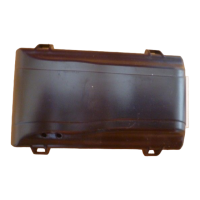
Need help?
Do you have a question about the PassTime Plus SPTU-1 and is the answer not in the manual?
Process for entering credentials and accessing the PassTime Plus online portal.
Procedure for creating subsequent payment or activation codes after initial setup.
Explanation of fields and their requirement status on the customer data entry screen.
Answers to common queries regarding PassTime Plus features and operations.
Definitions of technical terms and features used within the PassTime documentation.
 General
| Device Type | GPS Tracking Device |
|---|---|
| Manufacturer | PassTime |
| Category | GPS |
| Connectivity | Cellular |
| GPS | Yes |
| Antenna Type | Internal |
| Accuracy | 2.5m CEP |
| Voltage Range | 12-24V DC |


 To Next Page