Page 46
FIELDBUS PROTOCOL
FIELDBUS data exchange takes place on two separate memory areas, which are described in the
tables below.
WARNING:
The “Input Data Area” and the “Output Data Area” are of 128 bytes
To transfer the parameters of the Output Data Area to the instrument you need to enable direct access
to the memory, writing the hexadecimal value 0x7FFF in the Command Register (1 word in writing) in
order to avoid that the instrument resets all its variables in the case of uninitialized Output Data Area
This command must be sent before the connection to inform the instrument that the parameters have
been initialized by the master. Now, the instrument continually tests the changes made to the parameters
and stores them only in case of real change.
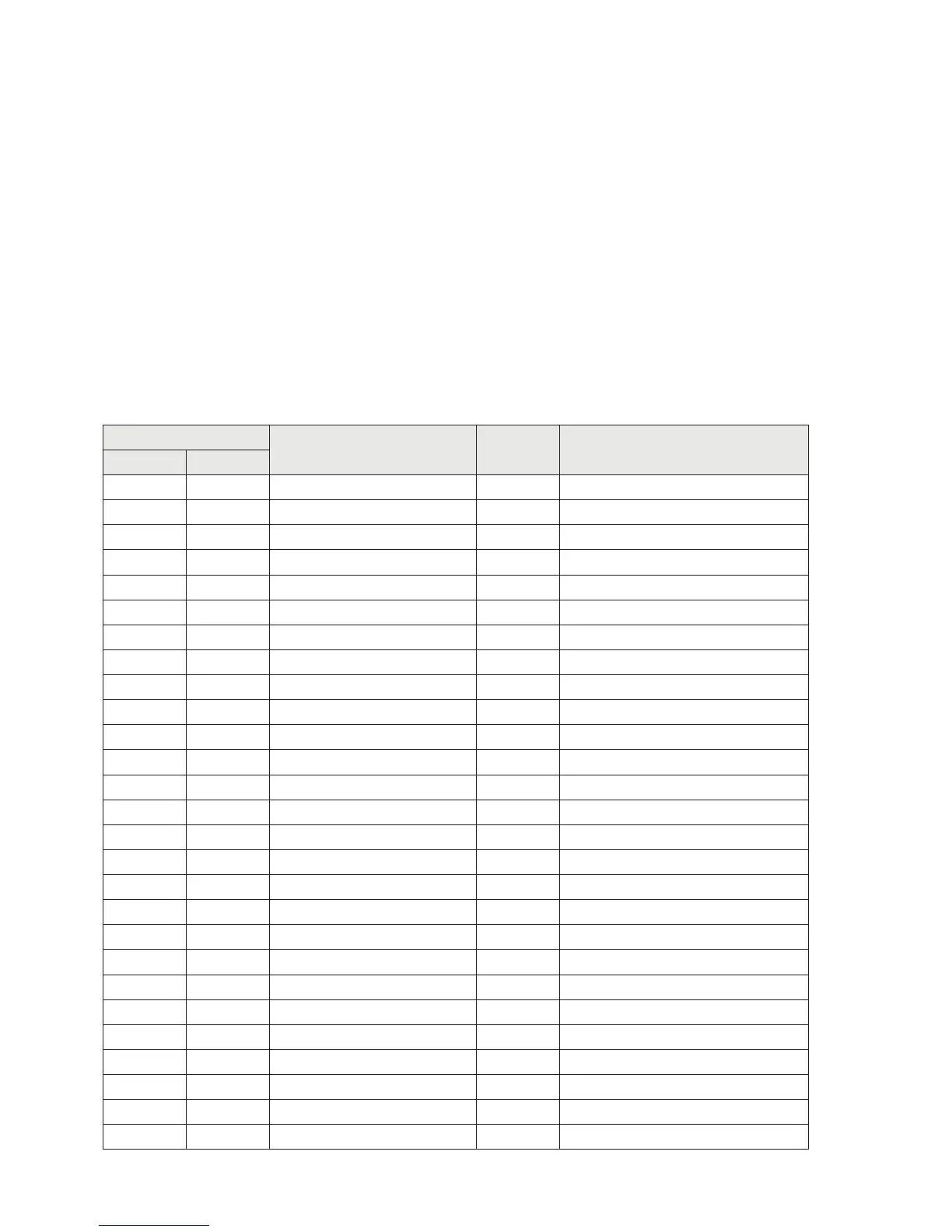
INPUT DATA AREA
ADDRES
Description Format NoteByte Bit
0 0 Keyboard_Look BOOL See table A Page 44
0 1 Memory_Flag BOOL See table A Page 44
0 2 Input_1 BOOL See table A Page 44
0 3 Input_2 BOOL See table A Page 44
0 4 Output_1 BOOL See table A Page 44
0 5 Output_2 BOOL See table A Page 44
0 6 Spare BOOL See table A Page 44
0 7 Spare_1 BOOL See table A Page 44
1 0 Center_of_Zero BOOL See table A Page 44
1 1 Stable_Weight BOOL See table A Page 44
1 2 Zero_Band BOOL See table A Page 44
1 3 Tare_entered BOOL See table A Page 44
1 4 Under_Load BOOL See table A Page 44
1 5 Over_Load BOOL See table A Page 44
1 6 Off_Range BOOL See table A Page 44
2 0 Gross_Weight DINT
6 0 Net_Weight DINT
10 0 Peak_Weight DINT
14 0 Load_Cells_Signal_mV_V INT
16 0 Input_Status INT
18 0 Output_Status INT
20 0 Not used BYTE
21 0 SET_Key BOOL See table B Page 44
21 1 FUN_Key BOOL See table B Page 44
21 2 0_Key BOOL See table B Page 44
21 3 PRG_Key BOOL See table B Page 44
22 0 Cod_Firmware BYTE See table C Page 44


 To Next Page