Hi Kid!
CONNECTING TO A COMPUTER
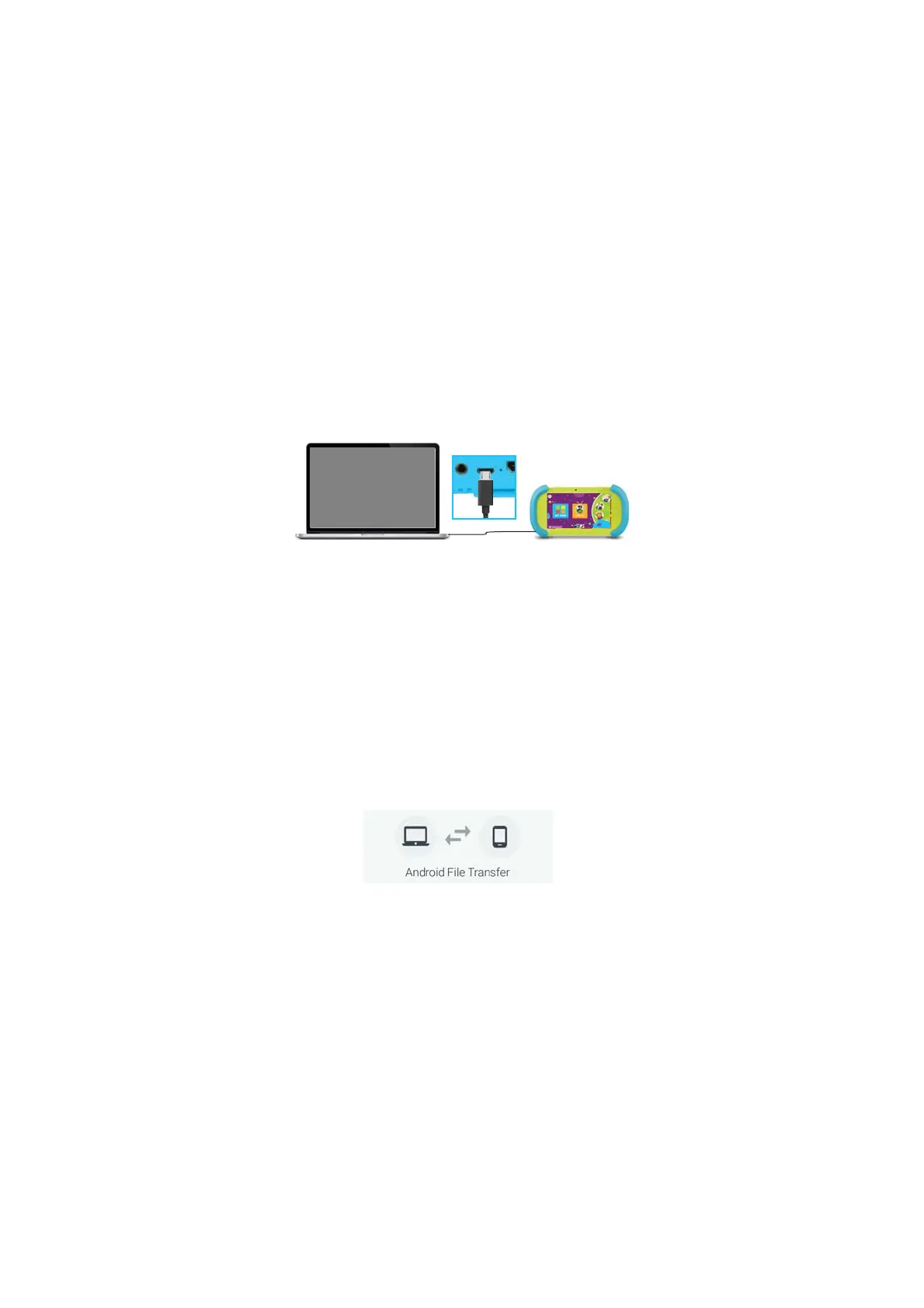
Connect to your computer by USB.
Note: You must be in Parent Mode to connect to
a computer.
ON PC:
Once connected, the device driver will install.
The Autoplay Dialogue Box will appear. Choose
“Open folder to view files” or “select removable
disk”.
You will now be able to drag and drop files from
your computer onto your tablet just as you
would with a USB Flash drive.
ON MAC:
First, install the Android File Transfer application
for Mac. Go to android.com/filetransfer on your
Mac and choose “Download Now” and then
install the application.
The Android File Transfer application will launch
automatically when you connect your tablet.
Drag & drop files to transfer.
19


 To Next Page