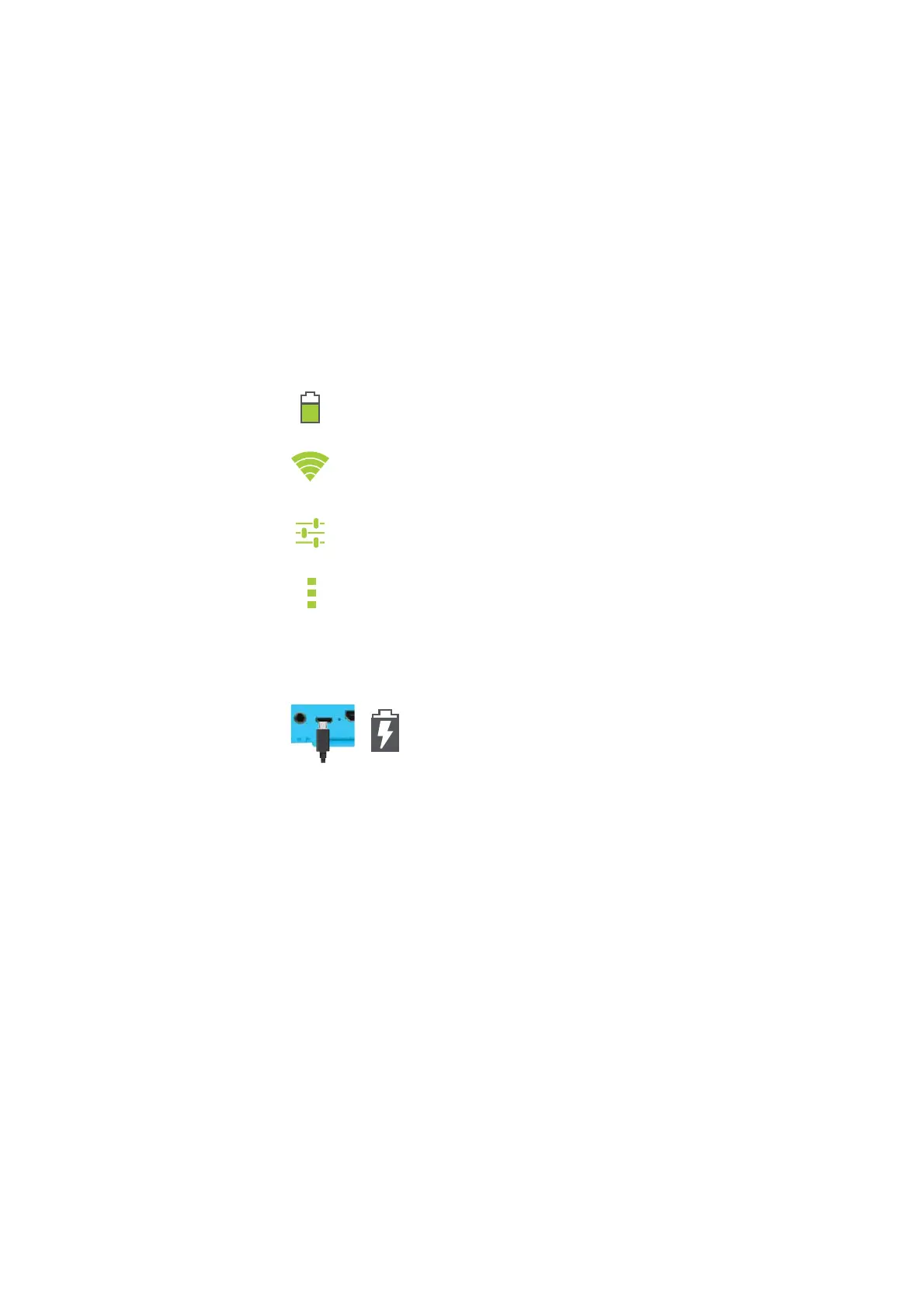
ICON GLOSSARY
CHARGING
TURNING ON YOUR PLAYTIME PAD
Fully charge your Playtime Pad for 6 hours
before the first use.
Note: Charging your tablet using the USB port
on your computer will be slow. We recommend
using the included wall charger.
To turn on your Playtime Pad, press and hold the
power key for 2 seconds. The PBS KIDS logo
indicates the software is loading.
Use the included USB Charger.
The battery indicator will show
that your device is charging.
Battery Level: The white battery level
indicator will decrease and change to
red as the battery is drained.
Wi-Fi Signal: As the Wi-Fi signal
strength decreases, the white bands will
change to gray.
Settings: Tap to adjust settings for Wi-Fi,
screen brightness, security settings,
language options, and more.
Menu: Tap to reveal settings and options
2


 To Next Page