II. INITIAL SETUP
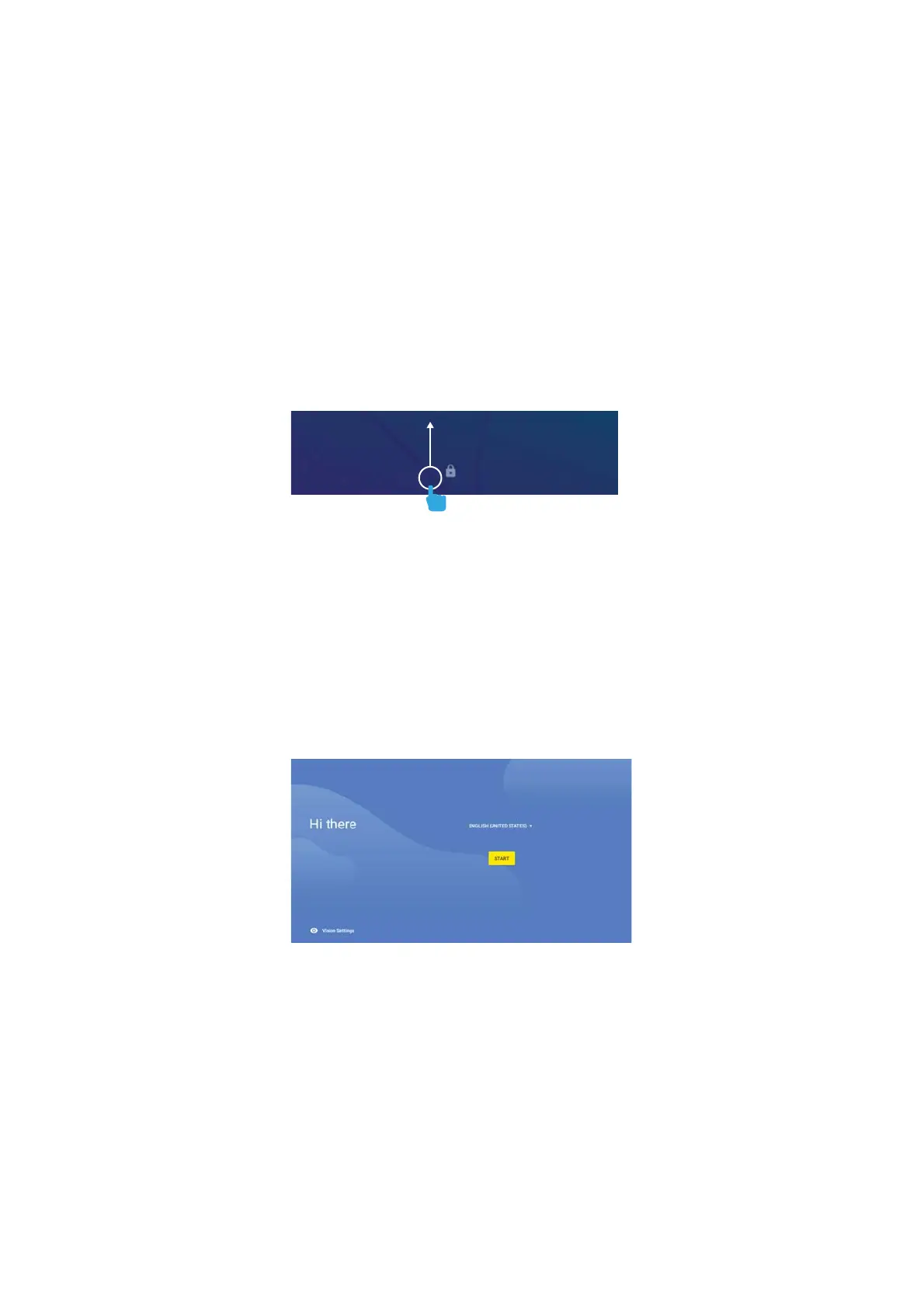
LOCK SCREEN
Slide the padlock icon up to unlock the screen.
USER SETUP
Follow the steps upon initial startup to begin
using your Playtime Pad.
G-SENSOR
The G-Sensor allows the tablet to detect screen
rotation. You can view the home screen in either
a landscape or portrait format as you use the
apps.
Note: Some functions in the Playtime Pad only
display in landscape format.
4


 To Next Page