TOUCH SCREEN BASICS
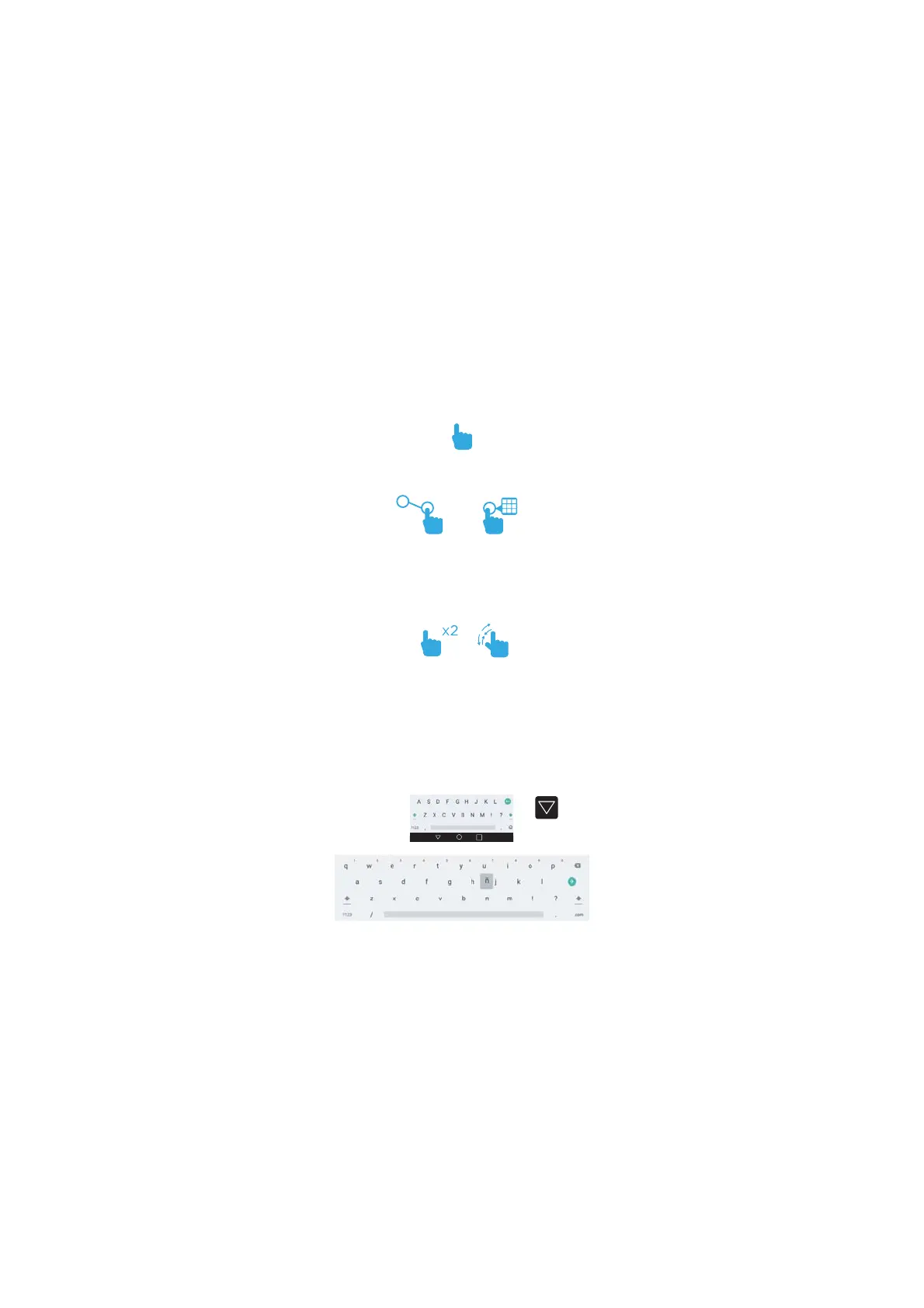
Tap an app icon once to activate or open an app.
Touch and hold to move an item by dragging.
*In many apps touch and hold can oer more
options.
Zooming: Double tap quickly to zoom into a
webpage, picture, or map. Some apps allow you
to zoom in and out by touching the screen with
two fingers, and pinching them together.
TIP: You can flick the screen with your finger to
quickly scroll through a long list, such as a library
of music.
Tap a specific location on the screen where you
would like to enter text. The on-screen keyboard
will pop up.
To Hide
Keyboard
Touch and hold a letter for special characters.
3


 To Next Page