2: Mainboard Installation
Optional Extension Brackets
For this mainboard, you can also obtain a USB module extension
bracket. Install them by following the steps below.
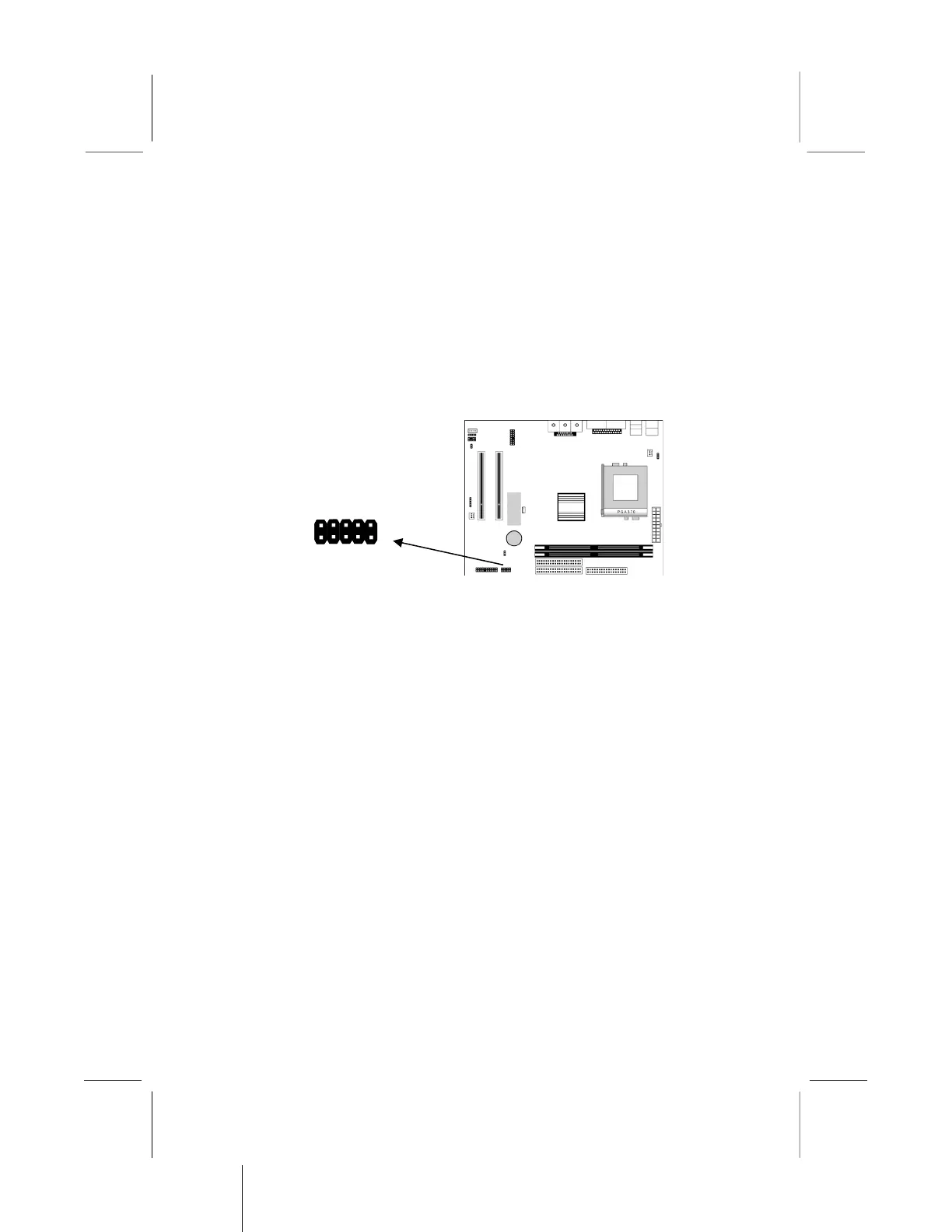
Extended USB Module
This module bracket has two USB ports for more USB devices.
1. Locate the USB1 header on the mainboard.
2. Plug the bracket cable onto the header.
3. In the system chassis, remove a slot cover from one of the
expansion slots and install the extension bracket in the
opening. Use the screw that held the slot cover in place to
secure the extension bracket to the chassis.



 To Next Page