M758LMR Mainboard User’s Manual
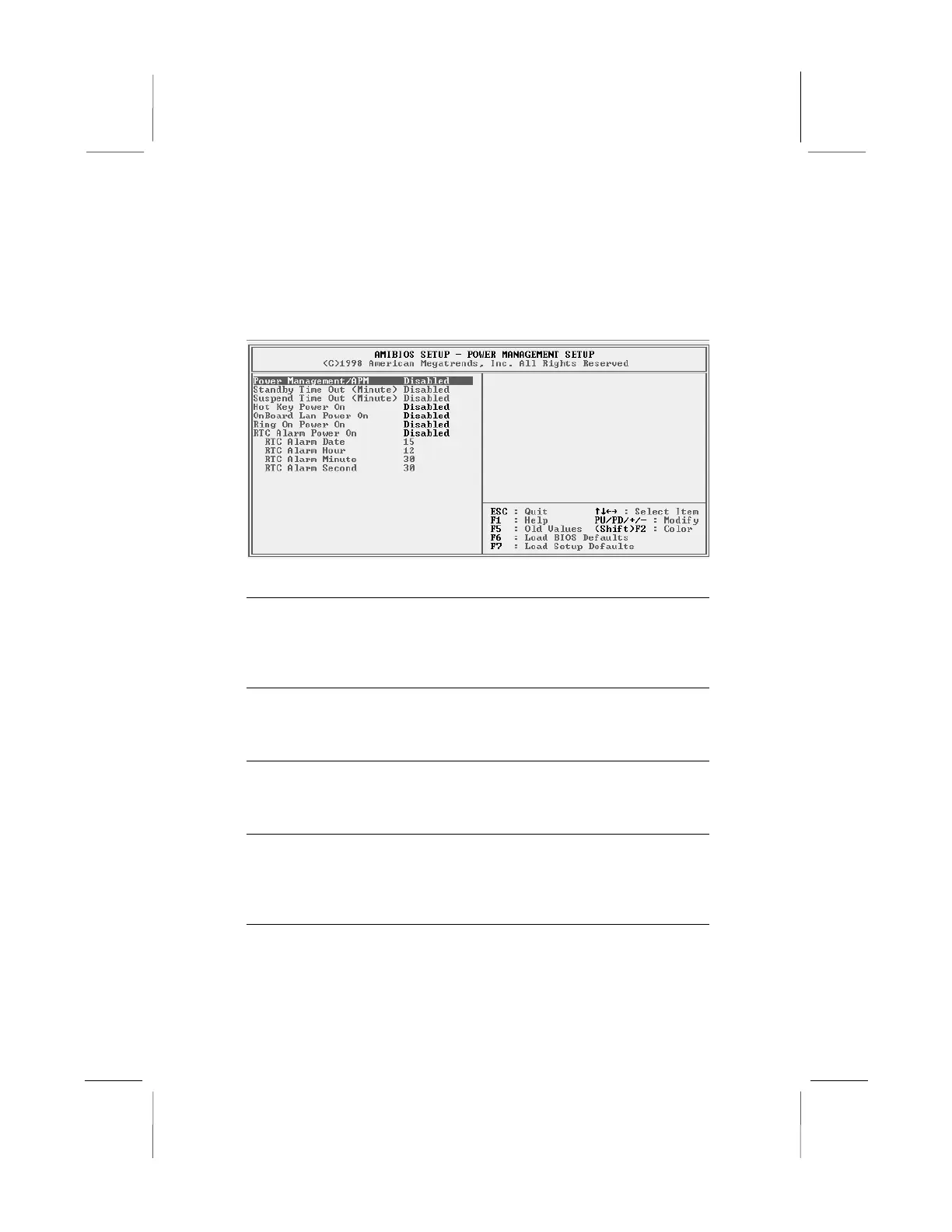
Power Management Setup Page
This page sets some of the parameters for system power
management operation.
Power
Management/APM
Use this item to enable or disable a power
management scheme. If you enable power
management, you can use the items below to
set the power management operation. Both
APM and ACPI are supported.
Standby Time Out
(Minute)
This sets the timeout for Standby mode in
minutes. If the time selected passes without any
system activity, the computer will enter power-
saving Standby mode.
Suspend Time Out
(Minute)
This sets the timeout for Suspend mode in
minutes. If the time selected passes without any
system activity, the computer will enter power-
saving Suspend mode.
Hot Key Power On
If you enable this item, you can turn the system
on by pressing hot keys (Ctrl+Alt+BackSpace)
on the keyboard. You must connect an ATX
power supply and enable the jumper in order to
use this feature.



 To Next Page