Function Jumper Setting
Clear CMOS Short Pins 1-2
Normal Mode Short Pins 2-3
Install the Mainboard
Install the mainboard in a system chassis (case). The board is a
Micro ATX size mainboard. You can install this mainboard in an
ATX case. Ensure your case has an I/O cover plate that matches
the ports on this mainboard.
Install the mainboard in a case. Follow the instructions provided by
the case manufacturer using the hardware and internal mounting
points on the chassis.
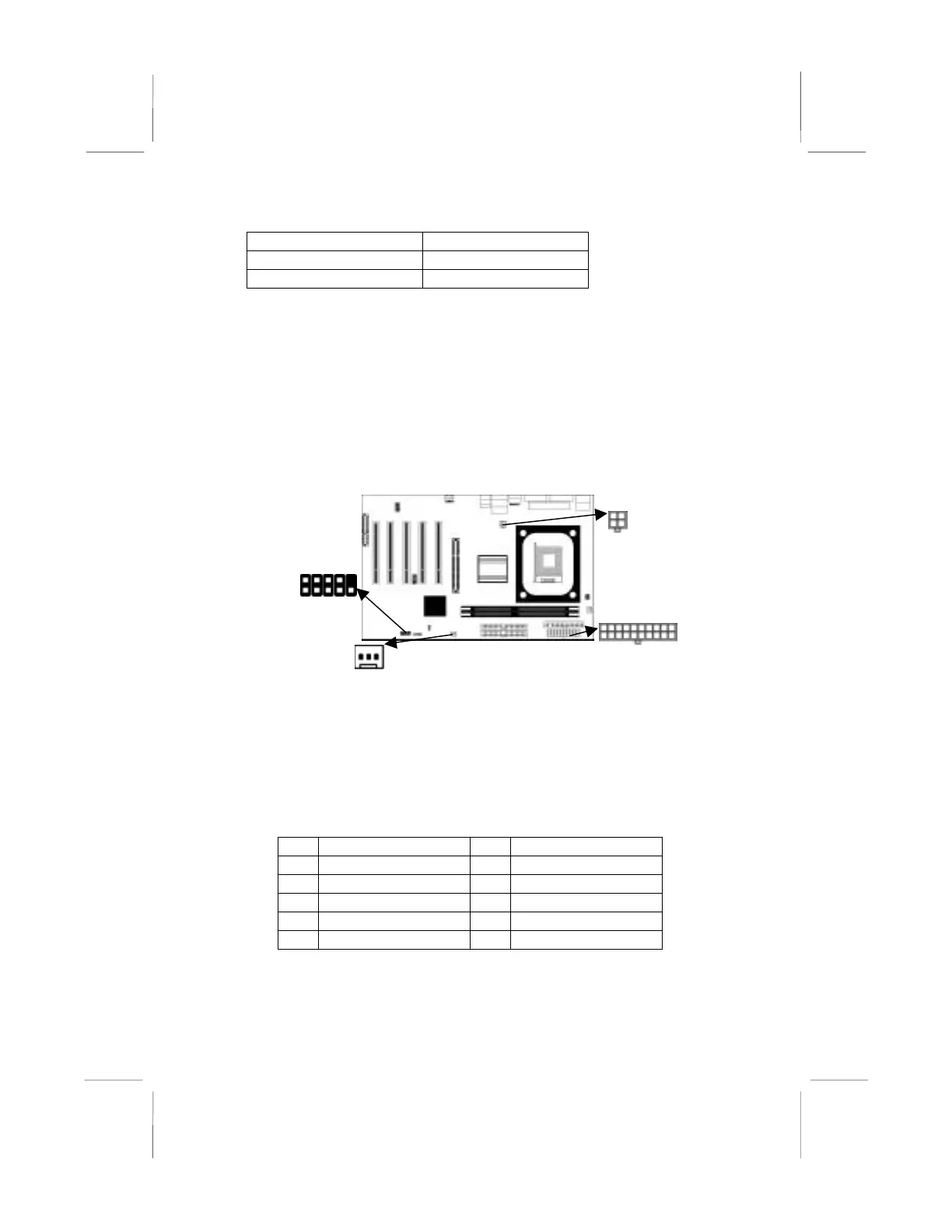
SW1
TXPW1
CHSFAN
Connect the power connector from the power supply to the
ATXPW1 connector on the mainboard. ATX2 is the CPU Vcore
power connector.
If there is a cooling fan installed in the system chassis, connect the
cable from the cooling fan to the CHSFAN fan power connector
on the mainboard.
Connect the case switches and indicator LEDs to the SW1 header.
Pin Signal Pin Signal
1 HDD_LED_P 2 FP ACPI LED
3 HDD_LED_N 4 FP ACPI LED
5 RST_SW_N 6 PW_BT_P
7 RST_SW_P 8 PW_BT_N
9 RSVD_DNU 10 KEY
12



 To Next Page