Appendix: Hyper Threading CPU
You must update BIOS to initiate BIOS Hyper Threading Function
and use HT CPU function under WinXP Operating System; if not,
please disable this option.
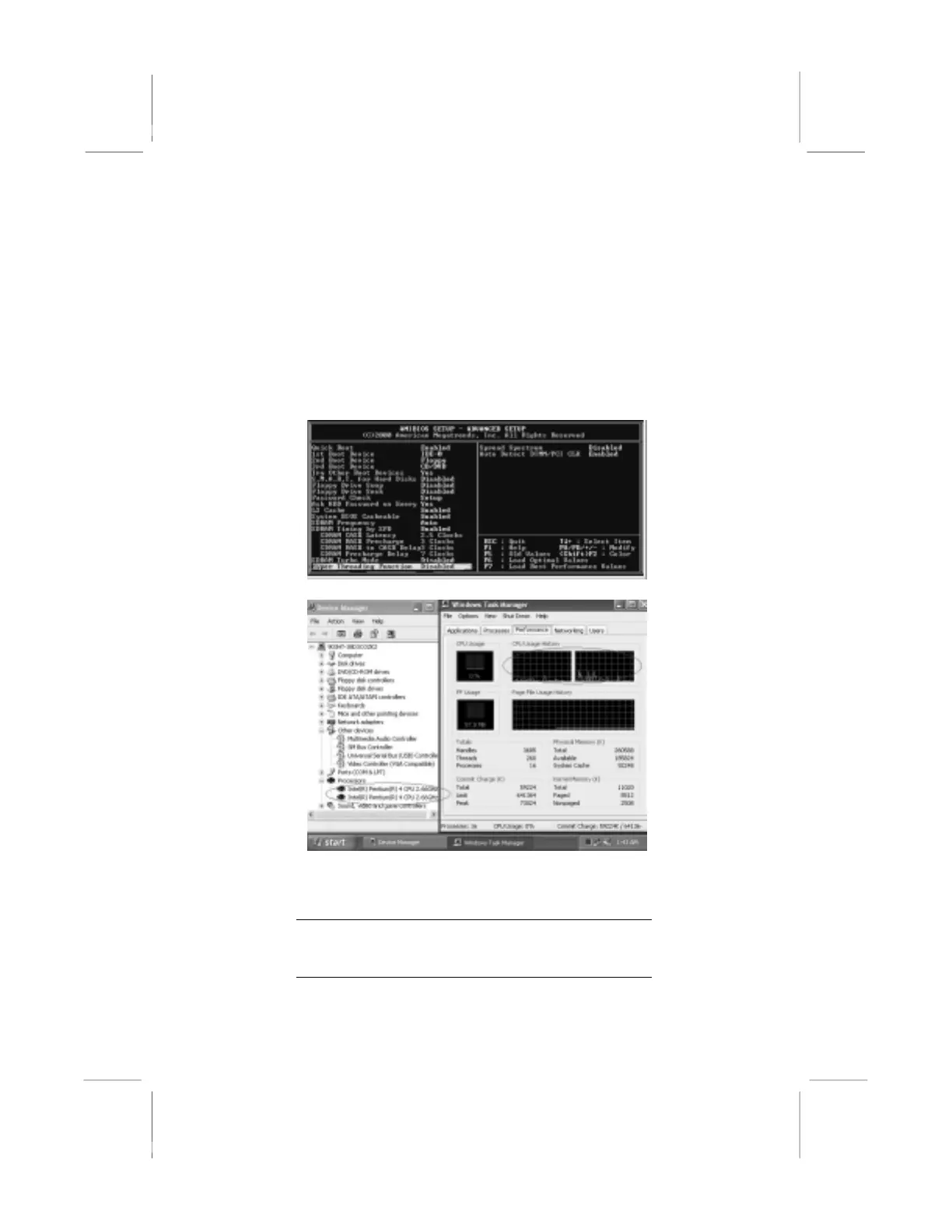
♦ When BIOS detects the HT CPU, it shows the “Hyper
Threading Function (default Disabled)” option, which you must
set Enabled if you want to test HT CPU function. If there is no
HT CPU, this option is hidden and default Disabled.
♦ You must re-install WINXP to activate the HT CPU function.
While you are in Windows Task Manager, please push down
ctrl+Alt Del keys. A dual CPU appears in the CPU Usage
History&Device Manager under WinXP.
Note: Hyper Threading Function only works under
WINXP Operating System; therefore, disable it
under other Operating System.
35



 To Previous Page