configure the device as a Master or Slave device. The Master
device connects to the end of the cable.
Install the device(s) and connect power from the system power
supply. Use the cable provided to connect the device(s) to the
Primary IDE channel connector IDE1 on the mainboard.
If you want to install more IDE devices, you can purchase a second
IDE cable and connect one or two devices to the Secondary IDE
channel connector IDE2 on the mainboard. If you have two
devices on the cable, one must be Master and one must be Slave.
Internal Sound Connections
If you have installed a CD-ROM drive or DVD-ROM drive, you
can connect the drive audio cable to the onboard sound system.
1
CD1
CD
1
When you first start up your system, the BIOS should
automatically detect your CD-ROM/DVD drive. If it doesn’t, enter
the Setup Utility and configure the CD-ROM/DVD drive that you
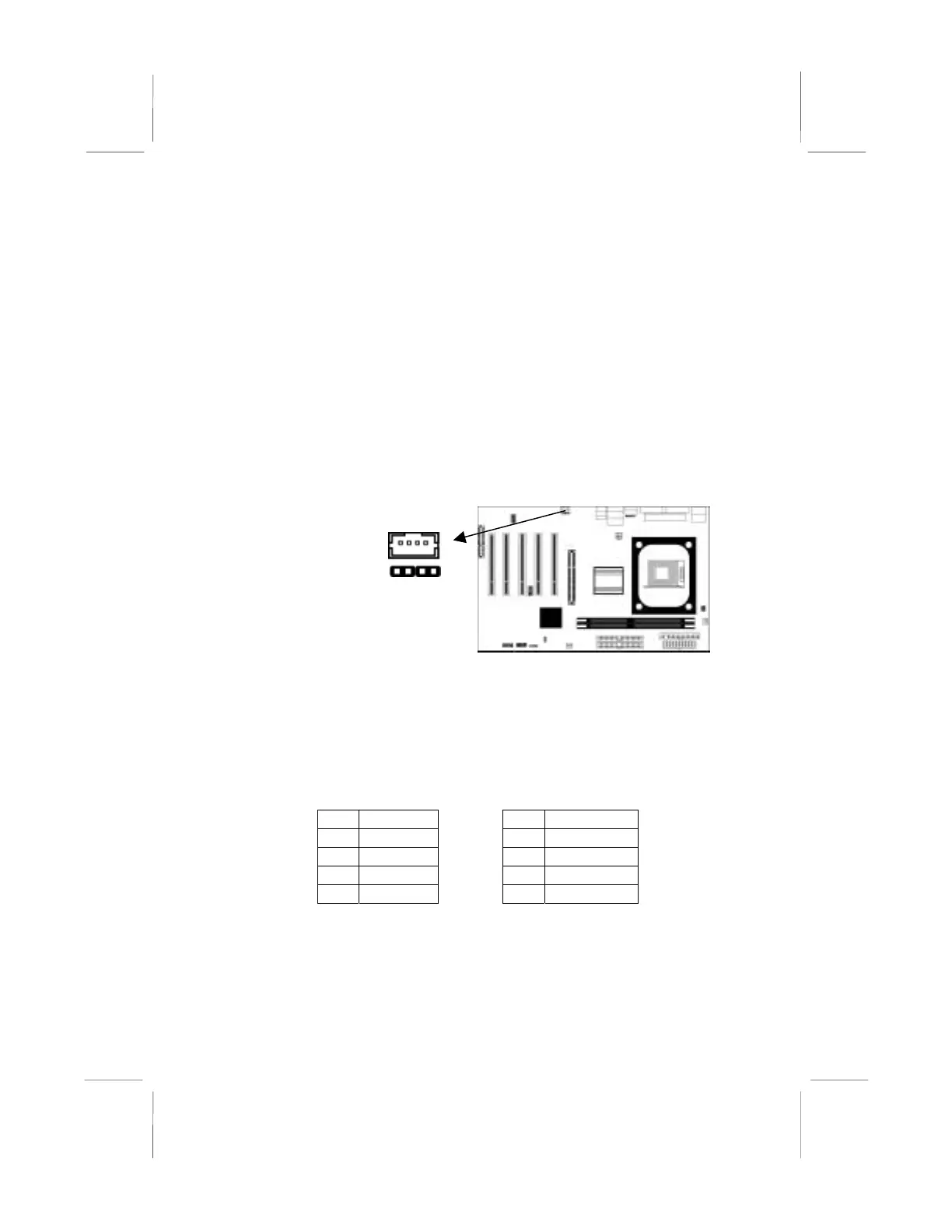
have installed. On the mainboard, locate the two 4-pin connectors
CD1 and CD2.
CD1 CD2
Pin Signal Pin Signal
1 GND 1 CD IN L
2 CD IN R 2 GND
3 GND 3 GND
4 CD IN L 4 CD IN R
16



 To Next Page