The Broadway 2T Box
13
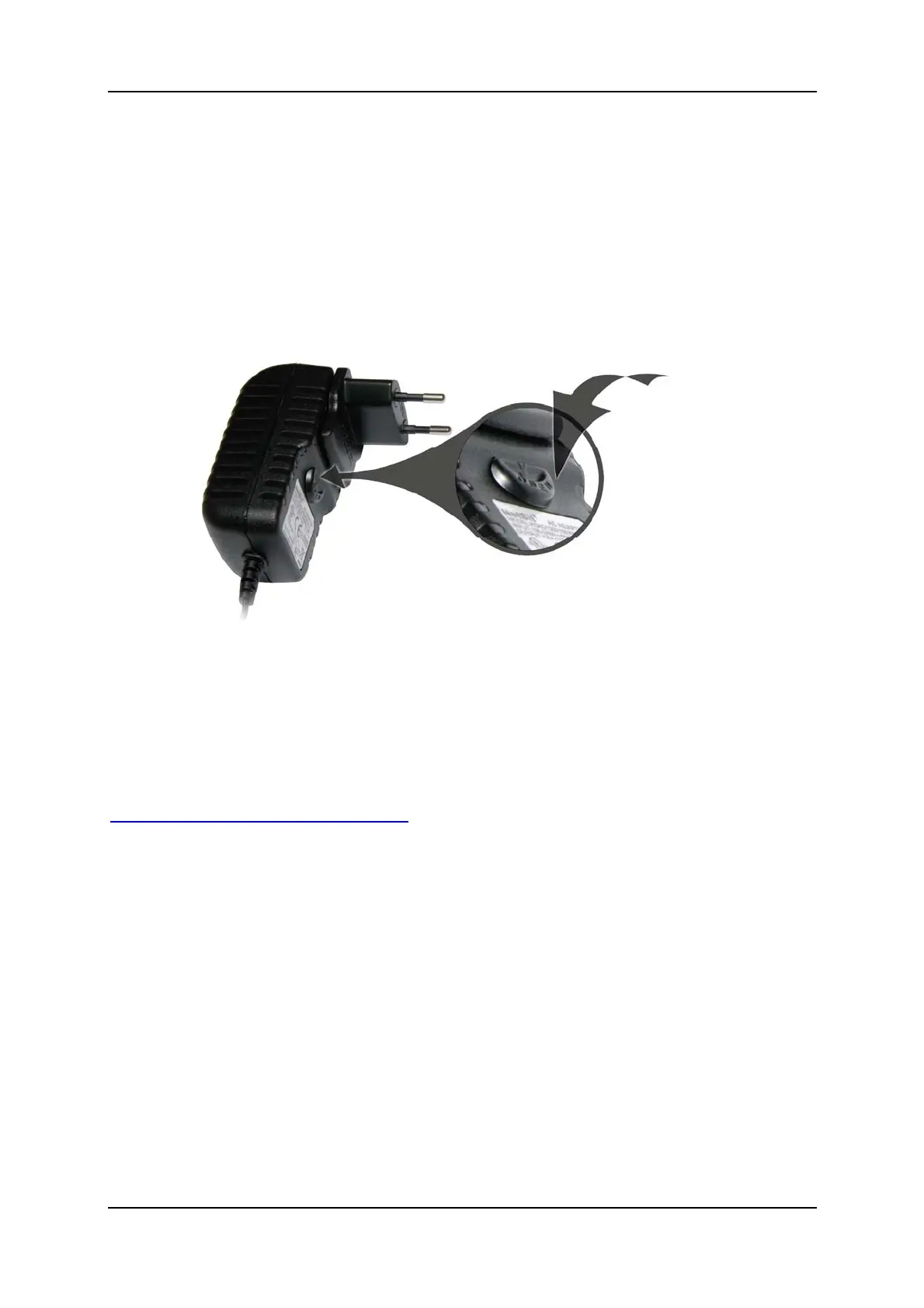
Change the Plug
Ifyouneedtochangetheplugforuseinanotherregion,proceedasfollowsto
releasetheplug:
Unplugthepowersupplyunit.
PulltheOpenbuttondownwards.
Thebuttonislocatedonthepowersupplyunit,underneaththepower
plug.
Theplugpopsout.
Nowinserttheappropriateplugasdescribedinthesection“Insertingthe
plug”.
Forpurchasingdifferentorspareplugs, pleasevisit:
http://webshop.pctvsystems.com
.



 To Next Page