Setting up Broadway 2T
33
Step 4: Follow the Instructions of the Broadway Setup
Wizard
TheBroadwaySetupWizardhelpsyouto easilyconfigureyourBroadway2T
deviceandrunthefirstchannelscan.
JustfollowtheinstructionsoftheWizardand:
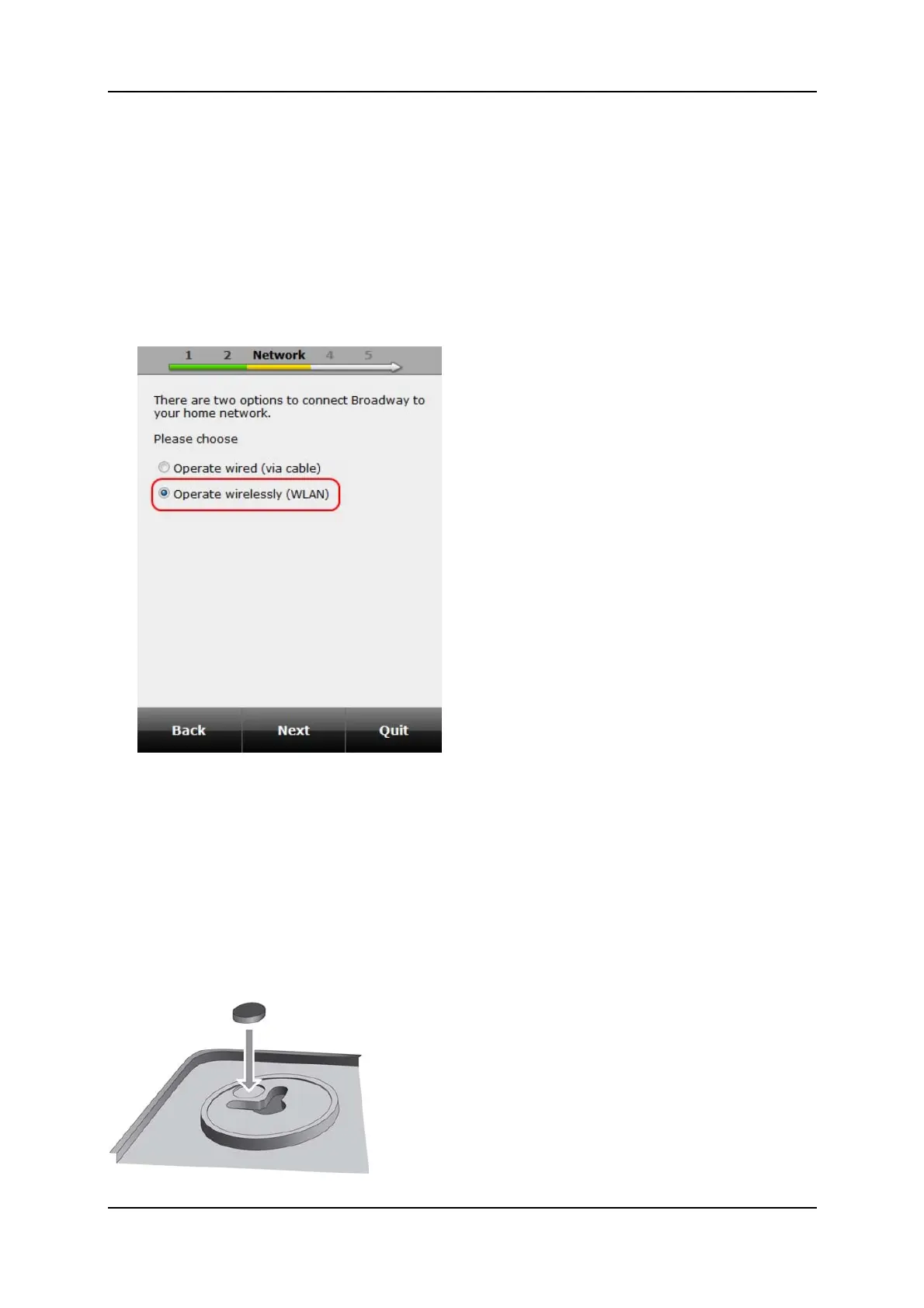
WhenpromptedtochoosehowtoconnectBroadway2Ttotherouter,
makesuretoselecttheoptionOperatewirelessly(WLAN).
WhenpromptedtoplaceBroadway2TonthelocationwiththebestDVB‐T
receptionpleasedoso.Makesuretostaywithinthewirelessnetworkrange
ofyourrouter.
YoucanplaceBroadway2Tonaflatsurfaceormountitonthewall.
Ifyoudecidetomountitonthewallusethedeliver
edmountingkit
(includingadrillingtemplate).
Ifyoudecidetoplaceitonaflatsurface,makesuretoattachtherubber
feetasshownintheillustrationbelow.



 To Next Page