47
How To…
Switch from Ethernet Mode to WLAN Mode
IfyourBroadway2TissuccessfullyconnectedtotherouterviaanEthernet
cableandyouwanttoestablisha wirelessconnectiontotherouteryouhave
threepossibilitiestodoso:
1. UsingtheBroadwaySetup‐Wizard
TousetheBroadwaySetup‐Wizardfollowthissteps:
AccessBroadway2T
Ope
n
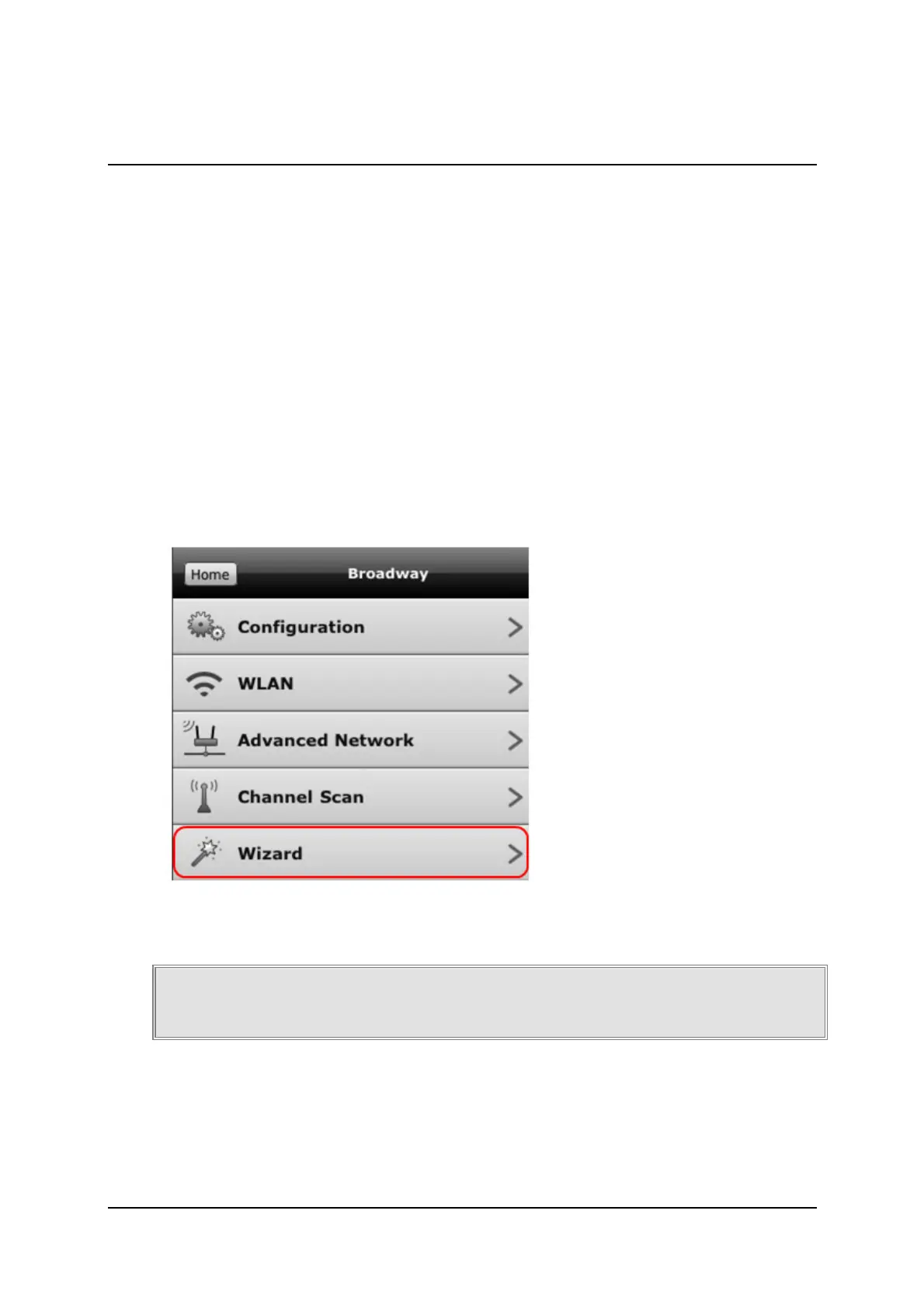
theBroadwayconfigurationPage
SelecttheWizardoption
FollowtheinstructionsoftheWizard
MakesuretoselecttheoptionOperatewirelessly(WLAN)when
prompted.



 To Next Page