PCTV Systems – Broadway 2T
48
2. UsingtheBroadwayconfigurationpages
AccessBroadway2T
OpentheBroadwayconfigurationPage
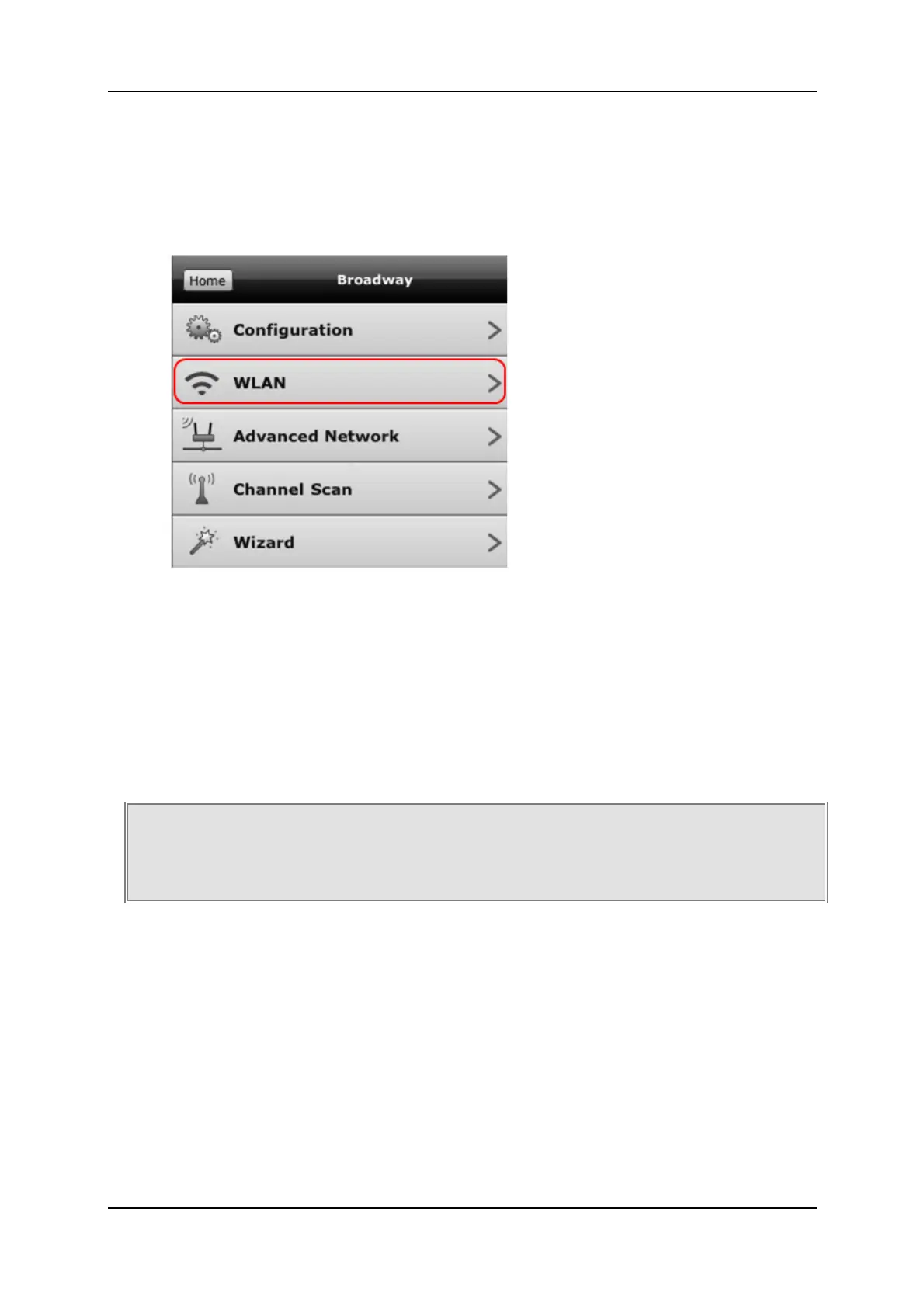
SelecttheWLANoption
ClickontheEnableWLANbutton
Manuallymaketheneededchanges
3. ActivatingtheWi‐FiButton
ActivatingtheWi‐FibuttonwillswitchfromEthernetmodetothelastused
configurationinWLANmode.
YoucanusethispossibilitytoswitchfromEthernetmodetoWLANmode
ONLYifyouhavealreadyusedyourBroadway2TinWLANmodeandthe
configurationdidnotchange.
PresstheWi‐FibuttononthebackofyourBroadway2T
Youmayunplugthenetworkcableinordertochangetheplaceofthe
Broadway2Tbox,ifdesired
Broadway2TswitchestothelastusedWLANconfiguration



 To Next Page