The Software
17
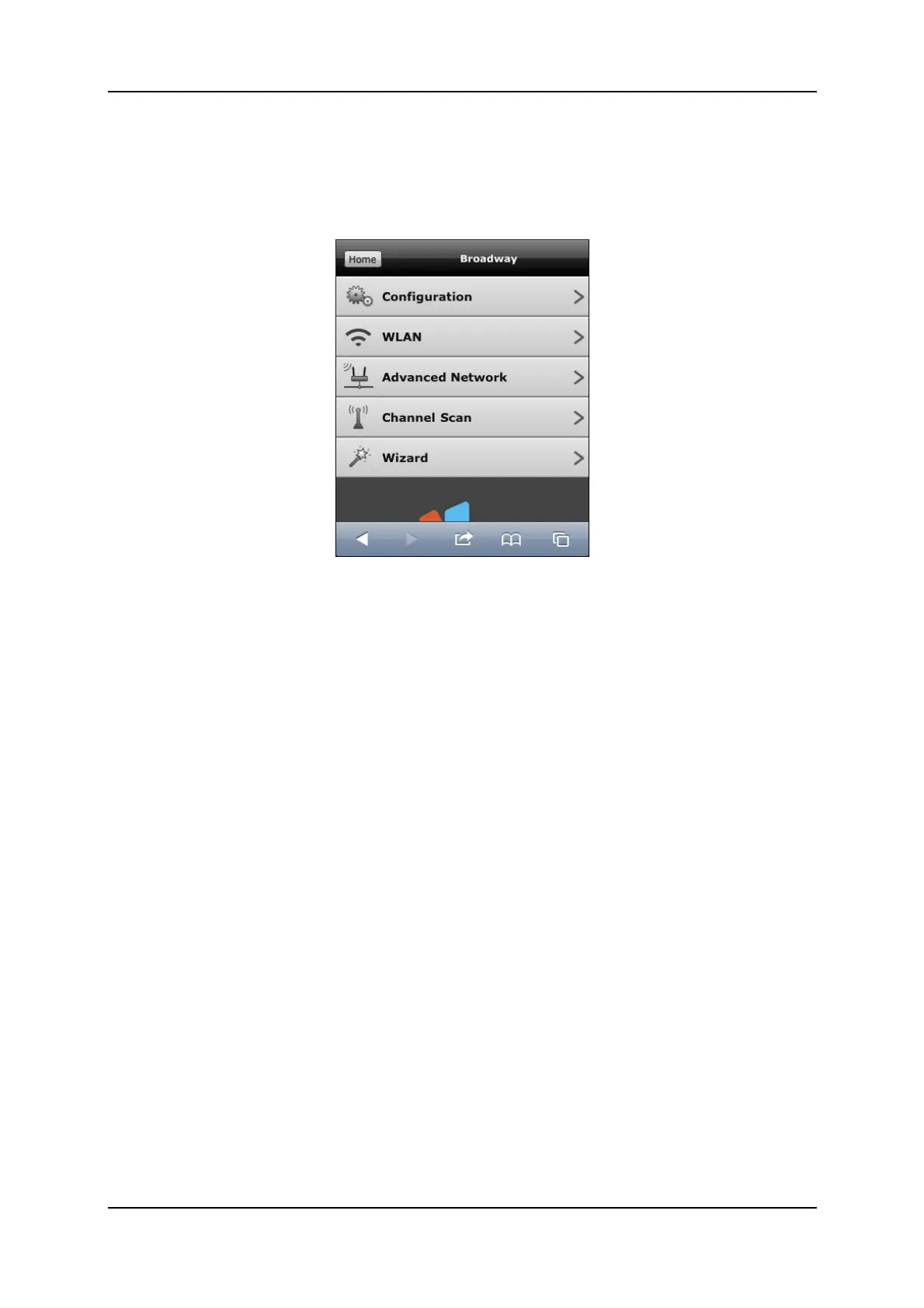
The Broadway-Pages
SelectthisoptiontoconfigureyourBroadway2Tdevice.
Followingoptionsareavailable:
Configuration
selectthisoptiontochangetheloginpasswordsandthehostnameofyour
Broadway2T.Ifneeded,thisiswhereyoucanrebootorrestoreBroadway2T
tofactorydefaults.
WLAN
selectthisoptiontoenablethewirelessfunctionalityofthedeviceandmake
theneededchanges.
AdvancedNetwork:
selectthisoptiontomanuallyassignastaticIPaddress(LANorWLAN)toyour
Broadway2T.
ChannelScan
selectthisoptiontorunachannelscan.
Wizard
selectthisoptiontostarttheBroadwaySetupWizard.
TheWizardwillguideyouthroughtheBroadway2Tsetupprocedurehelping
youconfigurethewaythedeviceisconnectedtotherouter.Inadditiontothat
youcanalsousetheWizardtorunaTVchannelscan.



 To Next Page