PCTV Systems – Broadway 2T
50
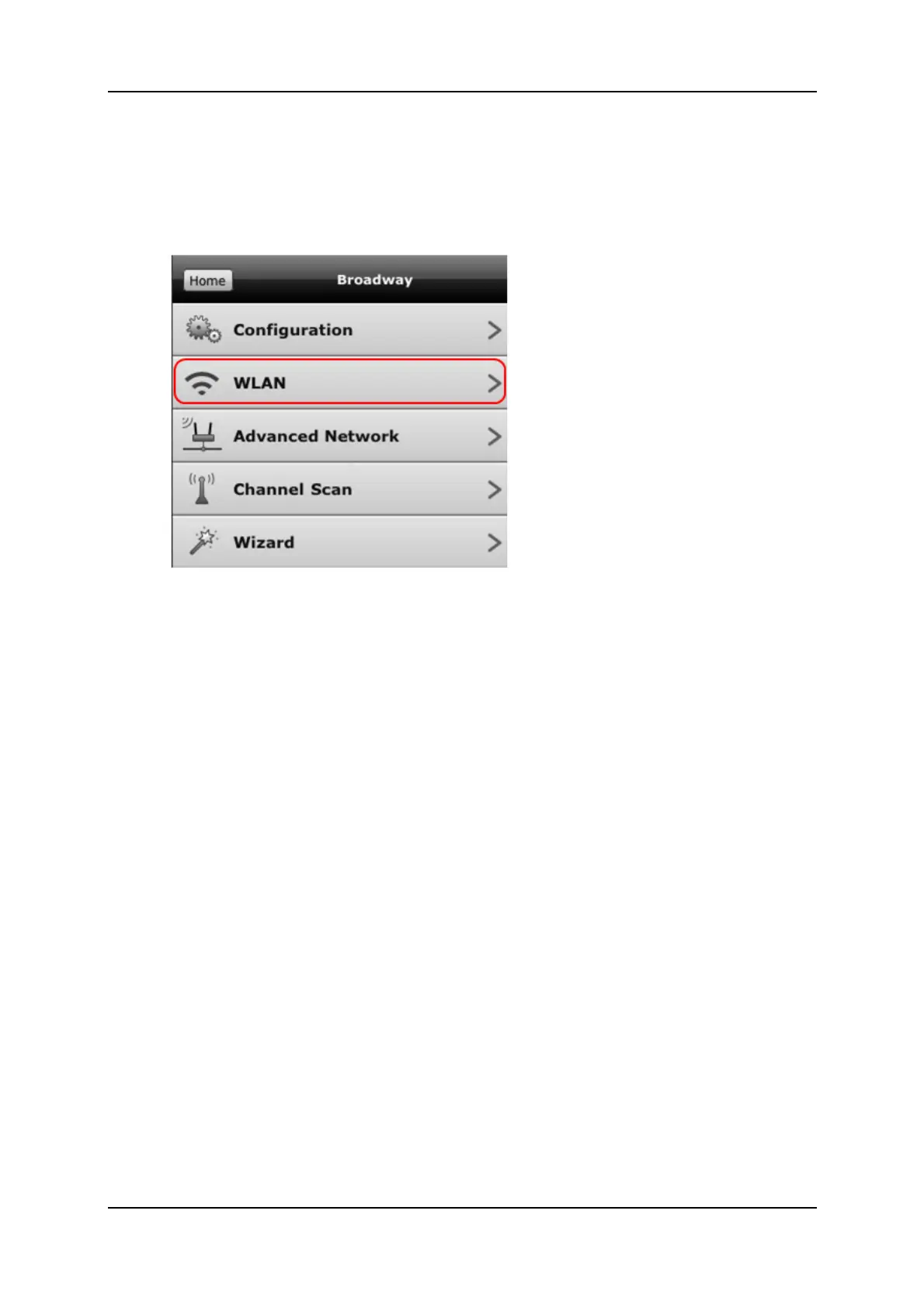
2. UsingtheBroadwayconfigurationpages
AccessBroadway2T
OpentheBroadwayconfigurationPage
SelecttheWLANoption
ClickontheDisableWLANbutton
Whilerebooting,useanEthernetcabletoconnectBroadway2Tto
yourrouter
3. ActivatingtheWi‐FiButton
PressthebuttonandBroadway2Tsw itchesfromWLANmodetoEthernet
mode.
PresstheWi‐FibuttononthebackofyourBroadw
ay2T
UseanEthernetcabletoconnectBroadway2Ttoyourro
uter
Broadway2TswitchestoEthernetmode



 To Next Page