EasyManua.ls Logo

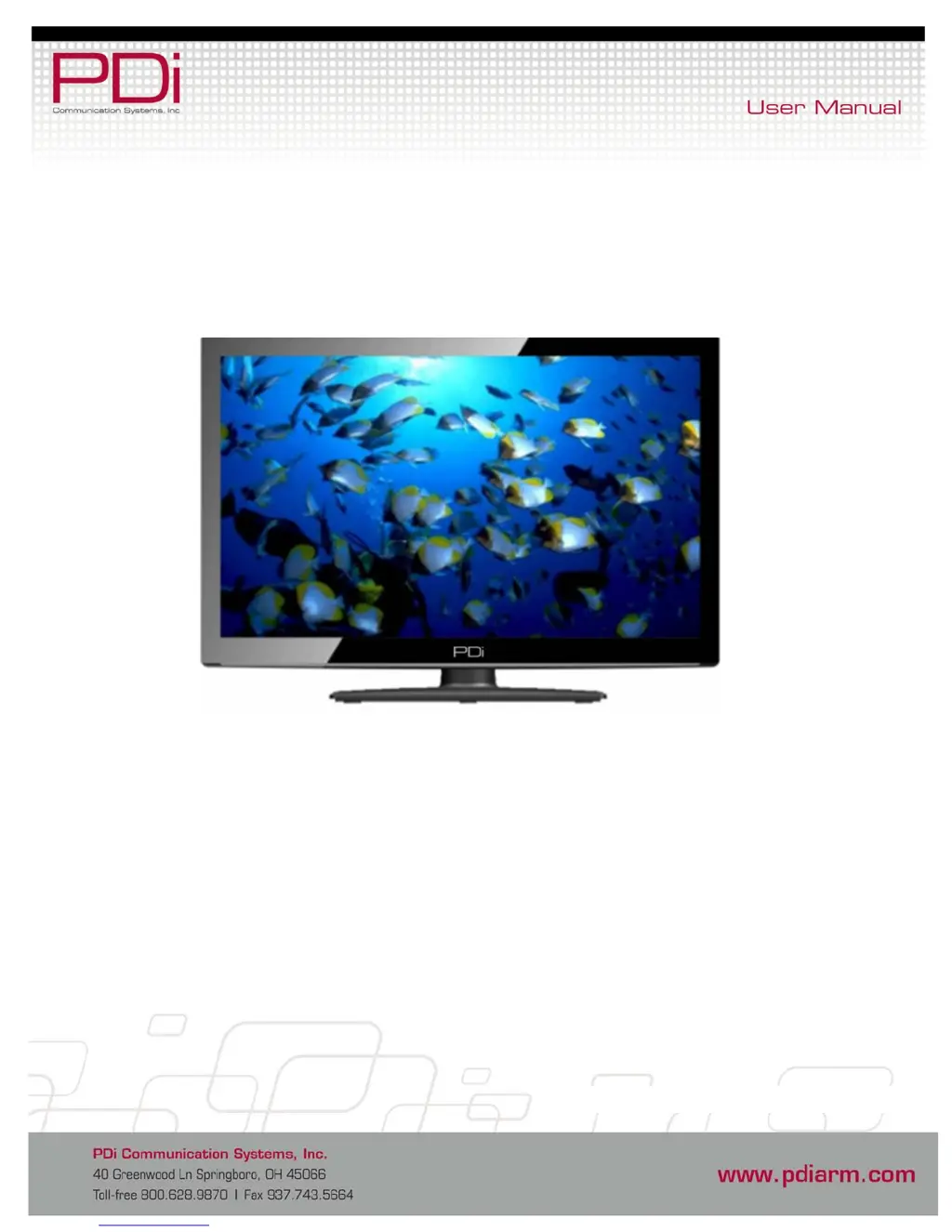
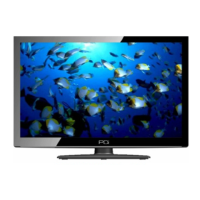
PDi SW24LEDA - User Manual

PDi SW24LEDA
23 pages
Print Icon
To Next Page IconTo Next Page
Loading...
DVB-T 24”, 32”, 42”
LED Televisions
Model Numbers
SW24LEDA
SW32LEDA
SW42LEDA
Document Number: PD196--210

Questions and Answers

  • A
    April StuartAug 1, 2025
    What to do if my PDi TV has no picture and sound?
    • J
      Julie ScottAug 1, 2025
      If your PDi TV shows no picture and produces no sound, first ensure that the power cord is securely plugged in. Then, check that the TV is turned on; the green button on the front of the TV should be illuminated.
  • M
    Mary BurtonAug 7, 2025
    Why is my PDi TV remote control not working?
    • E
      Eric MedinaAug 7, 2025
      If your PDi TV remote control isn't working, try changing the batteries first. Also, confirm that there are no interferences with the infrared window in the TV.
  • Q
    qweaverAug 13, 2025
    How to fix PDi TV with picture but no sound?
    • J
      jenniferbridgesAug 13, 2025
      If your PDi TV displays a picture but has no sound, check that the internal speaker is not disabled and confirm that the sound is not muted. Also, ensure that no headphones are plugged in. If you're using an external source, confirm it's properly connected.
  • M
    Madison KelleyAug 18, 2025
    What to do if my PDi SW24LEDA has no picture from external source?
    • C
      Christine LevineAug 18, 2025
      If your PDi TV shows no picture from an external source, first make sure the external source is connected properly. Then, confirm the source is not being blocked by the Parental Control setting.
  • T
    Timothy PattersonAug 26, 2025
    Why doesn't my pillow speaker control the PDi SW24LEDA TV?
    • M
      Matthew CruzAug 26, 2025
      If your pillow speaker isn't controlling the PDi TV, confirm that the pillow speaker is securely plugged in. Try connecting the pillow speaker directly to the TV to verify that the across-room or bedside wiring is not faulty. You might also try another pillow speaker.

Summary

Important Safety Instructions

Copyright, Disclaimer, and Trademarks

Regulatory Information

FCC Compliance

Compliance with Class B digital device limits for radio/TV interference.

Underwriters Laboratories Listing

Safety testing and listing for use in healthcare facilities.

Remote Control Overview

Connecting External Devices

Connection Ports

Overview of physical connections for ancillary equipment.

Common Interface Slot

Television Physical Controls

Pillow Speaker Setup

Across Room Wiring Configuration

Channel Menu Operations

Service Levels Setup

Defines TV service levels: Disabled, Free, Basic, and Premium.

Channel Tuning Procedures

Guide to automatically scanning channels for activity.

DTV Manual Tuning

ATV Manual Tuning

Copy and Clear Channel Settings

Programme Edit Functionality

Signal Information Display

CI Information Access

Picture Settings

Picture Mode Selection

Selects picture presets: Dynamic, Standard, Mild, or Personal.

Colour Temperature Adjustment

Adjusts color balance: Cold, Normal, or Warm.

Noise Reduction Feature

Improves picture quality by reducing noise.

Sound Settings

Sound Mode Customization

Customizes sound profiles for listening preferences.

Speaker Balance Control

Controls sound distribution between left and right speakers.

Auto Volume Management

Automatically suppresses unusually high volume levels.

Audio Description (AD Switch)

Enables audio descriptions for visually impaired.

HDMI Sound Source Selection

Internal Speaker Enable;Disable

Wireless Audio Pairing

Time Settings

Sleep Timer Configuration

Sets a timer to automatically turn the TV off.

Auto Standby Function

Automatically shuts off TV after inactivity.

OSD Timer Adjustment

Controls the duration OSD information remains visible.

Time Zone Setting

Sets the correct time zone for digital programming.

Lock Settings

Set Password for Security

Establishes a four-digit password to secure TV settings.

Parental Guidance Blocking

Blocks programs based on age ratings for child safety.

Key Lock Activation

Locks TV side buttons, requiring remote control.

Multiple Lock Configurations

Sets multiple locks and default configurations.

Source Lock Control

Setup Menu Operations

OSD Language Selection

Selects the language for on-screen display menus.

Teletext Language Choice

Chooses the language for Teletext information.

Hearing Impaired Settings

PVR File System Information

Aspect Ratio Adjustment

Blue Screen Display Option

Remote Control Selection

Auto Power On Configuration

Energy Saving Features

Channel Up Source Change

Factory Reset Procedure

Software Information and Updates

Software Update via USB

Channel List Navigation

Programme Guide and Recording

Instant Program Recording

Records a program instantly in DTV mode to a USB device.

Time Shift Recording

Pauses and records the remainder of a program to a USB device.

Timer Recording Setup

View Scheduled Recordings

PVR Recorded Program List

Program Reminder Settings

Playing USB Media Devices

Multimedia File Playback

Navigates and plays various multimedia file types.

Troubleshooting Common Issues

Product Accessories List

Additional Information Sources

PDi SW24LEDA Specifications

General IconGeneral
BrandPDi
ModelSW24LEDA
CategoryTV
LanguageEnglish

Related product manuals