www.pdr-rework.com
Control and Settings (continued)
PDR ThermoActive V4.03/V5+ - Control Settings
Auto Profiling Software
The general principle of the PDR V4/V5 software is that there is a component/PCB temperature target ‘glide-slope’
and the system will use thermocouple information to control the process as desired. There are 3 modes to choose
from to use the software:
Auto Profile Mode - Default Mode - that adds automatic proportional control of component heating
Manual Profile Mode - the original on/off control mode
Fixed Power Mode - mode for odd applications (not normally used)
Auto Profile Mode - In 'Auto Profile Mode' we have introduced automatic component temperature/ramp rate control
and also simultaneous PCB temperature control. The system now automatically adjusts the intensity of the
component heating to follow a desired maximum ramp rate and also controlling maximum PCB temperature limit. It
can also pause to wait for a minimum PCB temperature to be achieved and only steps through to the next phase
when temperature targets are reached.
Profiling is a lot easier. A mixture of ramp rate, temp and time targets can be used. In this example, there are 6 zones:
1 - B/H Preheat (PCB preheater only up to 90°C), 2 - Preheat (Topheat/backheat up to 150°C at a controlled ramp
rate), 3 - soak 1 (time based soak), 4 - reflow (Component up to 225°C at a controlled ramp rate, PCB upto
160°C), 5 - soak 2 (time based soak), 6 - cool down (at a controlled ramp rate). The system is set to be gentle during
preheats and more aggressive during reflow.
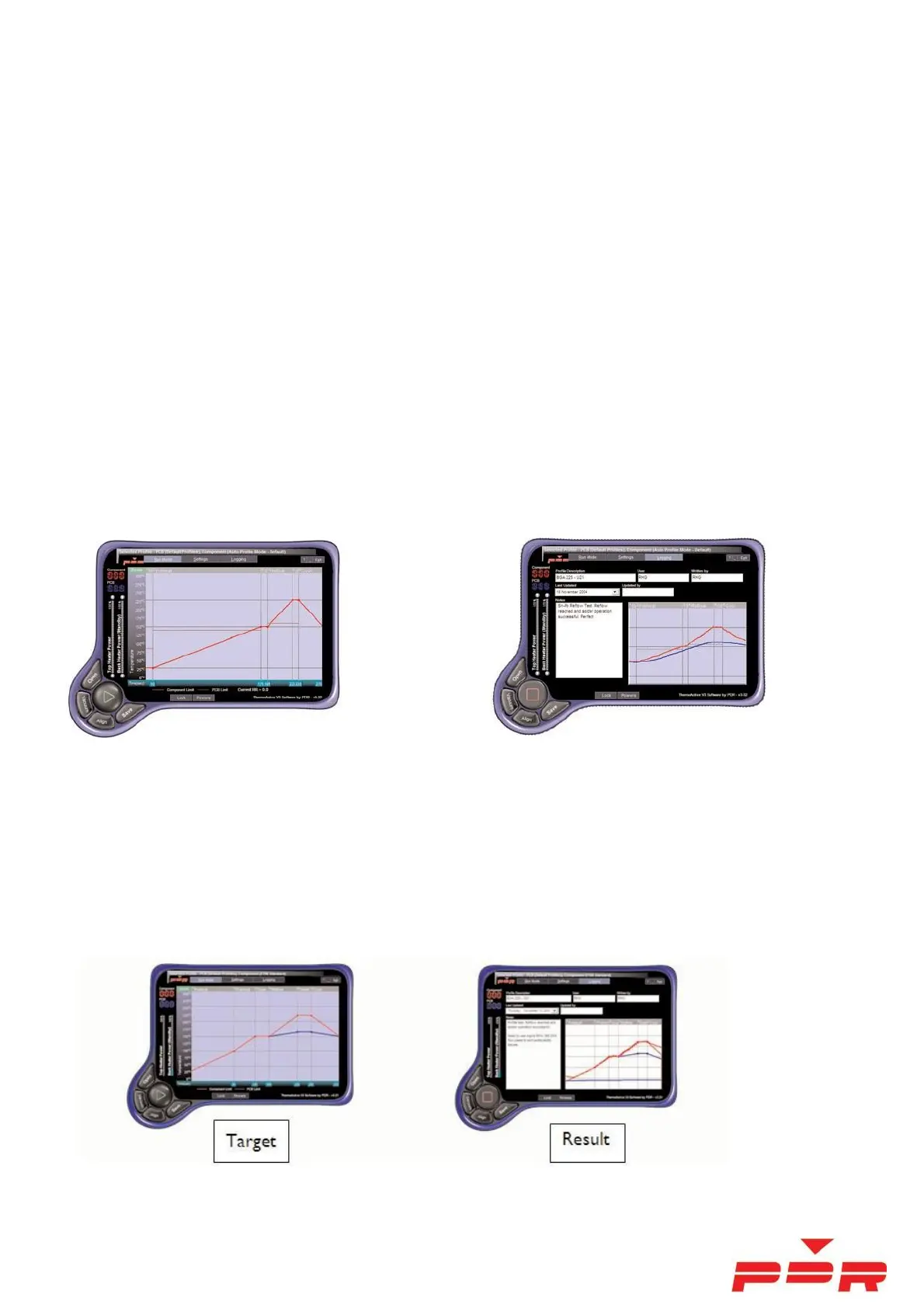
Manual Profile Mode - The original 'Manual Profile Mode' consisted of a temperature/time based target. The
Temperature/Time profile is set up and the system will follow the target during rework cycle. See examples below:



 To Next Page