. . I
-_-:
--
- - -
~
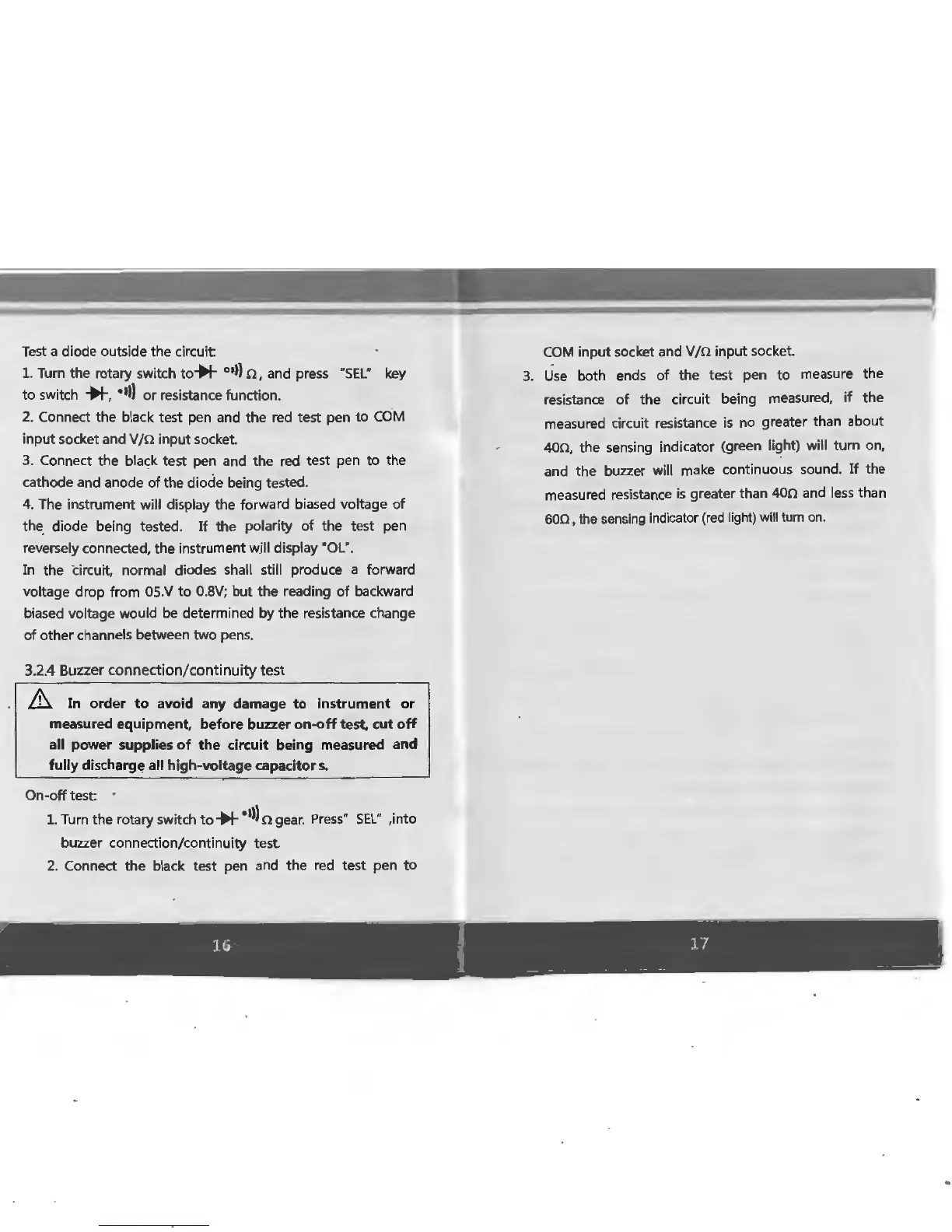
Test a diode outside the circuit
1.
Turn
the rotary switch
to*
01
>)
n, and press "
SEL
"
key
to
switch
*•
•II)
or resistance function.
2.
Connect the black test pen and the
red
test pen to
COM
input socket and V
/n
input socket.
3. Connect the black test pen and the
red
test pen to the
cathode and anode
of
the diode being tested.
4.
The instrument
will
display the forward biased voltage
of
the_ diode being tested.
If
the polarity
of
the test pen
reversely connected, the instrument
wjll
display '
OL
".
In
the circuit, normal diodes shall
still
produce a forward
voltage drop from
0S.V
to
0.
8V;
but the reading
of
backward
biased voltage would
be determined
by
the resistance change
of
other channels between two pens.
3.2.4 Buzzer connection/continuity
test
&.
In order
to
avoid any damage to instrument or
measured equipment, before buzzer
on-off
test, cut
off
all power supplies
of
the circuit being measured and
fully discharge all high-voltage capacitors.
On
-off test: ·
1.
Turn
the rotary switch
to*
•II)
n gear. Press·
SEL"
,into
buzzer connection/continuity test.
2. Connect the black test pen and
the
red
test pen to
COM
input socket and
V/n
input socket.
3.
Use
both ends of the test pen to measure the
resistance of
the
circuit being measured,
if
the
measured circuit resistance
is
no
greater than about
400, the sensing indicator (green light)
will
tum
on,
and the buzzer
will
make continuous sound.
If
the
measured resistance
is
greater than
400
and less than
600,
the
sensing
indicator
(red
light)
will
tum
on.
16
f
11
__
r
(
..
I
...
•·
•
-=
' .
·
..
,
,t
'
~.
...
......
'



 To Next Page